🚀 Companion for ComfyUI
The all-in-one companion app and desktop studio for ComfyUI.
Eliminate missing model headaches, generate images without node-spaghetti, and manage your entire ComfyUI environment from a single interface.
✨ Key Features
🎛️ 1. Dashboard & Server Lifecycle Control
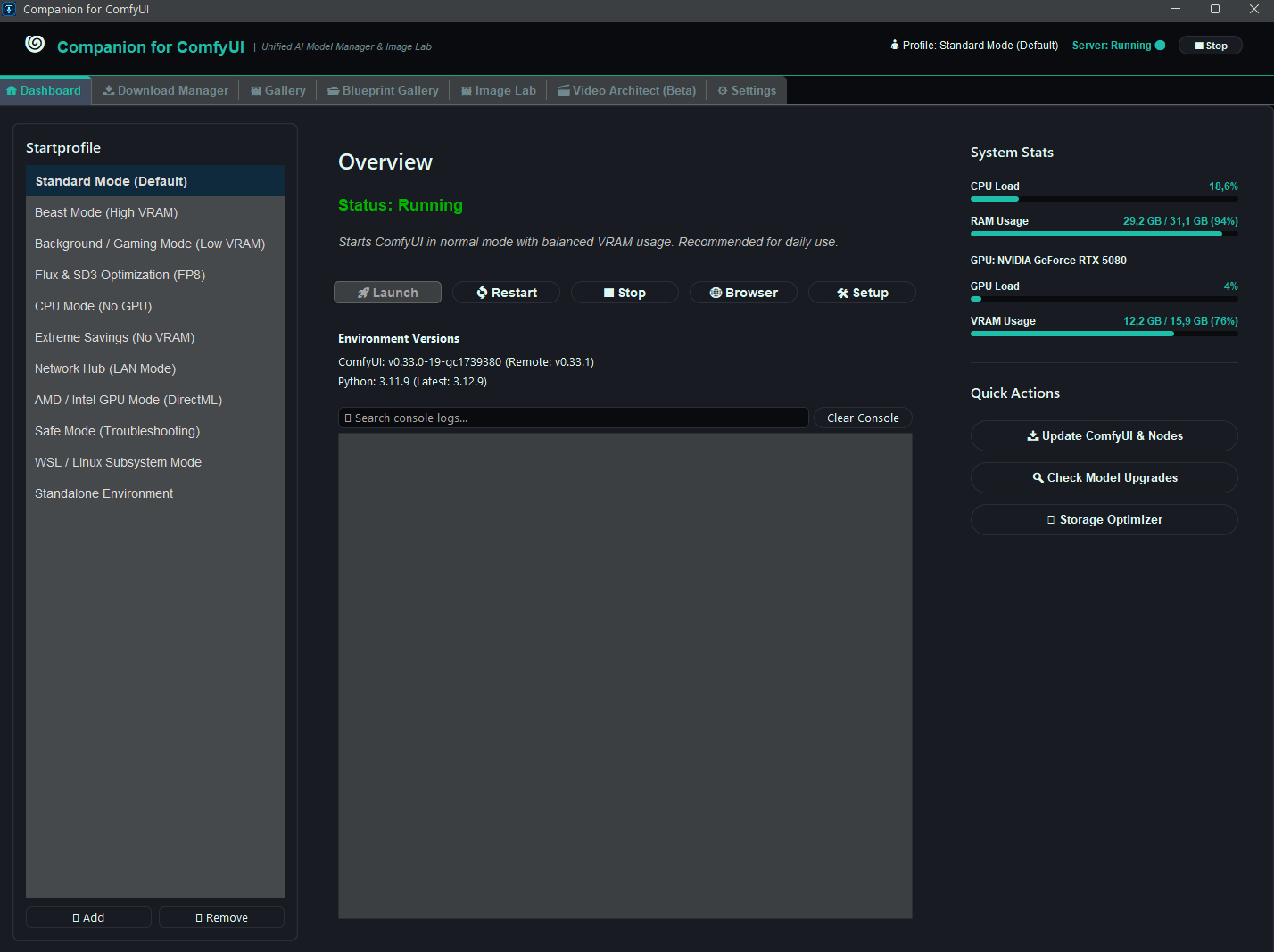
- 10+ Preconfigured Launch Profiles: Standard Mode, Beast Mode (High VRAM), Background/Gaming Mode (Low VRAM), Flux & SD3 Optimization (FP8), DirectML, CPU Mode, and more.
- Live Hardware Telemetry: Real-time GPU load, VRAM, RAM, and CPU usage monitoring.
- Integrated Console Viewer: Live ComfyUI log streaming with search and filter.
- 1-Click Maintenance: Update ComfyUI & custom nodes directly from the UI.
📥 2. Download Manager & Dependency Resolver
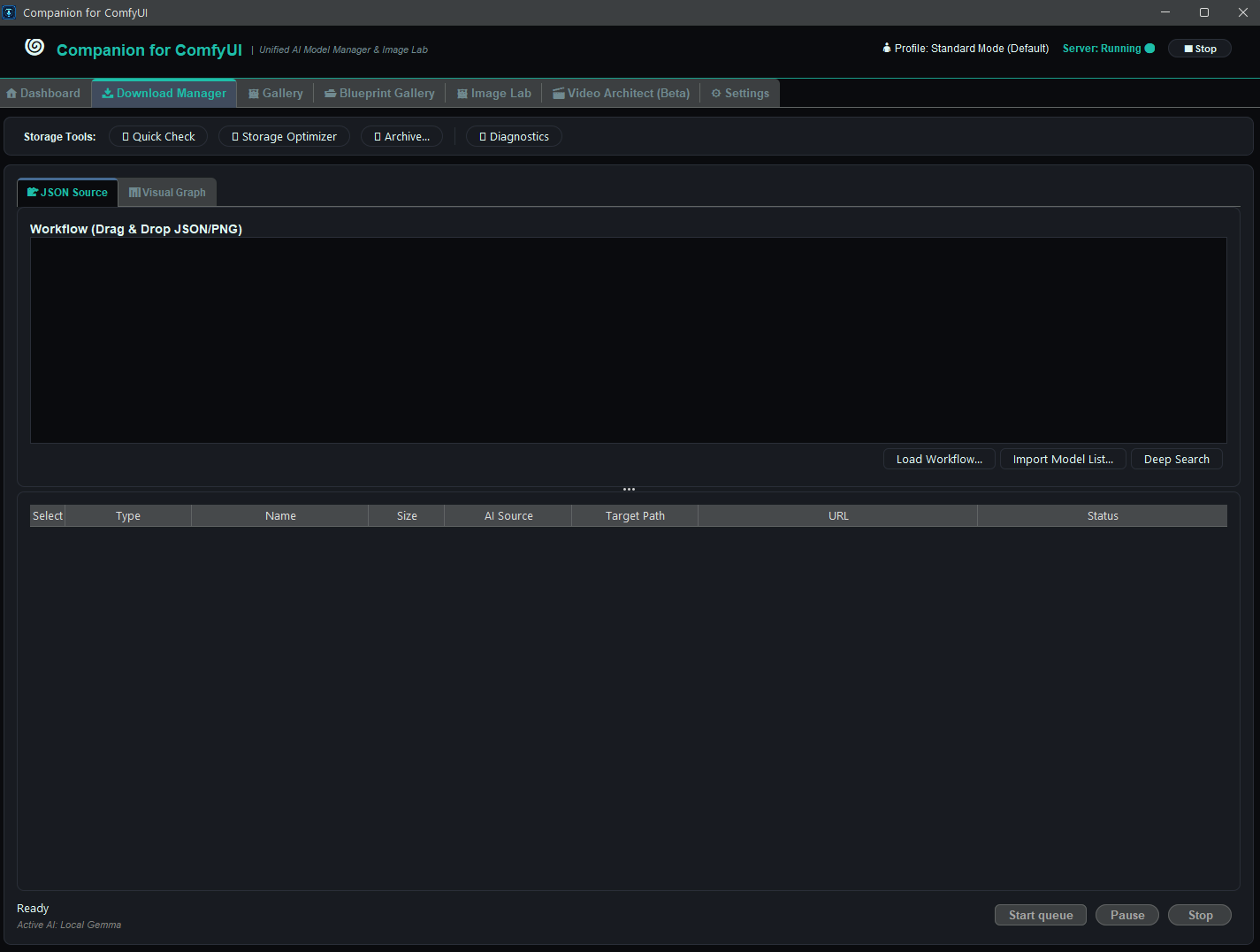
- Drag & Drop Workflow Support: Drop any JSON or metadata-embedded PNG to inspect its node graph and missing dependencies.
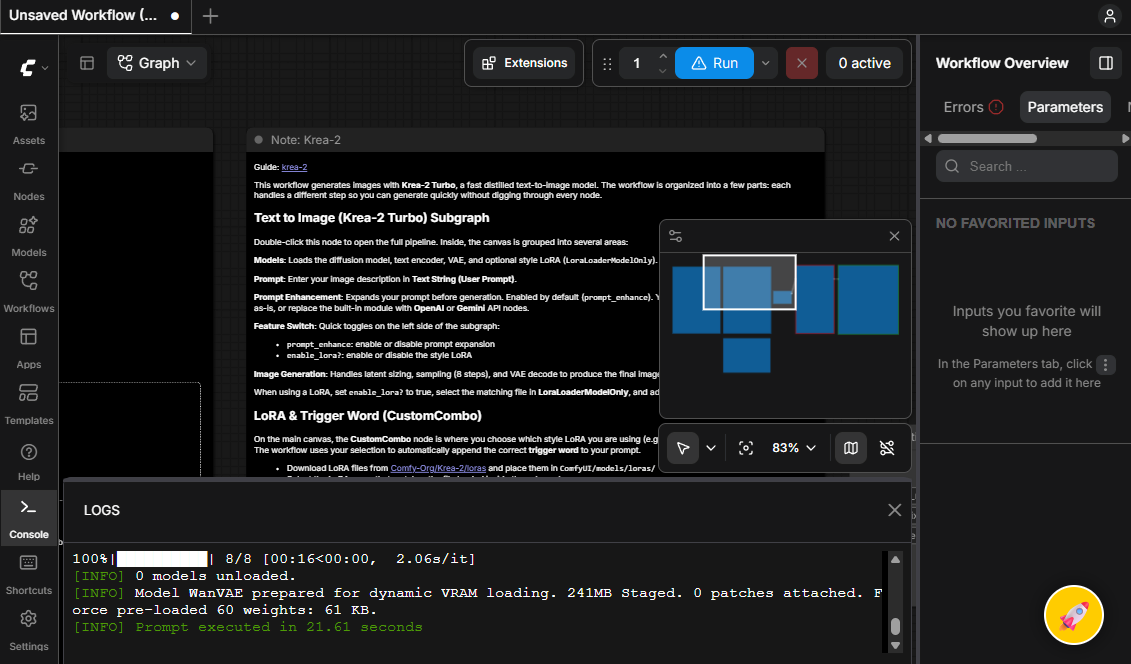
- 1-Click Canvas Bridge: A floating Rocket button (
🚀) inside ComfyUI sends your active workflow directly to the Companion for instant model detection.
- Automated Model Lookup: Auto-matches models from Civitai and Hugging Face.
- Cold Archive & Storage Optimizer: Offload huge 20GB+ models to external drives and restore them with one click.
- AutoV1 Fast Hashing: Scans duplicate models in seconds using Civitai-compatible SHA-256 headers.
🖼️ 3. Output Gallery
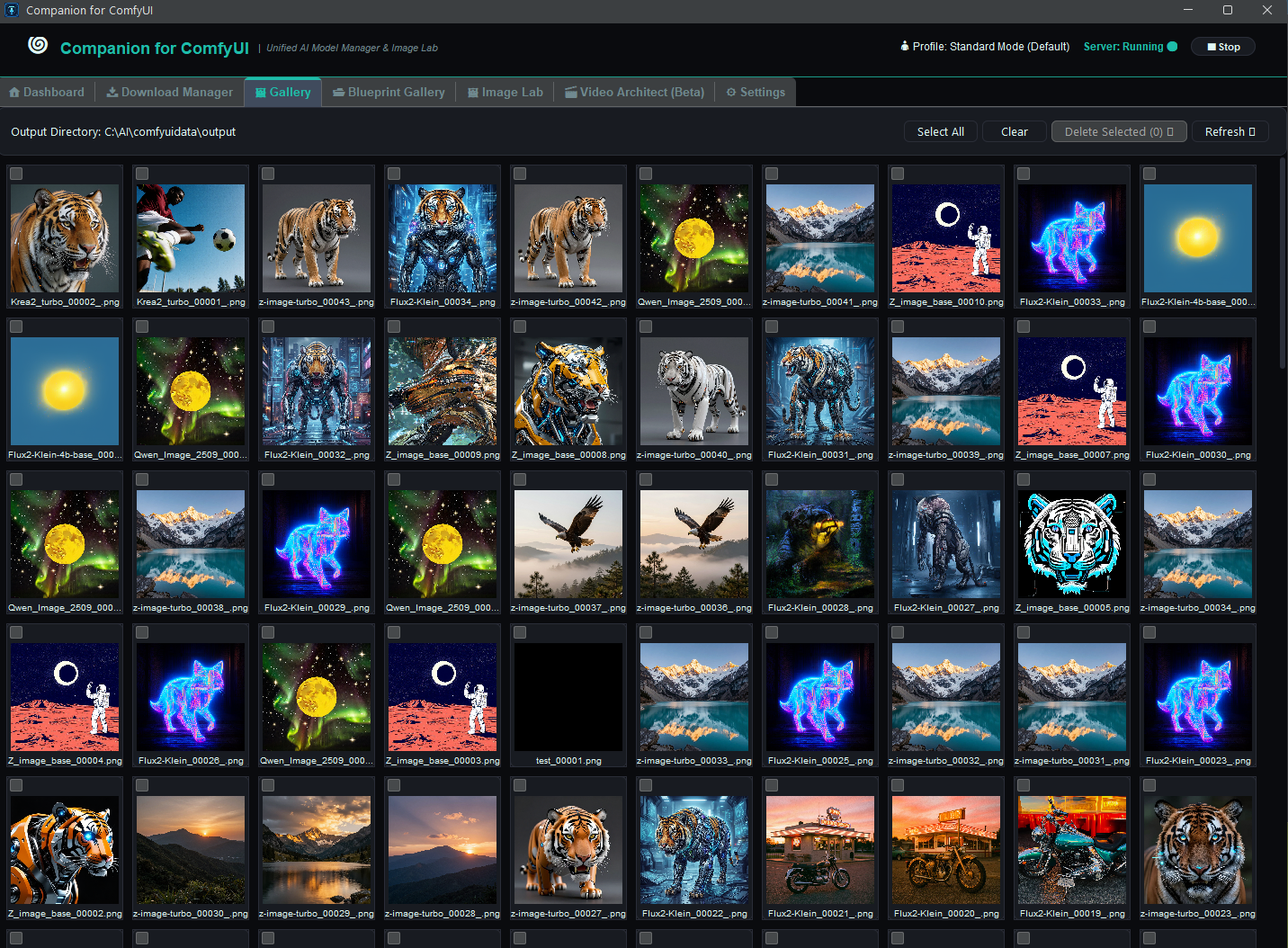
- Live Folder Watcher: Tracks ComfyUI output images and videos with zero lag.
- Batch Operations: Multi-select files for quick bulk deletion, inspection, or export.
- Asynchronous Rendering: Hundreds of thumbnails load in the background without blocking the UI.
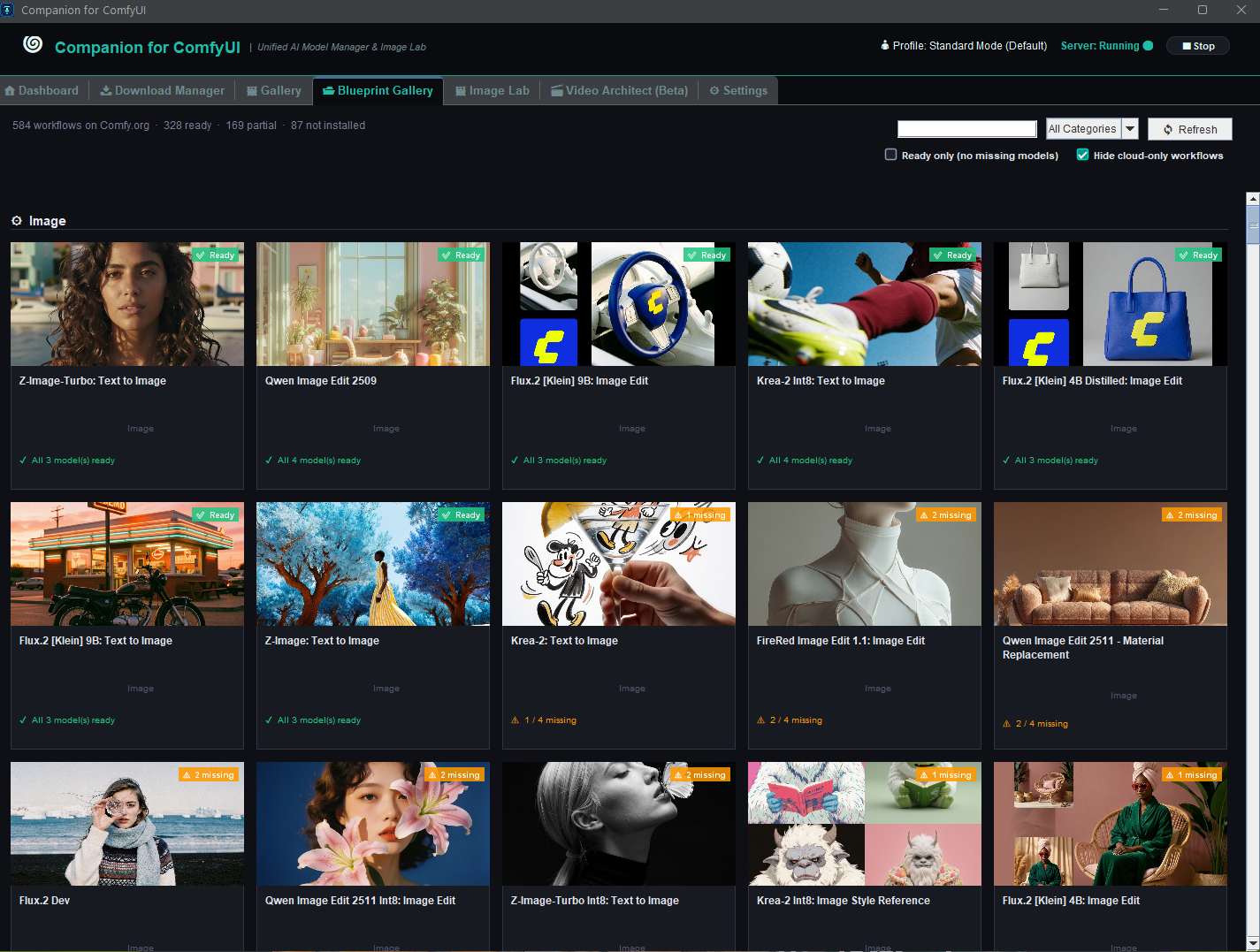
🗂️ 4. Blueprint Gallery
- Browse Comfy.org Workflows: Displays the official workflow templates from the Comfy.org registry for easy discovery and quick access.
- Model Readiness Badges: Each card shows whether the required models are already installed locally or still need to be downloaded.
- 1-Click Model Setup: Fetch missing models directly into their proper ComfyUI folders.
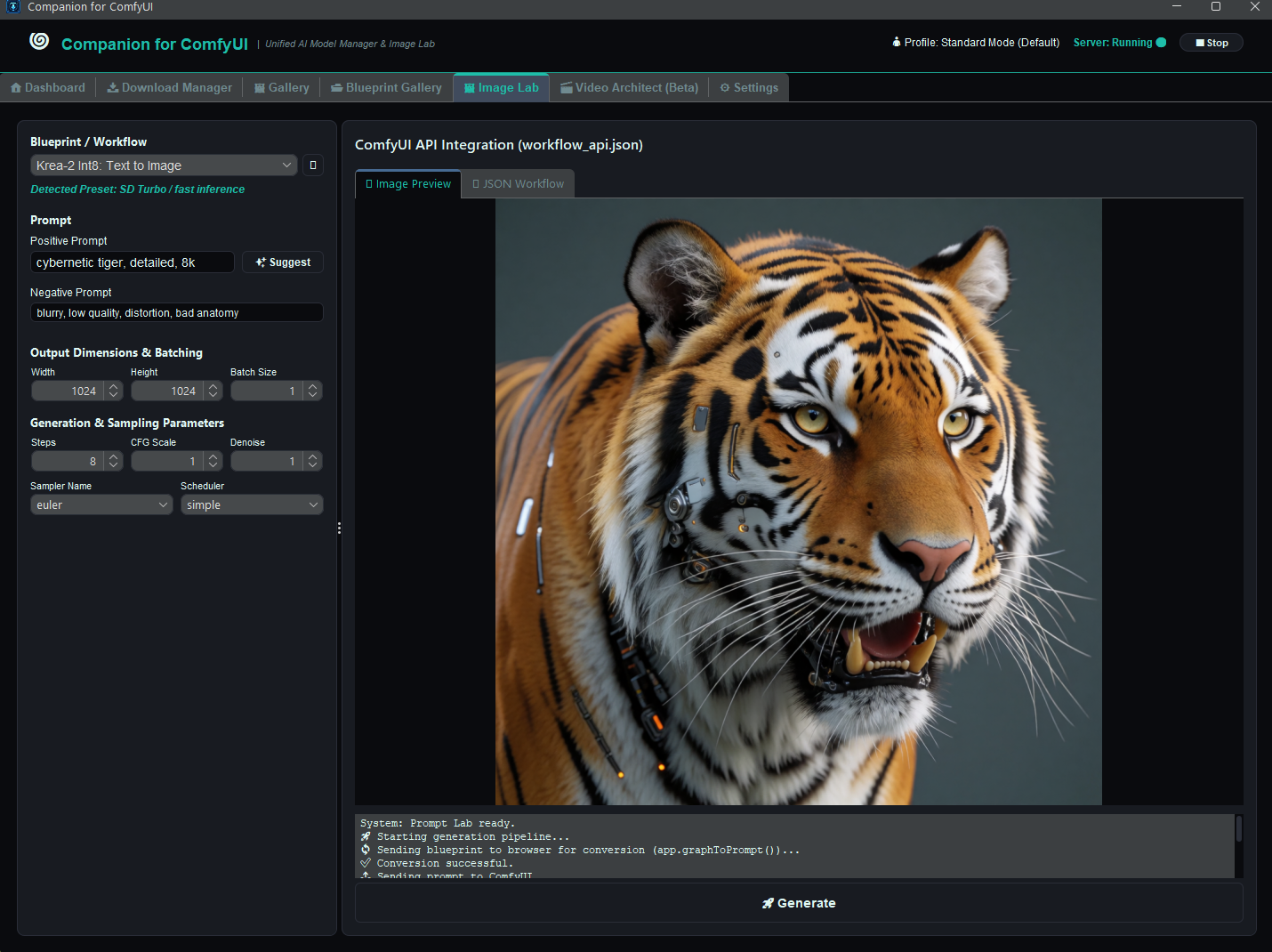
🎨 5. Image Lab (Node-Free Generation Studio)
- Simplified Studio Interface: Generate images with popular models (Flux, SDXL, Krea-2, Qwen) without connecting complex nodes manually.
- AI Prompt Optimization: Built-in AI prompt suggestions and architecture-specific rewrites via local LLMs.
- Full Parameter Control: Resolution, batch size, steps, CFG scale, denoise, samplers, and schedulers with instant preview.
🎬 6. Video Architect (Beta)
- Local Scriptwriting (Gemma 2 LLM): Turns your story idea into a structured multi-scene timeline running locally on CPU.
- Automated Voiceover (TTS): Generates scene narrations using local Piper TTS or ComfyUI nodes.
- FFmpeg Master Rendering: Automatically cuts, crossfades, subtitles, and stitches scenes into a final video.
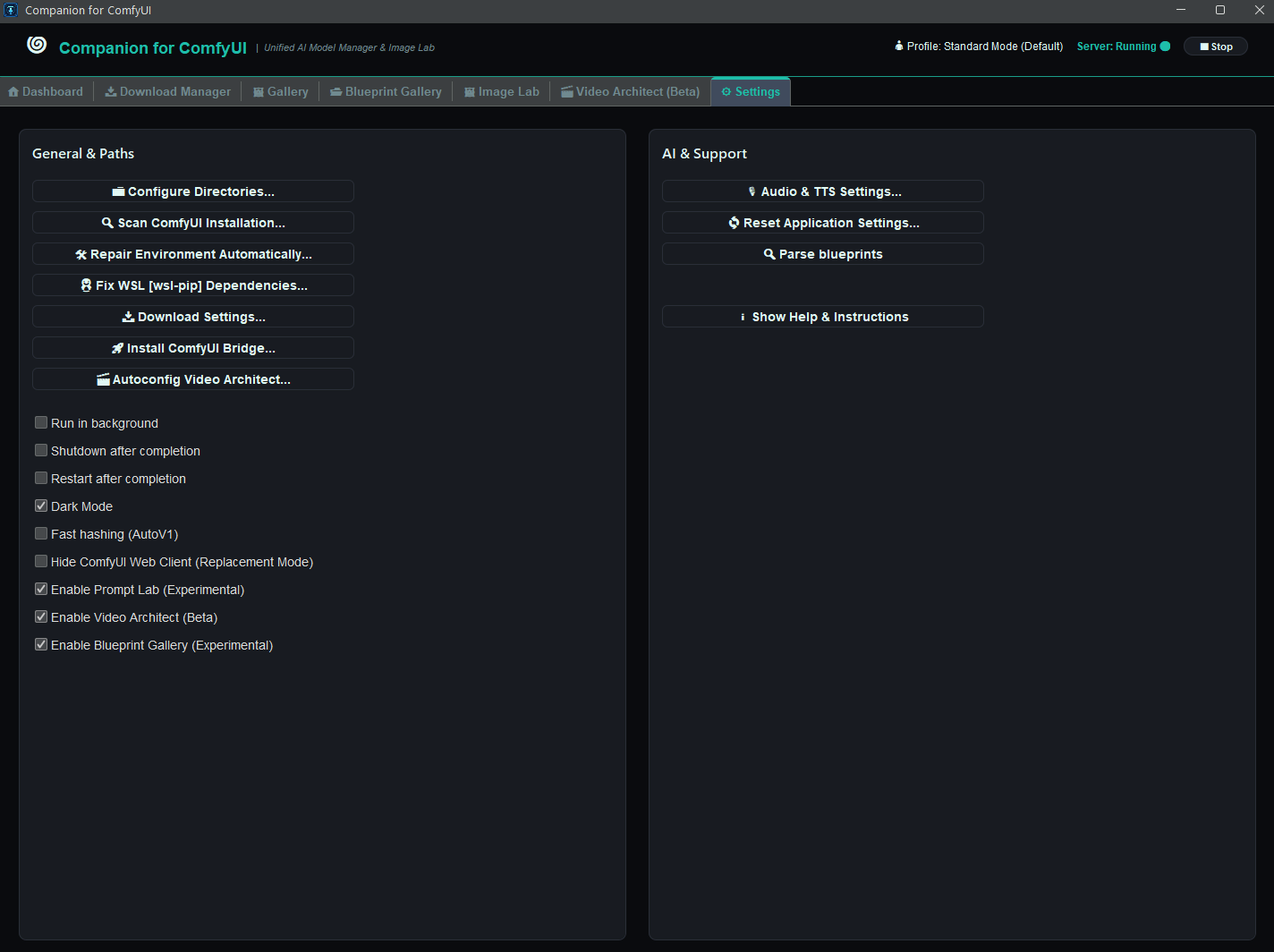
⚙️ 7. Settings & Encrypted Vault
- Master-Password Protected Vault: Local AES-256 encryption for Civitai API keys, Hugging Face tokens, and AI credentials.
- Flexible Configuration: Customizable paths, themes, automatic ComfyUI startup, port collision handling, and background service preferences.
📦 1-Click Installation via Pinokio
Companion for ComfyUI automatically detects your local ComfyUI installation, sets up all requirements, and provides a seamless desktop experience.



🚀 Companion for ComfyUI
The all-in-one companion app and desktop studio for ComfyUI.
Eliminate missing model headaches, generate images without node-spaghetti, and manage your entire ComfyUI environment from a single interface.
✨ Key Features
🎛️ 1. Dashboard & Server Lifecycle Control
📥 2. Download Manager & Dependency Resolver
🚀) inside ComfyUI sends your active workflow directly to the Companion for instant model detection.🖼️ 3. Output Gallery
🗂️ 4. Blueprint Gallery
🎨 5. Image Lab (Node-Free Generation Studio)
🎬 6. Video Architect (Beta)
⚙️ 7. Settings & Encrypted Vault
📦 1-Click Installation via Pinokio
Companion for ComfyUI automatically detects your local ComfyUI installation, sets up all requirements, and provides a seamless desktop experience.