Pinokio
FeedApps
Download Pinokio
Sign inCreate accountJoin
AnnouncementsAll
PrivacyTerms

Announcements

Official updates from the apps on Pinokio.

@mvrdvk
5h ago

Continuum Update (v2026‑10‑14)

Continuum now supports two ways to build longer videos: - Single Prompt: Repeat one prompt across the selected number of sections. - Per Section: Write a separate prompt for each section. What’s improved - Fixed an issue that could regenerate earlier sections when extending a video. - Added shared character and setting text for every new section. - Added Balanced (22 frames) and experimental Strong (39 frames) transition context. - Continuations preserve the original seed, model settings, shared context and transition preset. - The interface now shows existing duration + added duration \= tota

MiniMax H3 Studioerdinoral/minimax-h3-studio765 followers
@mvrdvk
2d ago

Spectrum acceleration is now available in H3 Studio!

Enable it under Settings → Video engine → Spectrum . It’s optional, experimental, and requires no additional LoRA. In our matched 608p test, total render time dropped from 26:15 to 16:06 — 38.65% less time . Recent 1088p clips rendered in around 35 minutes . Compared with my previously observed roughly one-hour renders, that suggests about 42% less time , although this 1088p comparison is approximate. My system: RTX 5060 Ti 16 GB, Ryzen 5 5600X, 32 GB RAM, Windows. Results vary by workload. Spectrum can affect motion and speech, so test a short clip first. H3 Studio now offers three video engi

MiniMax H3 Studioerdinoral/minimax-h3-studio765 followers
@supersoniquestudio
2d ago
 
1-click Pinokio launcher for Captionz — batch image captioning with local Ollama vision models.
 
What it does
Installs and launches Captionz in one click:
 
Install — clones mikecastrodemaria/Captionz into app/, creates a venv and installs the requirements (Pillow, NiceGUI, Gradio). No PyTorch: the models run in Ollama, or in a bundled llama.cpp server (see below).
Start (web UI) — runs the NiceGUI interface (python app.py --ui web) and opens it.
Start (Gradio UI) — runs the Gradio interface (python gradio_app.py), the same one used on Hugging Face Spaces, here with the Ollama backend.
Update — resets the launcher and the app to their origin/main, refreshes deps.

Reset — removes app/ (and its venv) to reinstall from scratch.
Features (Captionz)
Vision-model detection · composed prompts (caption type × length × 20 checkable options × character name) or custom prompt with a live preview · sources: local path, upload, clipboard paste · image preview · editable captions · skip / overwrite / append policy · prefix / suffix (trigger word) · live status (model loading, timer, percent, ETA) · max-tokens cap and thinking switch · dark mode · CLI and benchmark script. See the app repo for full docs.

 
Requirements
Pinokio installed.
Either Ollama running on the machine (or reachable on the network: change the URL in the UI) with at least one vision model, for example ollama pull qwen3-vl:8b,
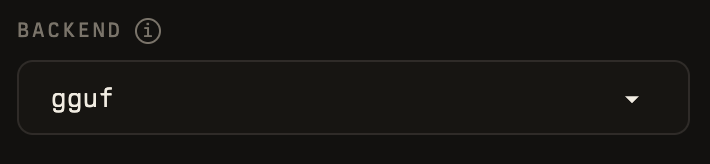
or no Ollama at all: pick the backend "llama.cpp (sans Ollama)" in the UI. On first captioning Captionz downloads a prebuilt llama-server for your machine (CUDA / Vulkan / CPU / Metal, 150–500 MB) and the default model Qwen2.5-VL-3B-Instruct Q4_K_M (~2.9 GB) into app/llamacpp/. Other GGUF models can be downloaded from Hugging Face or imported from a local Ollama store from the "Modèles llama.cpp…" dialog.
Captions are written next to each image as image.txt.
 
How to use
Install, then Start (web UI) and click Open Web UI.
Pick the vision model, add a folder path (or upload / paste images).
Choose a caption type, length and options; check the final prompt preview.
Click Captionner tout. Edit any caption in the right panel and save.
API
Captionz has no HTTP API of its own. Two programmatic entry points exist in app/:
 
Command line (Python, inside the launcher venv)
python cli.py ./dataset --recursive --type "Booru tag list" --length short
python cli.py ./dataset --model qwen3-vl:8b --option 3 --option 15 --prefix "mystyle, "
python cli.py --list-models
python cli.py --list-options
Python (import the core)
import sys; sys.path.insert(0, "app")
from pathlib import Path
from captionz_core import Settings, Job, make_backend, caption_job
 
s = Settings.load()
s.model = "qwen3-vl:8b"
s.caption_type, s.caption_length = "Training caption (paragraph)", "long"
job = caption_job(Job(Path("photo.jpg")), s, make_backend(s))
print(job.status, job.caption)
Gradio UI API (when "Start (Gradio UI)" is running)
Gradio exposes every event as an endpoint; open <url>/?view=api for the generated docs, or from Python:
 
from gradio_client import Client, handle_file
c = Client("127.0.0.1:7860")
print(c.view_api())
JavaScript (Gradio client)
import { Client } from "@gradio/client";
const c = await Client.connect("127.0.0.1:7860");
console.log(await c.view_api());
Curl (Ollama directly, same request Captionz sends)
curl localhost:11434/api/chat -d '{
"model": "qwen3-vl:8b", "stream": false,
"messages": [{"role": "user", "content": "Describe this image in one short sentence.",
"images": ["<base64 image>"]}]
}'
Captionzmikecastrodemaria/Captionz.pinokio6 followers
@bizarro
3d ago

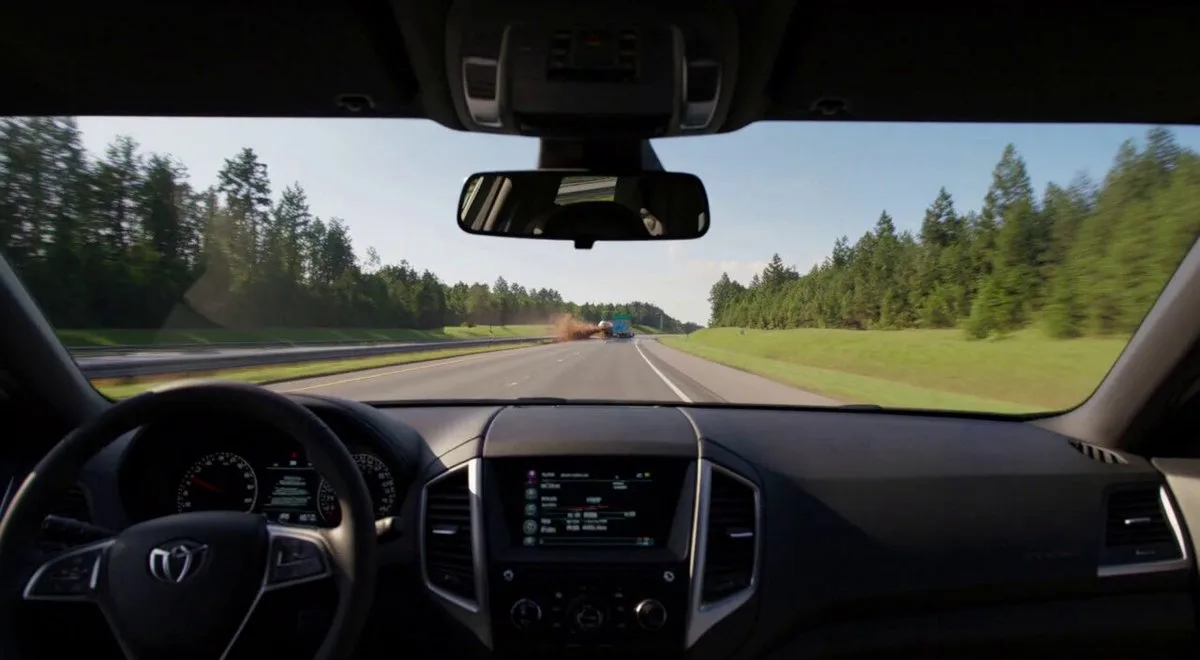
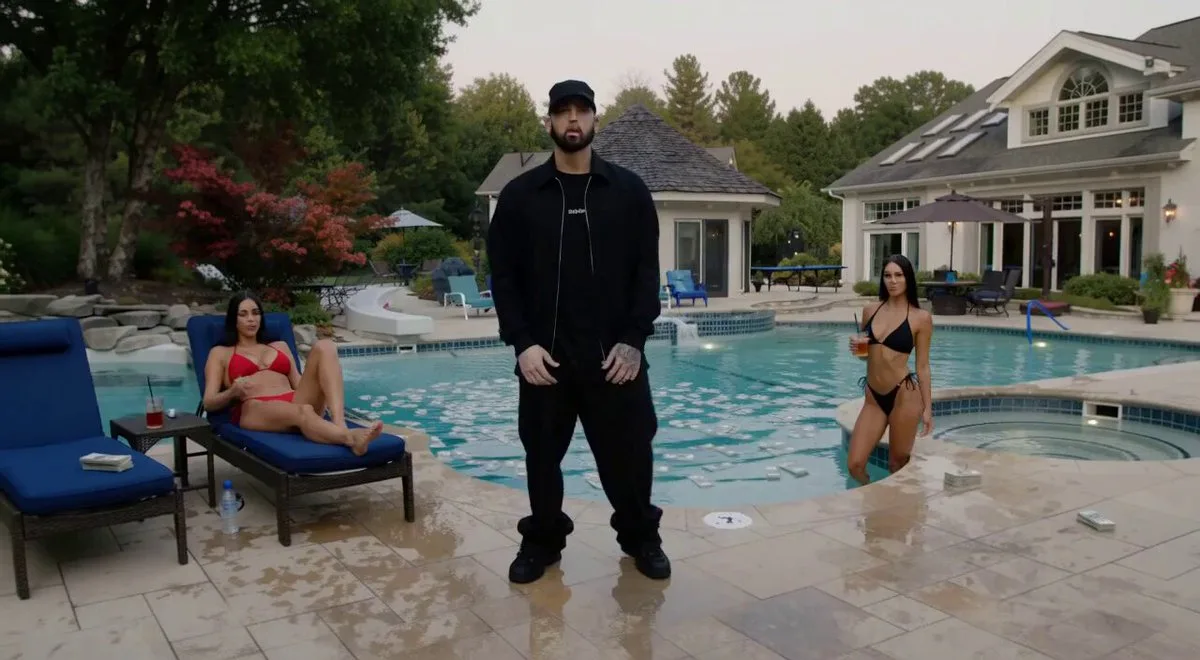
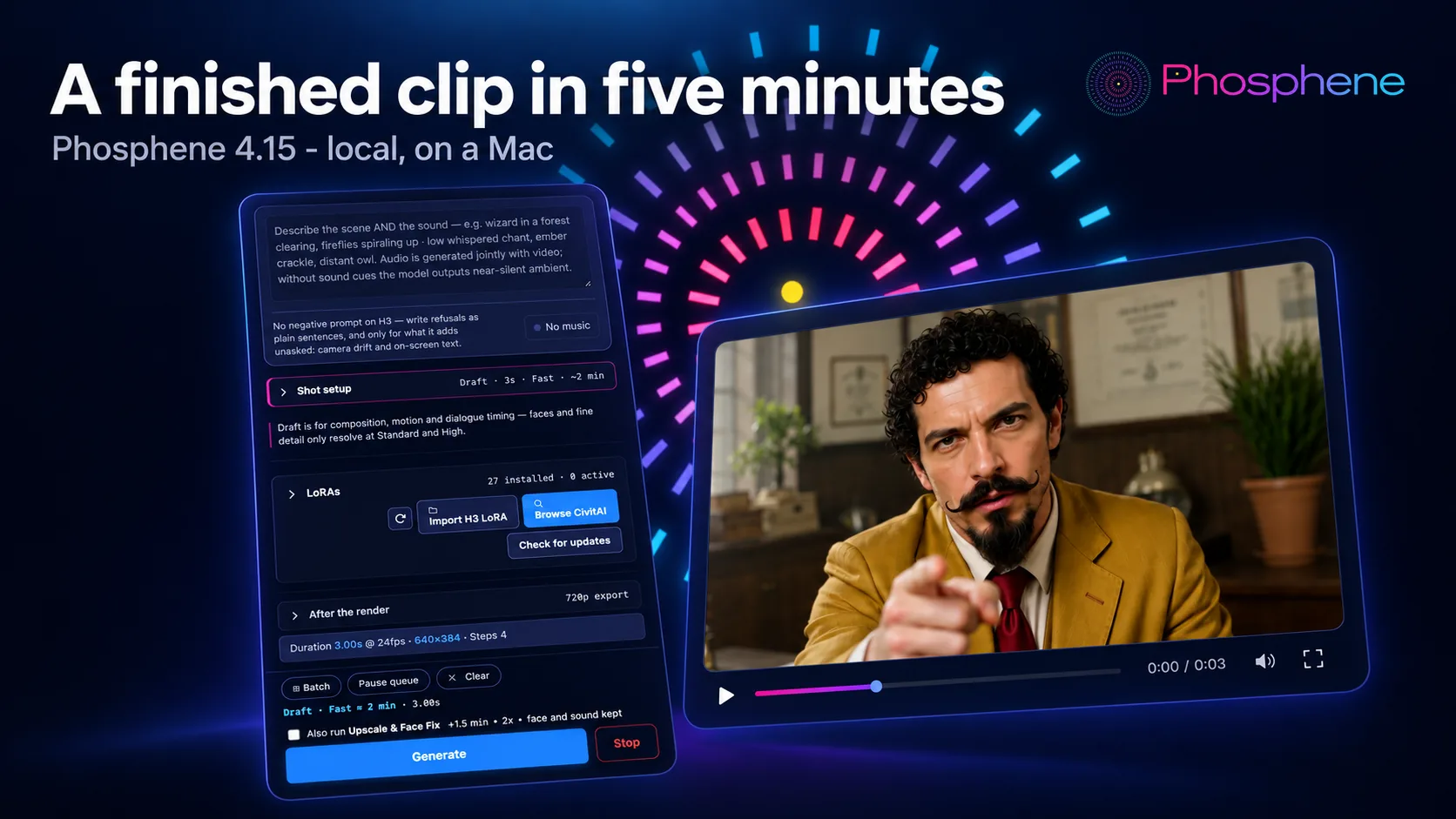
Phosphene 4.19 - Last Take

One night, one director, one take before the sun comes up. Every shot, every sound and the song were made in Phosphene on one Mac. - The rain on the backlot was a silent clip. Add sound wrote the rain and the thunder that hits right on the lightning, and kept every frame exactly as it was. - The stage coming alive is Keyframes: one dark frame with only the ghost light on, one fully lit frame, and Hailuo H3 made everything in between. Extend then carried it 5 more seconds. - The long push-in on Bizarro is a 5 second clip made longer twice with Extend. Each new piece carries the last frames and

Phosphenemrbizarro/phosphene2K followers
#film#hailuo#phosphene
@thomas_eric
4d ago

Iris 3B Studio is Now Available!

Iris 3B Studio is Now Available! Not only is a incredible text-to-image model, but it also has upscaling capabilities and depth map generation!

Iris-3B StudioThomasEricB/Iris-3b-Studio-Pinokio36 followers
#depth#image-to-image#text-to-image#upscaling
@mvrdvk
5d agoEdited

The Director Mode tutorial is now available on YouTube

c?si\=uIvA06XKISIrZlVC This walkthrough shows how to set up a project, add characters and locations, plan scenes, and generate clips in MiniMax H3 Studio. If Director Mode has felt confusing, this video should help you get started. Thank you for following the app’s development and sharing your feedback. Your suggestions help shape each update.

MiniMax H3 Studioerdinoral/minimax-h3-studio765 followers
@rdx_ai
5d ago

New Update with Multiple/batch import, Library tab!

Updated with Multiple/batch import support, New Library tab for viewing multiple images in a session.. Fastest and most Memory Efficient Seedvr2 implementation for Apple Silicon Mac..

SeedVR2-7B MLXRdx-ai-art/SeedVR2-MLX.pinokio15 followers
#mlx#seedvr#upscaler
@cocktailpeanut
5d agoEdited

LightOnOCR-3: Turn PDFs and images into structured text locally (Mac, Windows, Linux)

LightOnOCR 3 is now available on Pinokio. It's a sequel to the LightOnOcr 2 model, which you can try here (thanks to @theawakenone ) This LightOnOCR 3 launcher implements the backend using huggingface transformers and lets you run 3 variations of the model: - 0.8B - 1B - 4B The launcher includes LightOn’s original web interface, available at: Demo Here's how it works. You just launch the app and open any PDF or image file: Features - View the source document alongside the extracted text - inspect layout boxes showing where content came from - revisit previous runs. Examples

LightOnOCR 3cocktailpeanut/lightonocr.pinokio13 followers
@saintbrodie
6d ago

VoiceStudio is now on Pinokio

Just added a Pinokio launcher for VoiceStudio , an open-source AI voice studio that runs locally on your computer. You can use it to: - Clone voices from recordings and generate new speech. - Design voices and turn text into spoken audio. - Dub videos with speech timed to the footage. - Transcribe recordings and identify different speakers. - Create audiobooks and narration , with batch processing for larger projects. - Connect other tools through its local API and MCP server. It supports multiple speech and transcription engines, with availability depending on your hardware and installed mode

VoiceStudiosaintbrodie/VoiceStudio-Pinokio73 followers
@cocktailpeanut
6d ago

How to delete an app on Pinokio

To delete an app: 1. from Pinokio home, find the app you want to delete. 2. Then click the menu button to open the sidebar. 3. Then scroll down to the bottom to find the "Delete app" button and click it. That's all!

pinokiopinokiocomputer/pinokio665 followers
@cocktailpeanut
7d ago

Generate sheet music from audio

Just updated the MuScriptor launcher to support the latest version, which now lets you not only generate MIDI files, but also a whole sheet music PDF file. Example: Here's how it works: Here's the full list:

MuScriptorcocktailpeanut/muscriptor.pinokio562 followers
@cocktailpeanut
7d ago
MuScriptor now lets you generate not just MIDI but also PDF sheet music
MuScriptorcocktailpeanut/muscriptor.pinokio562 followers
@morpheus
7d agoEdited

Use frontier models as agents in pinokio for free

Freebuff is a plugin you can use in pinokio. Unlike other plugins like Codex, Claude Code or Antigravity, you can use it for free. No payed subscription needed. Freebuff also has no token limit. Instead it has a time limit. How does it work? Depending on your country you have a limited amount of Freebucks . It gets refilled every day . Each model uses a certain amount of Freebucks / hour.& x20; If you used all your Freebucks, you have to wait until the next day. You can switch the model anytime during your session. These "prices" will vary from time to time. Some models can be used without any

Freebuff6Morpheus6/Freebuff-pinokio27 followers
@henryruhs
7d agoEdited
One year of development has led to this moment: FaceFusion v4 beta is available now, and it is by far the biggest step in the history of the project. To celebrate the release and get developers building on it, we are kicking off the FaceFusion v4 Challenge, where everyone is invited to bring their ideas to life.
 
github.com/facefusion/facefusio…
github.comGitHub - facefusion/facefusion at v4-challengeIndustry leading face manipulation platform. Contribute to facefusion/facefusion development by creating an account on GitHub.
FaceFusion 3.9.1facefusion/facefusion-pinokio3K followers
@bizarro
8d ago

Phosphene 4.18 - Play all, and your audio goes where it is needed

Play all. One button and your whole gallery plays by itself, full size: every clip once, every photo a few seconds, every song to the end, and the controls fade away. Bizarro finally found a streaming service with nothing but quality content. Use this audio for... Any song in your Outputs goes straight into Lip-sync, a Music video, a video's soundtrack or a Music Studio cover, in one click. We sent "Forty Frames To Go" to a marble bust. It did not hold back. Enhance knows your LoRAs. Your prompt forgot the magic word. Enhance didn't: it reads the LoRAs you switched on and puts their trigger wo

Phosphenemrbizarro/phosphene2K followers
#lipsync#phosphene#video
@cocktailpeanut
8d ago
Just fixed the XTTS gradio launcher, Updated the virtual environment to use python 3.11 and restricted starlette version (caused by a gradio breaking change). Was broken on ALL OS, now fixed on all.
XTTScocktailpeanut/xtts.pinokio481 followers
@blizaine
9d ago

Maestro v2.6.0 is out! Live Preview & Reference Mode long videos

Maestro v2.6.0 is out! MiniMax H3 Reference Mode now supports long videos (like this stock footage) & Maestro auto-splits across seamless windows. Combine w/ Character Swap LoRA; keep the background true, or add effects.& x20; Maestro v2.6.0 Updates: • Live generation previews: Watch motion develop while rendering, with looping Tiny VAE video, pause/resume, and mobile playback. Now enabled by default. Can be turned off in settings. • Bring your own H3 checkpoints: Download compatible community models directly from the Model Browser, via URL or CivitAI, including INT4 and GGUF, with verified re

MaestroBlizaine/Maestro5K followers
@cocktailpeanut
9d ago
When you first launch Fooocus after installation, it downloads the basic models, which requires network access. However, once those models are downloaded, you do not need to be connected to the internet, it runs completely offline.
 
Of course, obviously you will still need a network connection if you decide to download additional models later.
@cocktailpeanut·9d ago

That's not true. It IS a local app, a well known one. Obviously it needs network connection at the beginning when there's no model downloaded (it will download the model on the first launch), but once that's done, no network access is needed. I literally ju...

Fooocuscocktailpeanutlabs/fooocus1.6K followers
@mvrdvk
10d ago

H3 Studio Singularity Update (v2026‑10‑04)

A major update focused on film planning, character workflows, and reference control. - AI Director: Enter your story and target duration to create character cards, locations, and editable scenes directly inside Studio. No external JSON workflow required. - Character LoRA mode: Assign a compatible character LoRA, retain the character’s name and voice settings, and exclude previously generated card images while enabled. - Organized LoRAs: Categorized selectors, automatic trigger words from available metadata, and independent weights for up to three adapters. - Asset references in Scene and Direc

MiniMax H3 Studioerdinoral/minimax-h3-studio765 followers
@cutloomsupport
11d agoEdited
Cutloom: make a finished short-form video from one topic, on your own PC
 
Cutloom turns a topic into a vertical video for TikTok, YouTube Shorts or Reels. It writes the script, records the voiceover, finds stock footage and adds captions. You can edit every line before you export.
 
How it works
 
Pick a topic (or let it suggest ten).
Write or generate the script, then edit any line.
It matches stock footage to each scene. You can swap clips or use your own.
Choose a voice, captions and optional background music.
Export an MP4.
 
What you need
 
Windows with Pinokio (made and tested on Windows only; Mac and Linux are untested)
No graphics card for the main app
A free Pexels key for stock footage
An OpenAI key is optional. It gives natural AI voices and AI-written scripts, at roughly a few cents per short, billed to you by OpenAI. Without it you can paste your own script and use a free built-in voice.
 
Free and Pro
Free makes 15-second videos at 720p with a small watermark. Pro is $29 one-time, with no subscription. It adds 30 and 60-second videos, 1080p, other shapes (16:9, 1:1, custom), no watermark, background music, batch mode and your own clips. There's also an optional AI-clip add-on that needs Pro.
 
Honest limits
 
Stock footage is matched by keywords, so some scenes will look generic. That's why every scene is editable.
It can't promise views or income. Platforms reduce reach on repetitive videos, so use your own topics and facts.
 
 
I'd love feedback on the install and on the first video you make: what broke, what confused you, and what's missing. Site and pricing: cutloom.netlify.app
cutloom.netlify.appCutloom: one-click shorts studioTurn a topic into a finished vertical video: script, voiceover, stock footage and captions, made on your own PC.
Cutloomkiutjay-sketch/Cutloom21 followers

Join the community

Follow people and apps for updates. Explore Announcements and All for more.

Sign inCreate account
Discover people →

Recommended users

Pinokio
PrivacyTerms
FeedApps

Popular builders

  • cocktailpeanut@cocktailpeanut
    Creator of
    • theprototype.app
    • LightOnOCR 3
    • Television

    creator of pinokio https://x.com/cocktailpeanut

  • Morpheus@morpheus
    Creator of
    • Z-Fusion
    • Freebuff
    • songgeneration-tencent

    404 Error not found Don't hesitate to ask if you have questions. Tag me if you can.

  • @bilawalsidhu
    Creator of
    • see-through-walls
    • God's Eye View
3 people shown