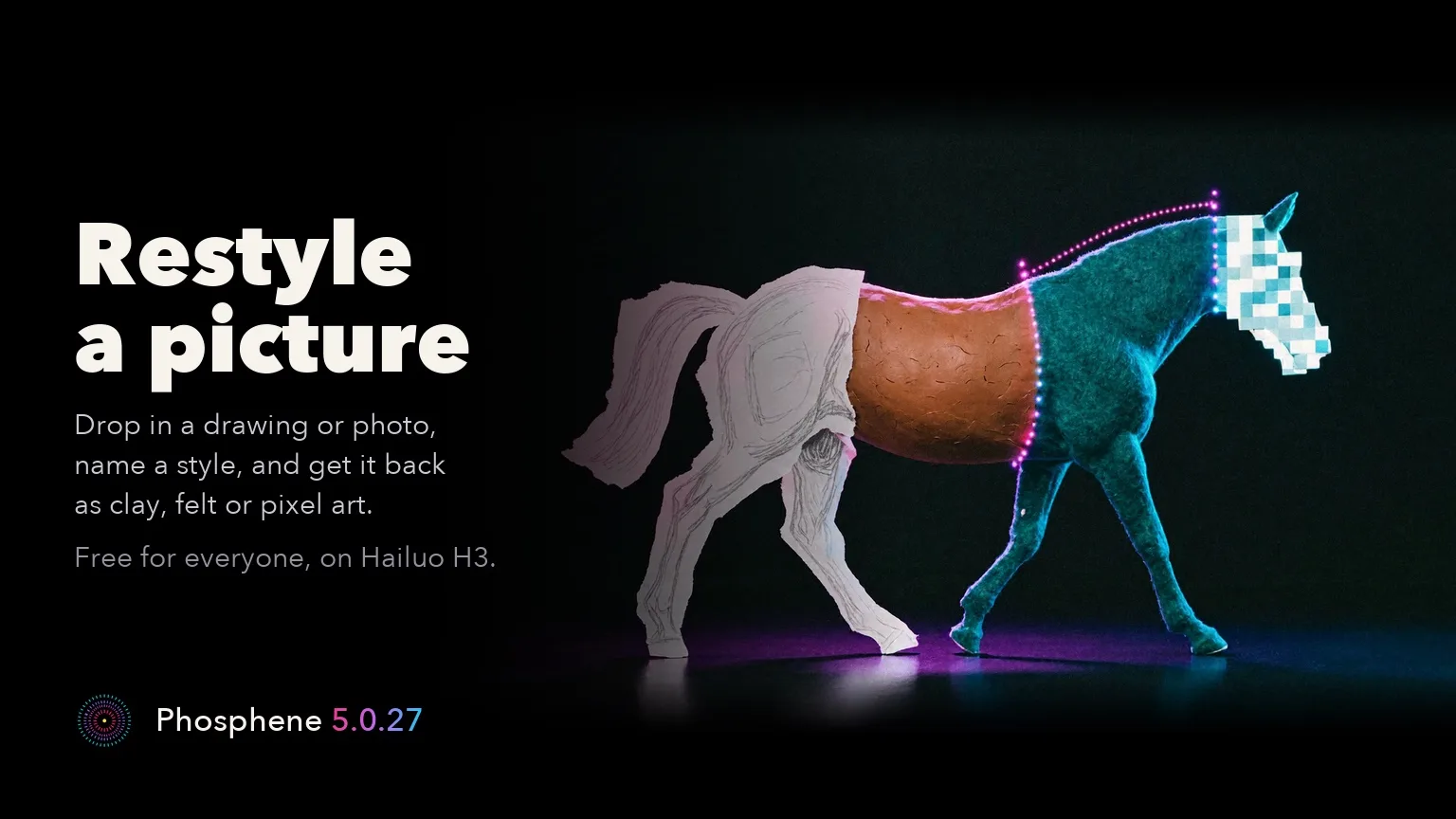
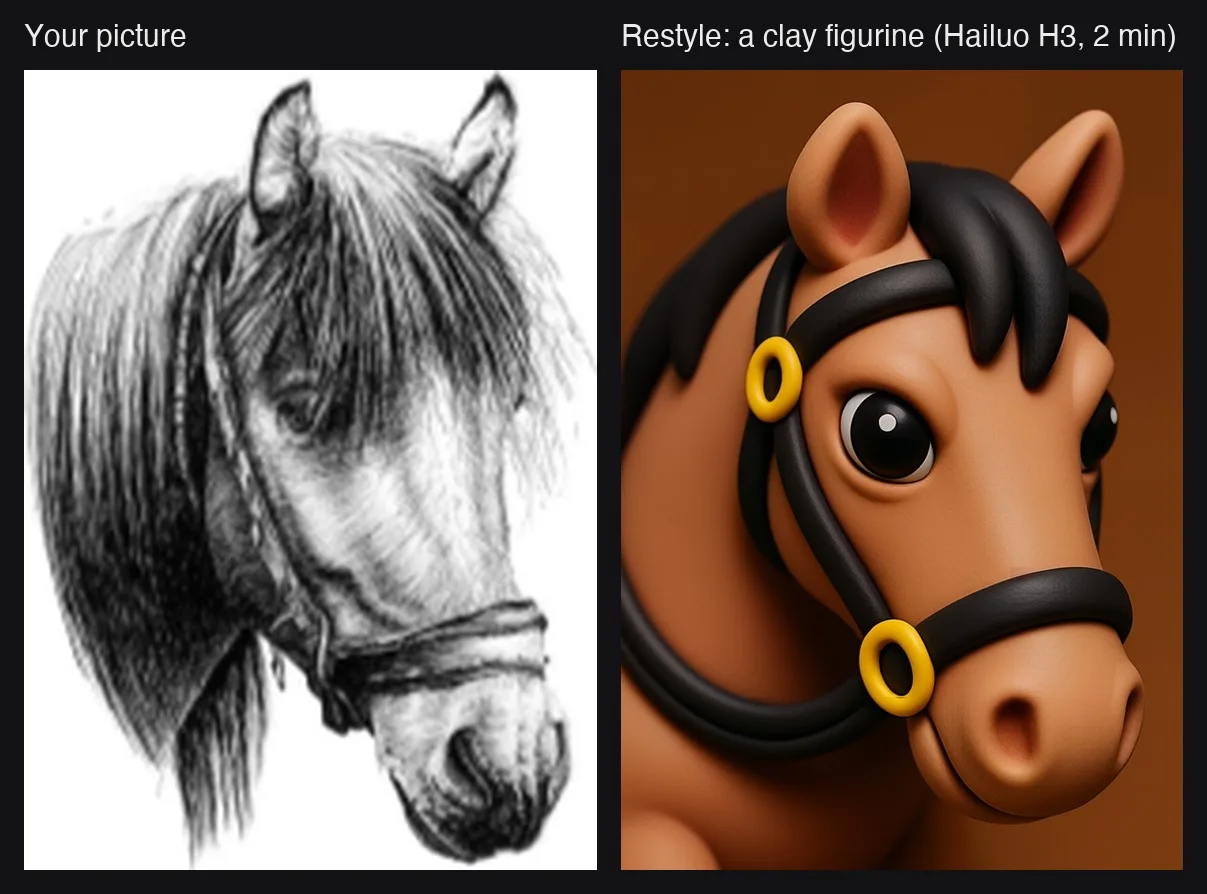
- Restyle a picture is free for everyone. Drop in a photo or drawing, name a style, and get the same scene back in that style. Bold styles work best: clay, flat vector, pixel art or felt.
- Restyle needs the Hailuo H3 video pack and P-H3-Image installed, plus a one-time 300 MB download. About 2 minutes a picture at about 1 megapixel on an M4 Max 64 GB (27.6 GB peak).
- Crisper detail (Pro) brings finer skin, hair, fabric and backgrounds to LTX-2.5 Quick, Balanced and Standard clips. Switch it on under the prompt; it is off by default and the take changes.
- Our M4 Max 64 GB comparison, with the same seed and prompt, measured about 50-70% sharper fine detail, with about 10 seconds more on a 2 min 20 s render. First use downloads 1.2 GB once. Not on High or Fast draft, with a character or HDR; the Pro speed-up stands aside for this clip.
- The new text is in all ten languages. Free renders work exactly as before.
- On Pinokio, press Update, then restart. Mac app users get the Studio on the next update check.
Release notes: https://github.com/mrbizarro/Phosphene/releases/tag/v5.0.27
Mac app: https://phosphene.video/



Release notes: https://github.com/mrbizarro/Phosphene/releases/tag/v5.0.27
Mac app: https://phosphene.video/