Writing a novel is more than generating paragraphs. It's keeping track of who knows what, what happened three chapters ago, which relationships have changed, and whether a new scene still makes sense in the larger story.
I've been building EmberWriter around that challenge. It's a local-first fiction writing studio designed to help authors move from an idea to a complete manuscript while keeping creative decisions in their own hands.
Version 0.16.0 RC1 is now available as a public preview through Pinokio.
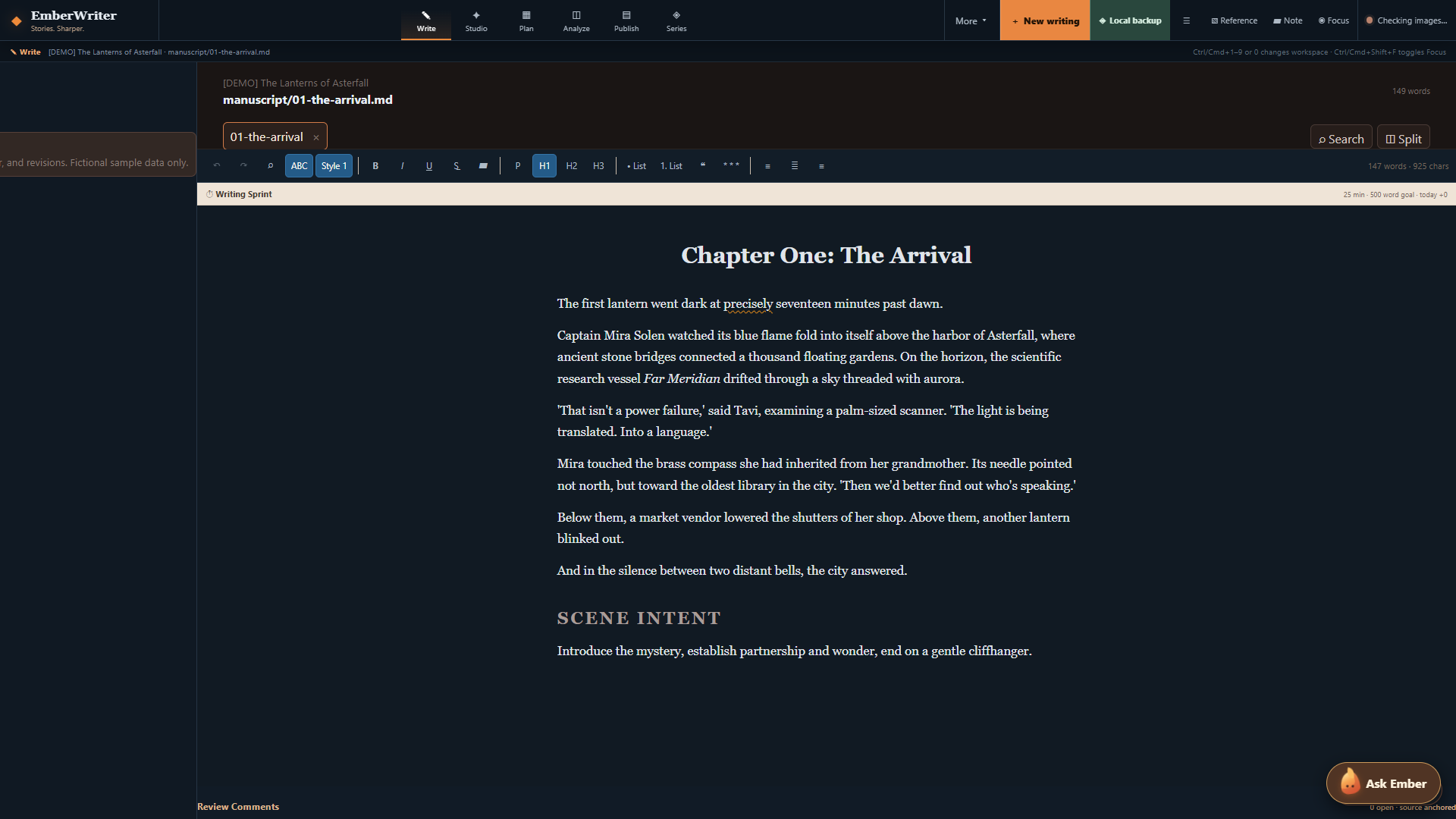
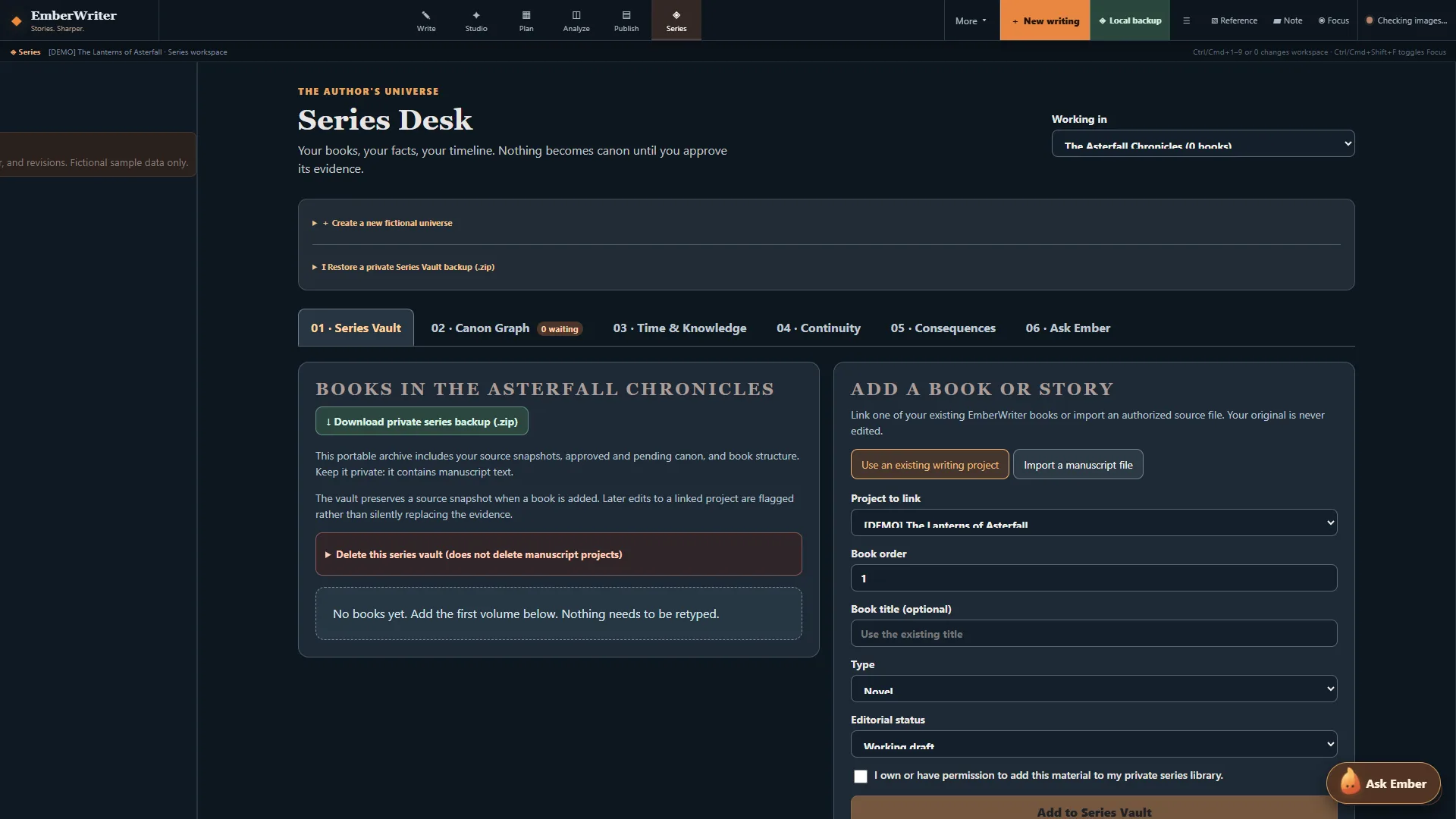
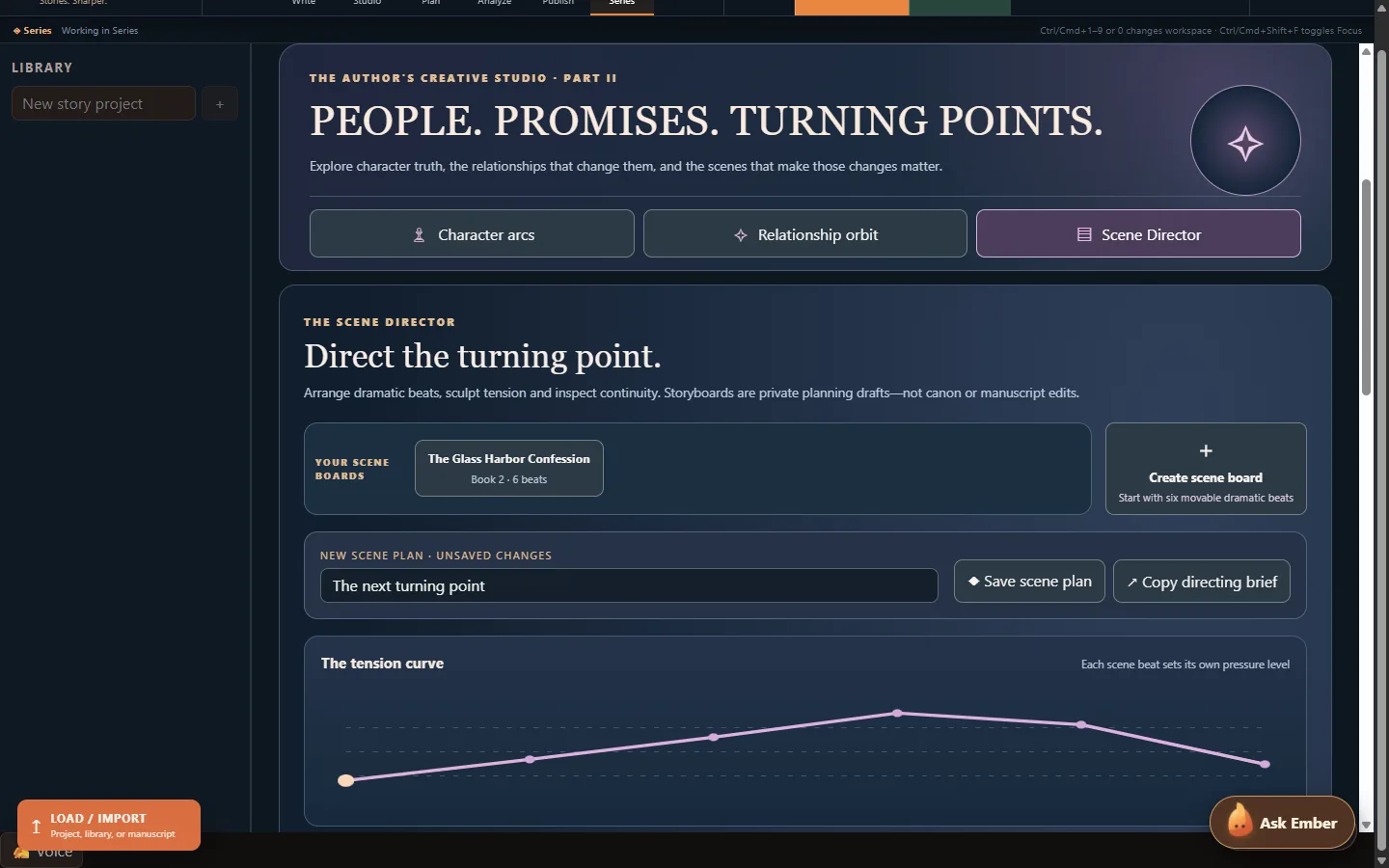
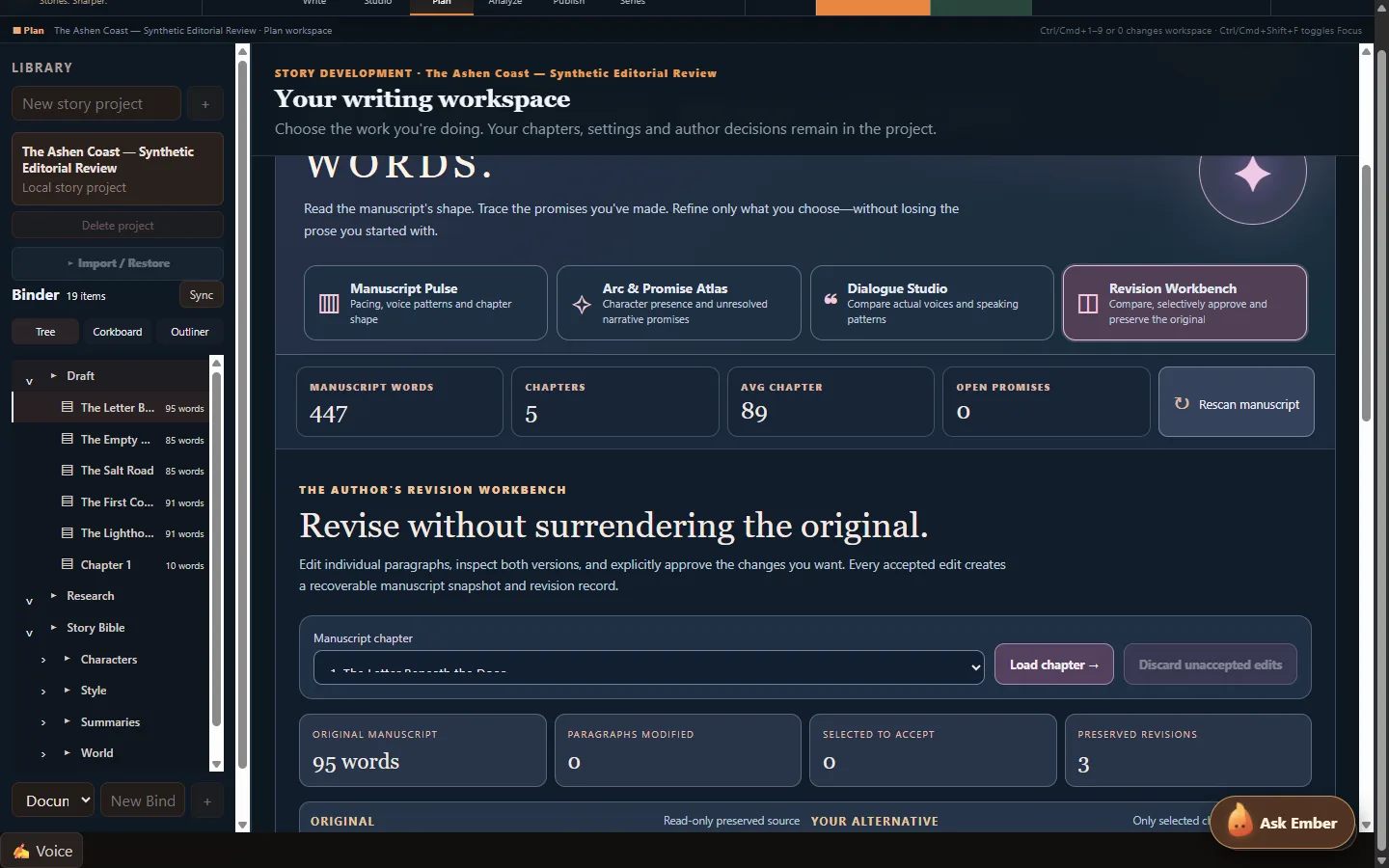
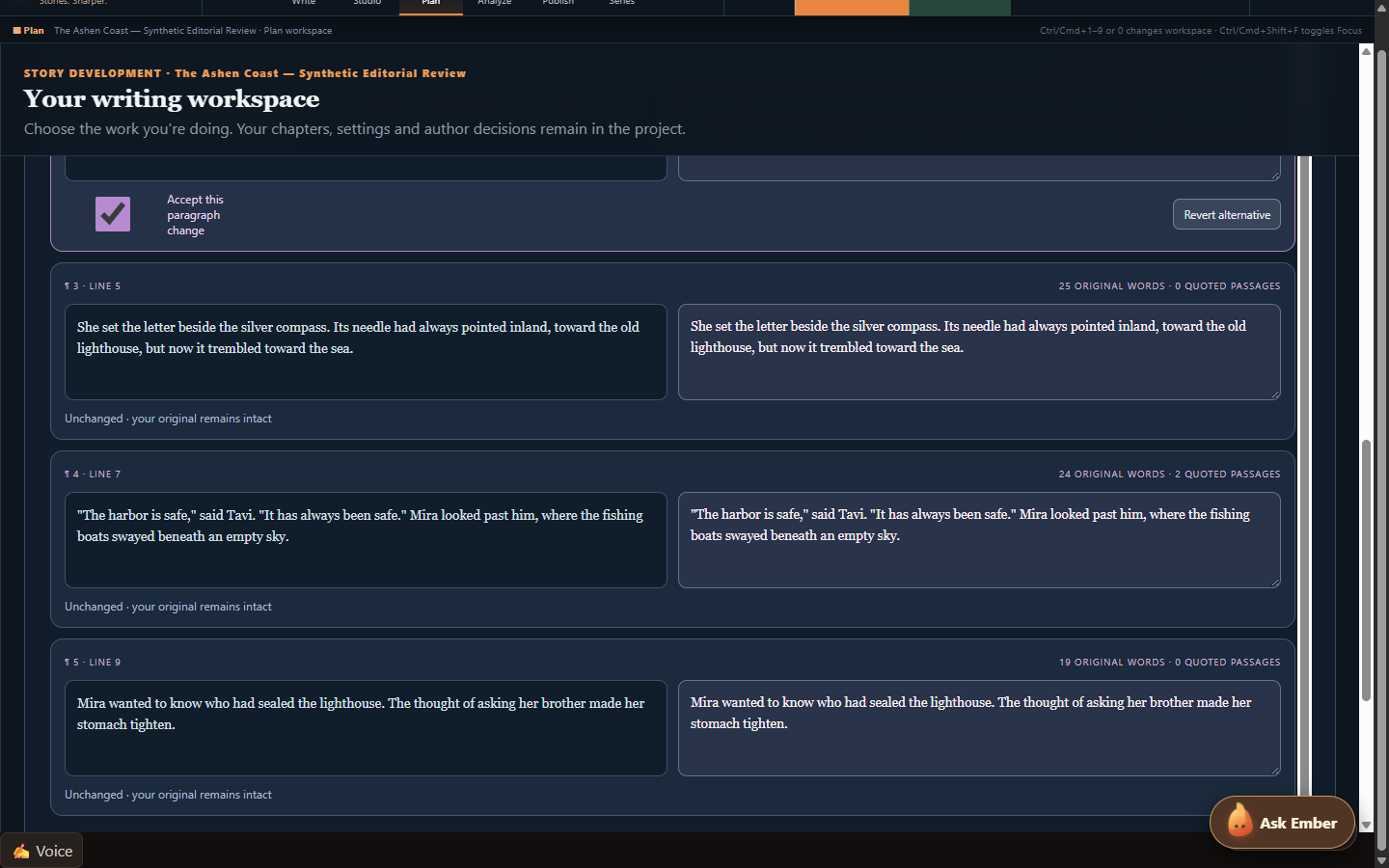
The writing desk is only one part of the experience. EmberWriter also includes series intelligence for tracking characters and continuity across books, a Scene Director for planning and structuring scenes, a Revision Workbench for examining proposed changes, and publishing tools for preparing exports.
One principle has guided the development: AI should assist the author without silently rewriting their work or deciding what becomes canon. A suggested revision remains a suggestion. A planned scene doesn't overwrite a chapter just because a model generated something.
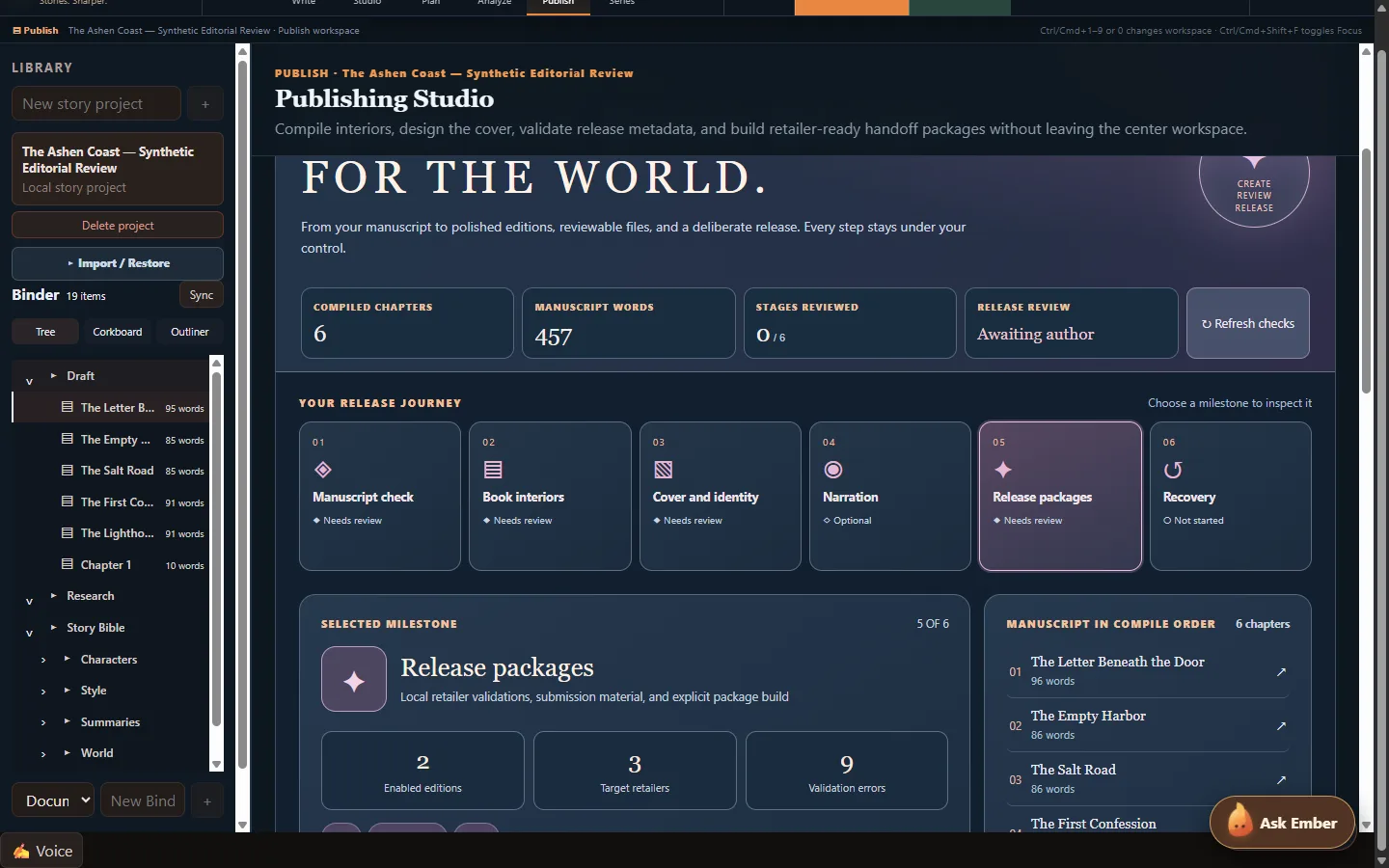
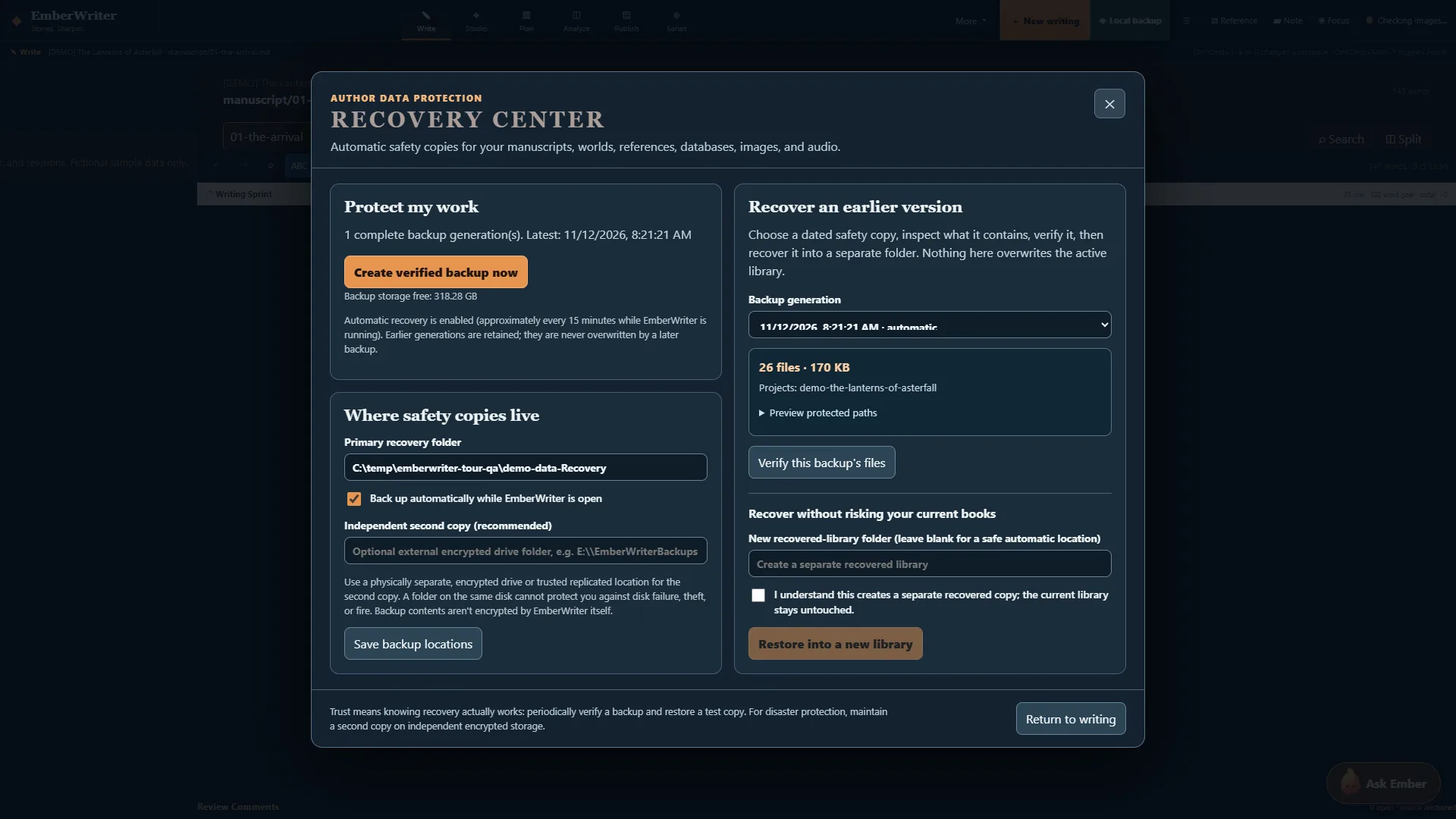
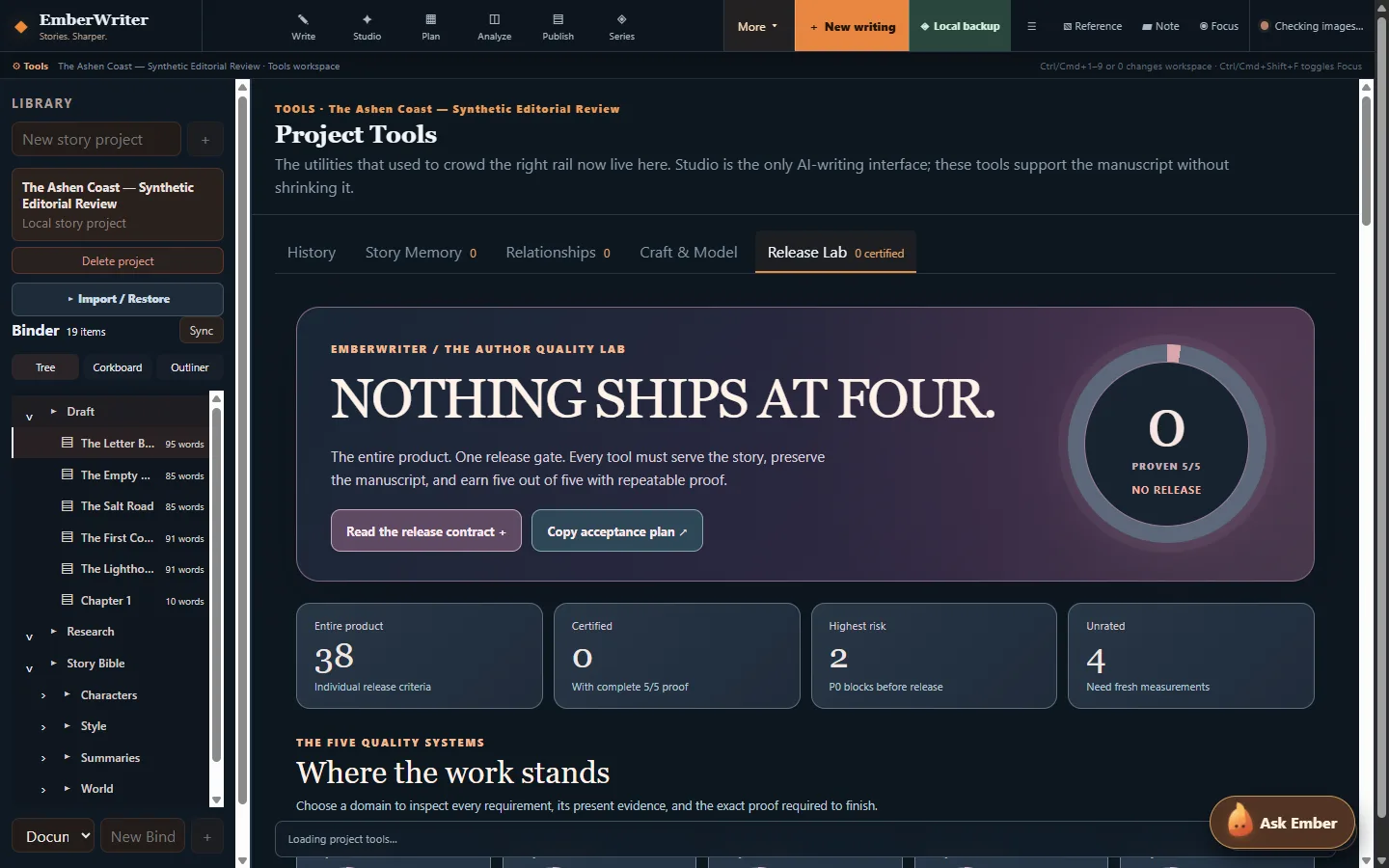
The application includes local recovery tools, source-linked story evidence, and a Release Lab that makes technical readiness and outstanding issues visible.
What's been tested? The latest engineering work includes backend and Windows recovery checks, an isolated end-to-end storyboard-to-writer test, and automated accessibility checks across desktop, tablet, and mobile layouts.
RC1 is still a developer preview, not a fully certified production release. Security hardening, fresh-device installation testing, and additional real-model quality evaluation are continuing. I'd recommend starting with the isolated DEMO workspace and keeping backups of any important writing.
Try EmberWriter with Pinokio:
- Open Pinokio on Windows x64.
- Choose Download from URL.
- Enter https://github.com/grumpystrongman/EmberWriter-Pinokio
- Select branch
release/0.16.0-rc.1.
- Install and launch DEMO to explore the application.
Application release:
https://github.com/grumpystrongman/EmberWriter/releases/tag/preview-0.16.0-rc.1
Pinokio preview release:
https://github.com/grumpystrongman/EmberWriter-Pinokio/releases/tag/preview-0.16.0-rc.1
I'd be interested in feedback from people actually writing longer fiction—particularly whether the transition from scene planning to drafting and reviewing changes feels natural. That's where I want the experience to improve most.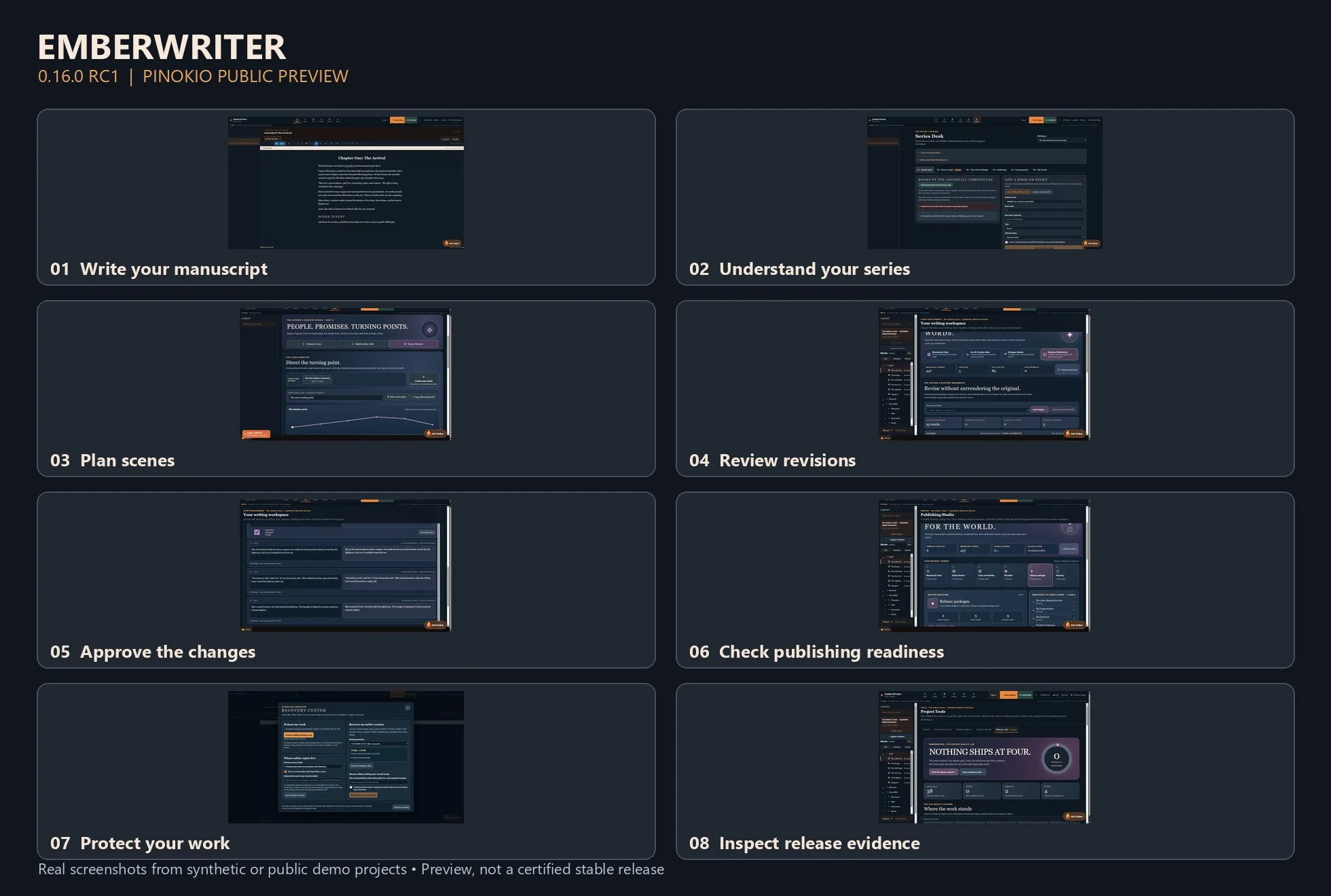


Writing a novel is more than generating paragraphs. It's keeping track of who knows what, what happened three chapters ago, which relationships have changed, and whether a new scene still makes sense in the larger story.
I've been building EmberWriter around that challenge. It's a local-first fiction writing studio designed to help authors move from an idea to a complete manuscript while keeping creative decisions in their own hands.
Version 0.16.0 RC1 is now available as a public preview through Pinokio.
The writing desk is only one part of the experience. EmberWriter also includes series intelligence for tracking characters and continuity across books, a Scene Director for planning and structuring scenes, a Revision Workbench for examining proposed changes, and publishing tools for preparing exports.
One principle has guided the development: AI should assist the author without silently rewriting their work or deciding what becomes canon. A suggested revision remains a suggestion. A planned scene doesn't overwrite a chapter just because a model generated something.
The application includes local recovery tools, source-linked story evidence, and a Release Lab that makes technical readiness and outstanding issues visible.
What's been tested? The latest engineering work includes backend and Windows recovery checks, an isolated end-to-end storyboard-to-writer test, and automated accessibility checks across desktop, tablet, and mobile layouts.
RC1 is still a developer preview, not a fully certified production release. Security hardening, fresh-device installation testing, and additional real-model quality evaluation are continuing. I'd recommend starting with the isolated DEMO workspace and keeping backups of any important writing.
Try EmberWriter with Pinokio:
release/0.16.0-rc.1.Application release:
https://github.com/grumpystrongman/EmberWriter/releases/tag/preview-0.16.0-rc.1
Pinokio preview release:
https://github.com/grumpystrongman/EmberWriter-Pinokio/releases/tag/preview-0.16.0-rc.1
I'd be interested in feedback from people actually writing longer fiction—particularly whether the transition from scene planning to drafting and reviewing changes feels natural. That's where I want the experience to improve most.