Pinokio
FeedAppsRemoteCreate
Download Pinokio
Sign inCreate accountJoin

Apps

Announcements

View all

Official updates.

Pinned announcement from Pinokio
pinokio
@cocktailpeanut•1d ago
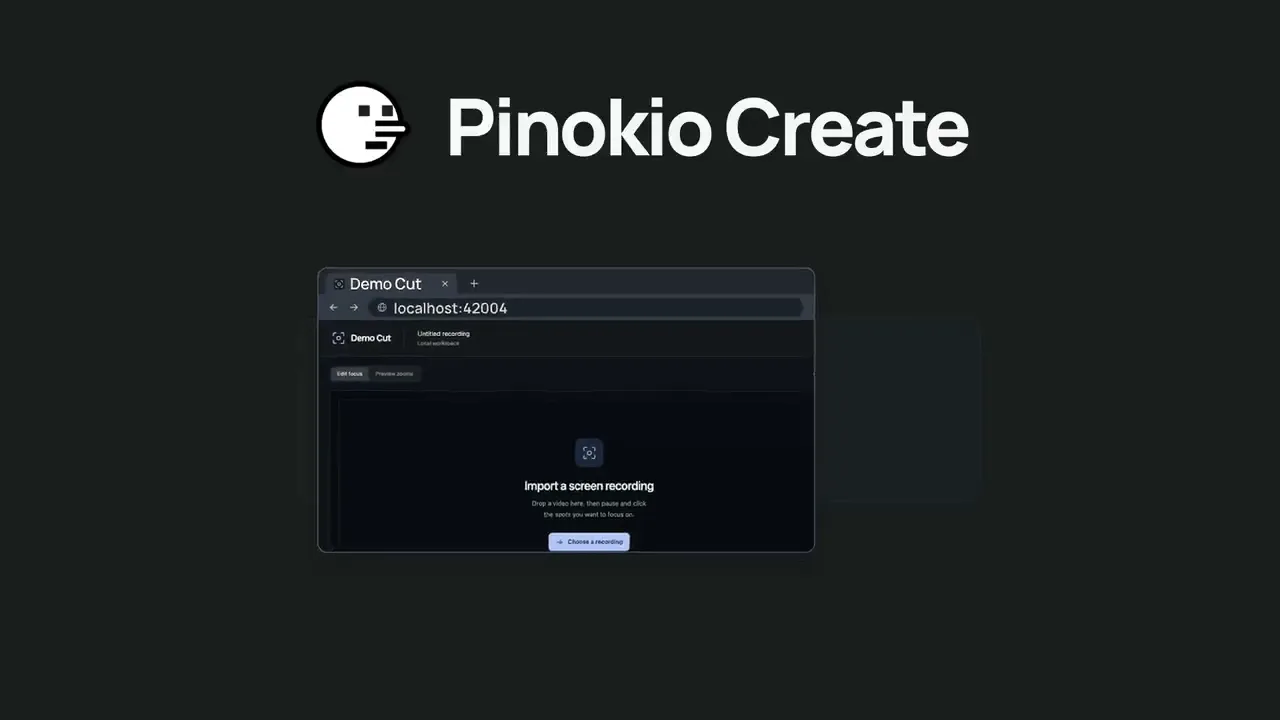
Pinokio Create: Turn Anything into a 1-Click Launcher, Automatically.Pinokio now talks to your AI agent to package anything into a 1-click launcher, publish to github, and list on pinokio, automatically. Just click the "Create" button at the top, select a template, enter what you want, and open in pinokio. Pinokio will hand off all the instructions needed to your own AI agent, and your agent will take it from there, taking care of everything automatically: Build a new app: Build a new app with 1-click launcher built-in, publish to github, and list to pinokio Publish your own app: Take your existing project, package it as a 1-click launcher, publish to github, and list to pinokio 1-Click Launcher for any existing project you want to try: Take any existing project you want to try out, package it as a 1-click launcher, publish to github and list on pinokio, all automatically.
God's Eye View
@bilawalsidhu•21 min ago
Hey everyone, we've got an official website now: https://godseyeview.ai. You can check out all the features, setup instructions and watch reconstructions of real-world events. By popular demand, we also have a hosted version coming, so you can get on the waitlist there as well. We will be opening up for early access soon. We also have a substantial 0.4.0 update coming to the open source self-hosted project next week. Thanks for all the support! Tons more to come.
Mumblebox 3D Asset Foundry
@mumblebox•2h ago
Foundry Preview 35 · The retro ray gun, better MCP tools, and an update fixSorry about all the commits and updates today. We kept making the same circular mistake. Update restarted Foundry, and reopening Foundry could start Update again. Preview 35 removes that step and checks for a newer release before stopping Foundry. I’ve been working on making Foundry easier to try, easier to connect to your agent, and easier to help improve. I made a 1930s-style ray gun to show what that looks like. You can load the same reference in Foundry, export the textured model, and take it into Blender. The Foundry GLB rendered under Blender studio lights. What’s fixed. Clicking Next in Single Image or Text could stop with setText is not defined. Thanks to @rgdesign for flagging it here and to @SibioJak for reproducing it on GitHub. We also fixed a Windows ZIP verification error caused by inconsistent line endings. The Preview 35 update keeps Foundry running when you already have the newest release. What you can try. Open Single Image or Text and choose Use sample image. First-use files shows which files the workflow expects to need and calls out anything it can’t estimate. If you hit an error, Copy details gives you a short report you can paste into an issue. The interface and workflow tips are available in all nine supported languages. The original image you can load with Use sample image. The exported ray gun spinning in Blender. What changed under the hood I’ve been giving the MCP and the companion SKILL.md a lot of attention. The tool descriptions now explain what inputs the agent needs and which calls read information, change a draft, or start a job. An agent can check first-use files before it queues work, watch the same progress you see in the wizard, and pick up the ZIP when it’s ready. On the Red Comet run I stopped the texturing pass through MCP, then retried it. Foundry picked up from the saved geometry and refinement. The same workflow exported a GLB with two embedded 4K maps, which I imported into Blender and lit for the turntable. The updated skill walks agents through choosing the right workflow, checking the result, and bringing it into Blender. Walkthrough, source image, settings, and GLB For the Windows ZIP fix, I compared all 639 files in the release ZIP with what Git produces from the release tag under both Windows line-ending settings. The new build matched byte for byte. Preview 35 should be fine for tonight. I’m sure I’ll find more bugs tomorrow. Thanks for your patience and for trying Foundry, sending in bugs, and sharing your results. More workflows are coming, and I’ll keep refining the recipes and defaults as we see what works on real assets. If you make something you like, I’d love to see it and hear which settings helped. Preview 35 on GitHub · Foundry on Pinokio
Phosphene
@bizarro•1d ago
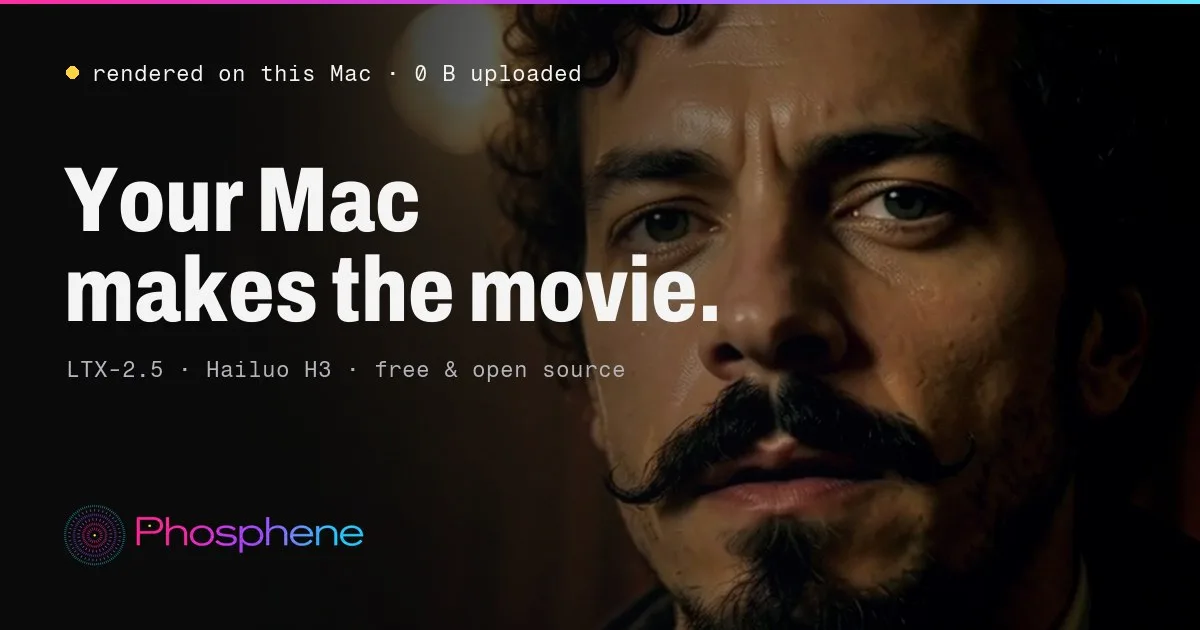
Phosphene 5.0.24 - now in ten languagesPhosphene 5.0.24 is out. The Studio now speaks your language. Everything here is free for everyone. https://phosphene.video/ Ten languages: English, Spanish, German, French, Italian, Portuguese, Russian, Japanese, Korean and Chinese (Simplified). Phosphene follows your Mac's language by itself; to pick another, open Settings and choose Language. Counts and times read naturally in every language, and labels that were written in pieces now read as whole sentences. The Pro window says what Pro does on this Mac, shows both plans with their prices, the 14-day refund and how your key arrives. Mac app 5.0.24: the app's own screens come in the same ten languages. The Studio in Spanish. Press Update, then restart Phosphene. The Studio picks your Mac's language on the next start. Release notes: https://github.com/mrbizarro/Phosphene/releases/tag/v5.0.24
MiniMax H3 Studio
@mvrdvk•2d ago
How to try it: Open Motion → Face Swap, add a source clip and a portrait of the replacement face, then describe exactly which person to swap. Preview a short shot first and check that the face follows the original head movement and expressions.
Haru
@cocktailpeanut•2d ago
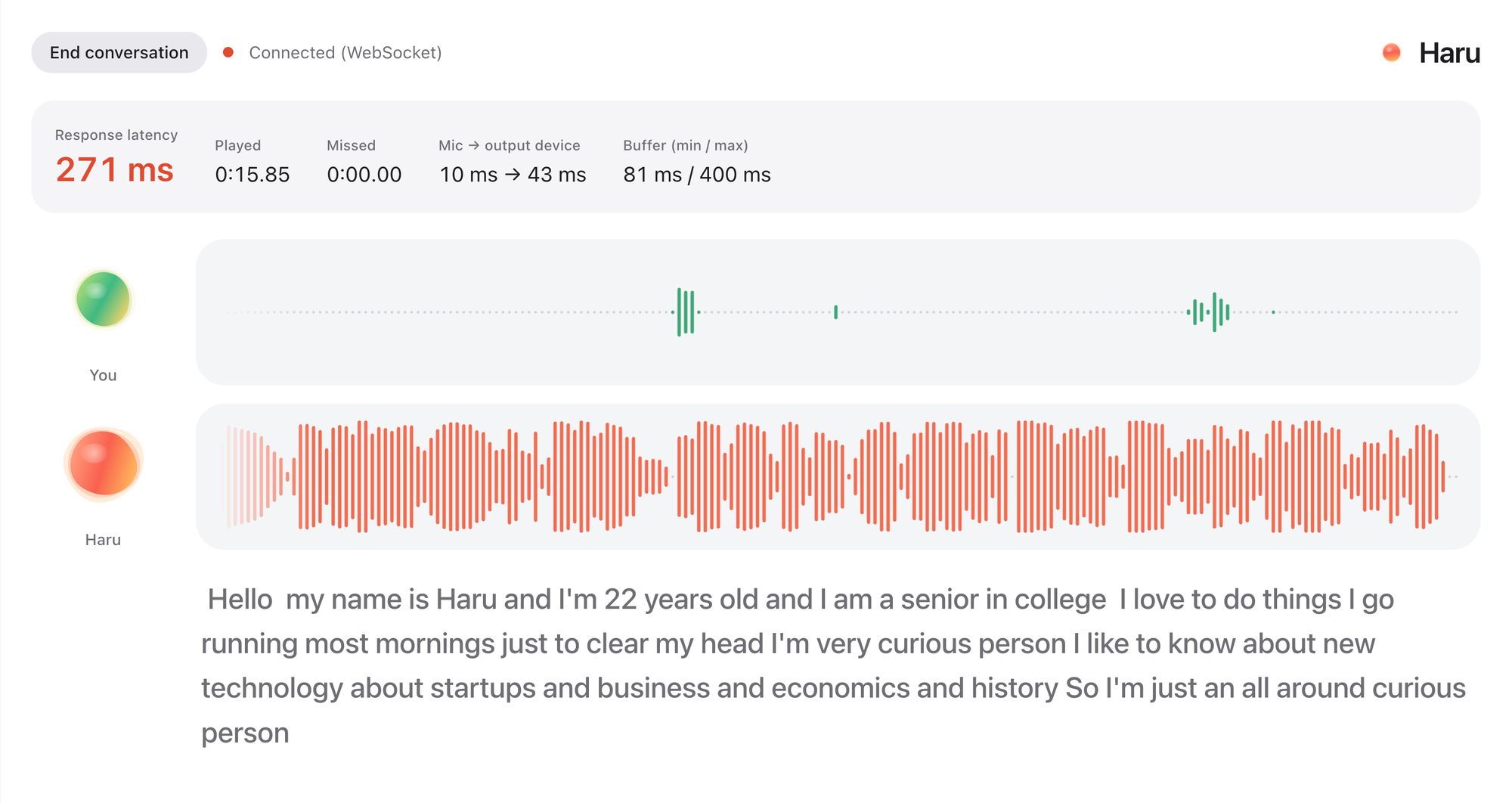
Haru: HER is here. Realtime voice chat with an AI friendRemember the movie HER? You talk to an AI like talking to a friend. It's not an assistant. It's your friend. You can just chat about anything, you can even interrupt while they're talking. Well, now you can actually experience the same thing with Haru. It's fully open source and open weight. It's completely free to use forever. More on X: https://x.com/cocktailpeanut/status/2121287442086994133 And here's what the UI looks like. When you start the chat (which can continue up to 60 minutes) and turn on the microphone, haru introduces himself/herself and you just start chatting. You can even interrupt while haru is speaking, just like chatting with a human. It is not perfect and has some quirks, but definitely worth trying out, really fascinating. System Requirements I've tested on NVIDIA GPU and Mac. Based on my experience you need: At least 12GB VRAM (but 16GB VRAM if you want actual smooth experience) NVIDIA GPU or a 12GB RAM Mac Supported Languages English Spanish Portuguese German French Chinese Japanese Russian Korean Examples Check out some examples: https://x.com/vinami/status/2121049617383231604?a=f1l6aAn7At7YIwYGWao&s=20 https://x.com/HigurashiAI/status/2121043937762889832?a=LxX12XkRp1HaexjZ_8Q&s=20
FeaturedPopularNewUpdated
Runs on:Any
System
AnymacOSWindowsLinux
GPU
AnyNVIDIAAMDApple
Show:All projects
LaunchersPluginsAll projects
#tts64#image-generation50#video-generation42#music35#utility35#video28#próba27#3d26
LyliaEngine/Pony_Diffusion_V6_XL · Hugging Face
We’re on a journey to advance and democratize artificial intelligence through open source and open science.
huggingface.co/LyliaEngine/Pony_Diffusion_V6_XLadded 9mo ago
0 check-insNVIDIAAMDApple
Qwen3-TTS
Qwen3-TTS is an open-source series of TTS models developed by the Qwen team
Xeronal81/Qwen3-TTS-Pinokiov5.0added 9mo ago
#tts
14 check-insNVIDIAAMDApple
OpenClaw (aka ClawdBot)Featured
The AI that actually does things https://openclaw.ai
cocktailpeanut/clawdbot.pinokiov5.0added 9mo ago
#agent#agents
@cocktailpeanut18 check-insNVIDIAAMDApple
LivePortrait
Bring portraits to life! https://github.com/KwaiVGI/LivePortrait
6Morpheus6/liveportraitv3.7added 9mo ago
@morpheus3 check-insNVIDIAAMDApple
IOPaint
Image inpainting tool powered by SOTA AI models. Remove any unwanted object, defect, or even people from your pictures, and replace (powered by stable diffusion) anything in your pictures. https://www.iopaint.com/
6Morpheus6/iopaint-pinokiov3.7added 9mo ago
@morpheus1 check-inNVIDIAAMDApple
Invoke
The Gen AI Platform for Pro Studios https://github.com/invoke-ai/InvokeAI
6Morpheus6/invokev3.7added 9mo ago
@morpheus2 check-insNVIDIAAMDApple
InstantStyle
Upload the picture of an image, and generate images with that image style. Instant generation with no LoRA required https://huggingface.co/spaces/InstantX/InstantStyle
6Morpheus6/instantstylev3.7added 9mo ago
@morpheus3 check-insNVIDIAAMDApple
hallo
[NVIDIA Only] Hierarchical Audio-Driven Visual Synthesis for Portrait Image Animation https://github.com/fudan-generative-vision/hallo
6Morpheus6/Hallov3.7added 9mo ago
@morpheus1 check-inNVIDIAAMDApple
Forge
[NVIDIA ONLY] The most efficient way to run FLUX (Optimized to run even on low memory machines, as low as 3GB VRAM with 512x512 resolution) https://github.com/lllyasviel/stable-diffusion-webui-forge
6Morpheus6/stable-diffusion-webui-forgev2.0added 9mo ago
@morpheus4 check-insNVIDIAAMDApple
Fooocus
Minimal Stable Diffusion UI
6Morpheus6/fooocusv3.7added 9mo ago
@morpheus10 check-insNVIDIAAMDApple
fluxgym
[NVIDIA Only] Dead simple web UI for training FLUX LoRA with LOW VRAM support (From 12GB)
6Morpheus6/fluxgymv3.7added 9mo ago
@morpheus3 check-insNVIDIAAMDApple
face-to-all
diffusers InstantID + ControlNet inspired by face-to-many from fofr (https://x.com/fofrAI) - a localized Version of https://huggingface.co/spaces/multimodalart/face-to-all
6Morpheus6/face-to-allv3.7added 9mo ago
@morpheus1 check-inNVIDIAAMDApple
LuxTTS Studio
Gradio-based web interface for the LuxTTS voice cloning and text-to-speech model, enabling users to generate customized speech from text using uploaded or recorded audio references with adjustable parameters like speed, guidance scale, and inference steps.

TheAwaken1/LuxTTS-Studiov2.0added 9mo ago
@theawakenone3 check-insNVIDIAAMDApple
HeartMuLa/HeartMuLa-oss-3B · Hugging Face
We’re on a journey to advance and democratize artificial intelligence through open source and open science.
huggingface.co/HeartMuLa/HeartMuLa-oss-3Badded 9mo ago
0 check-insNVIDIAAMDApple
Eliza Vs Llama
cocktailpeanut/eliza-vs-llamaadded 9mo ago
@cocktailpeanut0 check-insNVIDIAAMDApple
Stable Diffusion web UI
AUTOMATIC1111/stable-diffusion-webui
cocktailpeanut/sdxl.pinokioadded 9mo ago
@cocktailpeanut1 check-inNVIDIAAMDApple
Audiocraft
Text to audio, open sourced by Meta
cocktailpeanut/audiocraft.pinokioadded 9mo ago
@cocktailpeanut5 check-insNVIDIAAMDApple
sysinfo
cocktailpeanut/sysinfo.pinokioadded 9mo ago
@cocktailpeanut0 check-insNVIDIAAMDApple
StableVideo
[ICCV 2023] StableVideo: Text-driven Consistency-aware Diffusion Video Editing https://rese1f.github.io/StableVideo/
cocktailpeanut/stablevideo.pinokioadded 9mo ago
@cocktailpeanut0 check-insNVIDIAAMDApple
facefusion
Next generation face swapper and enhancer
cocktailpeanut/facefusion2.pinokioadded 9mo ago
@cocktailpeanut10 check-insNVIDIAAMDApple
Previous
1...279280281...306
NextPage 280 of 306

Get project updates

Pulse

View all

The latest posts from across Pinokio.

Hey everyone, we've got an official website now: https://godseyeview.ai. You can check out all the fe...
@bilawalsidhu · God's Eye View
Foundry Preview 35 · The retro ray gun, better MCP tools, and an update fix
@mumblebox · Mumblebox 3D Asset Foundry1
Sorry about all the commits and updates today. We kept making the same circular mistake. Update resta...
is it free?
@preneshkl · MiniMax H3 Studio
Checked in to Maestro.
@gjphilander · Community
Checked in to FaceFusion 3.9.2.
@alexvichko1997 · Community

Radar

View all

Projects getting attention.

Followed·2 min
Comfyui
The most powerful and modular diffusion model GUI, api and backend with a graph/nodes interface. https://github.com/comfyanonymous/ComfyUI
Installable
Followed·7 min
ZONOS3-Mini
Local multilingual speech generation, voice cloning, and voice steering with Zonos Voice Studio. https://github.com/Zyphra/ZONOS3-Mini
Installable
Followed·9 min
PotionUI
PotionUI: self-hosted AI image and video generation with a preset-driven interface, a native diffusers engine and ComfyUI support. Requires Windows or Linux with an NVIDIA GPU (driver 580 or newer, 8 GB VRAM and 16 GB RAM minimum). Other machines get a remote-only install.
Installable
Followed·10 min
MiniMax H3 ComfyUI
MiniMax H3 omni-modal video generation in ComfyUI. Text/image/video/audio in, video with native 32kHz stereo audio out (768p default, 1080p+ supported). Disk-optimized: pruned INT8 + NVFP4 weights (~63GB instead of ~290GB). NVIDIA only.
Installable
Followed·13 min
Maestro
An all-in-one, 100% local AI video, image & music studio. Its Director mode turns a single prompt into a full music video or short film — LLM-planned, shot by shot. Built on the WanGP pipeline (Wan 2.1/2.2, LTX-2.3, Qwen, Hunyuan Video, Flux). Requires an NVIDIA GPU (6GB+ VRAM).
Installable
Pinokio
PrivacyTerms
FeedAppsCreateRemote

Explore the community

#showcase
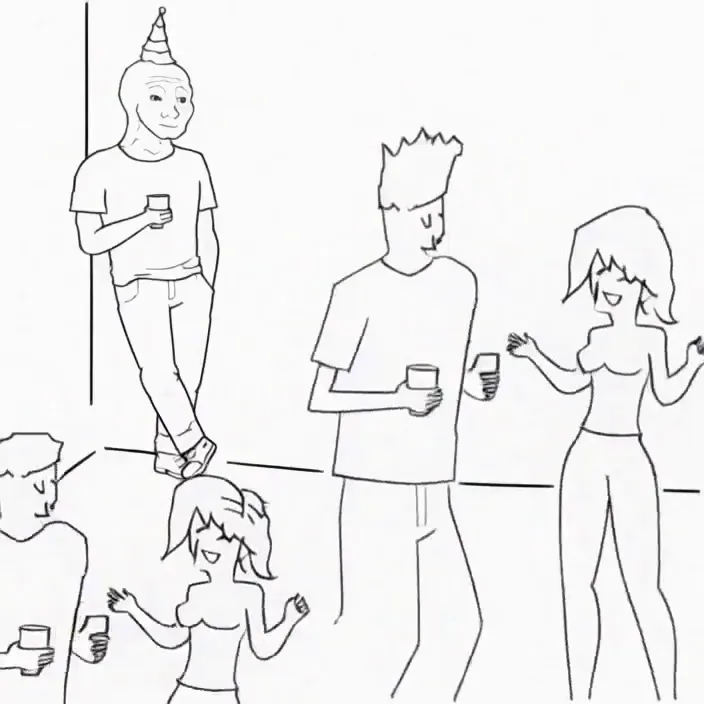
Minimax H3 Singularity 4 Step Generation Prompt: Use the provided image as the starting frame. Preserve the exact minimalist black-and-white Wojak meme drawing style, characters, and party setting. Static camera, no cuts, no zooms, no dialogue, no text. 0–3s: The man leans casually against the wall in the corner, legs crossed, one hand in his pocket, holding his drink. He has a faint, peaceful smile. Across the room, three extremely attractive adult women dancing at the party notice him. They exchange excited glances. 3–7s: The first woman confidently approaches him, flips her hair, gives h...
@cocktailpeanut·17d ago
#cool-project
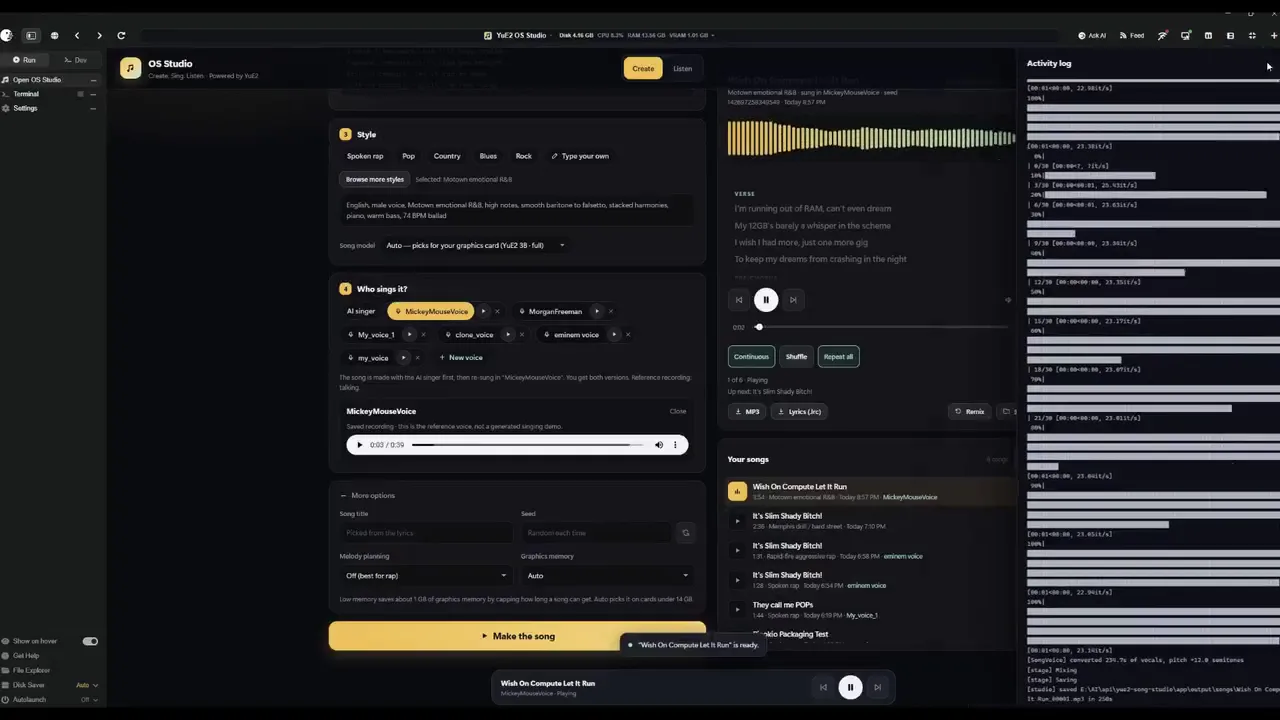
Preview of my next project!
@theawakenone·4d ago
#guide
Pinokio Create: Turn Anything into a 1-Click Launcher, Automatically.
@cocktailpeanut·1d ago
#testers-wanted
For those of you brave enough to install... Thanks for trying it out. I am adding a bug report feature and fixing the workflows for objects/creatures/vehicles. I am also adding a coding agent driven headless Blender node. I will be looking to optimizes for low memory systems soon. There is alot to do on the Roadmap. Thanks for your interest.
@mumblebox·13d ago