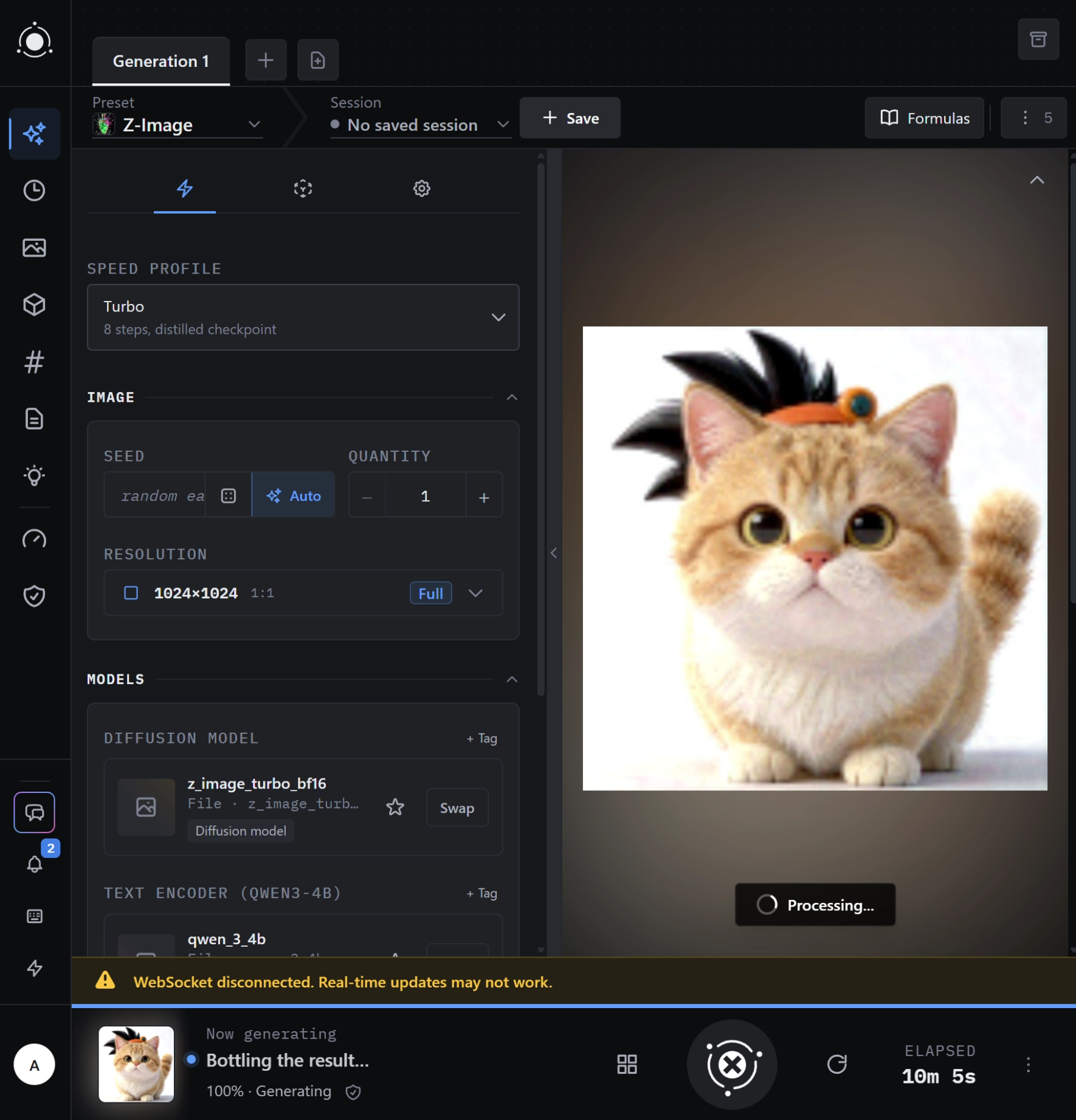
Finally got in, and even the generation went successful!
But also found some bugs.
Bug 1
First of all, the backend kept crashing while generating so I asked my agent and it said:
The backend is crashing inside PyTorch during local Z-Image generation. Windows recorded the same failure twice today, at 10:38 and 11:23: an access violation (0xc0000005) in torch\lib\c10.dll. This kills Python outright, explaining the missing traceback.

I also found a likely contributor:

- PotionUI’s GPU monitoring looks for NVIDIA’s library in an obsolete Windows location.
- Consequently, generation gets a VRAM budget of 0–0.058 GB, despite roughly 17 GB actually being free. Generation log (logs/api/start.js/latest:801)
- That incorrect budget affects model placement and offloading.
Bug 2
When trying to load the UI on mobile, the fields are not filled out automatically and fails generation as a result.
On a fresh phone browser session, selecting Z-Image and generating without opening Settings returns HTTP 422 because diffusion_model, text_encoder, and vae are missing. Desktop fills them automatically.

Suspected cause:
StudioView.svelte mounts StudioSettingsSheet only when openSheet === 'settings'. This mounts GenerationFormPane / DynamicForm, where schema defaults and model autopicking initialize.

Please initialize form state when the preset/mode loads, independently of opening Settings. Preserve saved selections and avoid duplicate form instances.

Reproduction:
1. Open a fresh mobile browser session.
2. Select Z-Image.
3. Generate without opening Settings.
4. Observe the missing-model validation errors.



Finally got in, and even the generation went successful!
But also found some bugs.
Bug 1
First of all, the backend kept crashing while generating so I asked my agent and it said:
Bug 2
When trying to load the UI on mobile, the fields are not filled out automatically and fails generation as a result.