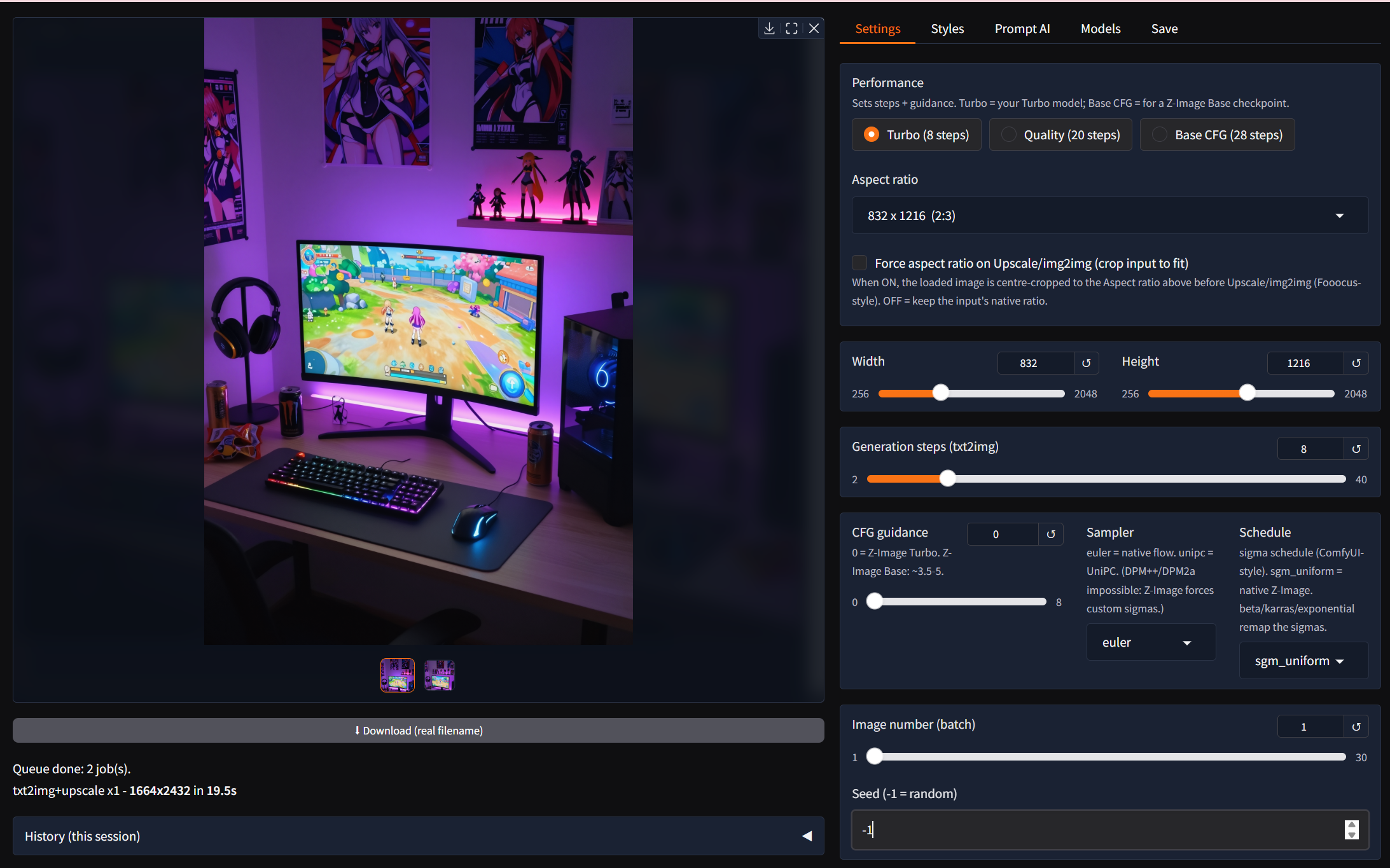
crispz-studio is a Fooocus-style web studio for Z-Image Turbo, the distilled 6B model that renders a clean 1024 image in about 8 steps at guidance 0. It is the root of the crispz family: the other studios (klein, krea, qwen-edit, flux3, moss, ideogram) are forks of this one, so what you learn here works everywhere. Everything runs on your own GPU, no ComfyUI, no cloud.
- Text to Image with styles (277, searchable, with previews), wildcards, tag autocomplete, prompt variants, a live preview and Stop.
- Upscale and enhance: Real-ESRGAN plus a Z-Image refine pass, tiled up to 4K, with one-click Vary (subtle / strong). Force aspect ratio can crop, or extend by generating the missing bands instead of cropping.
- Models: single-file checkpoints from CivitAI, GGUF quants (Q3 to Q8, kept quantized in VRAM), FP8 and FP8-scaled files, LoRAs with hot swap, a CivitAI search with previews and trigger words.
- Job queue and X/Y/Z grids: every setting snapshotted into a job, overnight batches, Pause and Stop that never lose a job, annotated contact sheets.
- Prompt AI, local: Describe, Improve and Vision Mix through Ollama; Remove BG, Reframe / outpaint, Face Swap, a hand and face detailer.
- boot_check: a smart diagnostic that tells you before the crash whether your torch build has kernels for your card (the classic RTX 50xx + wrong torch case), with the fix.
- CLI and the family protocol v1 (
czp): batch work, and the engine behind comics2crispz.
Hardware: an NVIDIA GPU; 8 GB of VRAM is enough with the GGUF quants and offload, more is comfortable. Z-Image Turbo is Apache 2.0, public on Hugging Face: no token.
Pinokio launcher: https://github.com/mikecastrodemaria/crispz-studio.pinokio
Source: https://github.com/mikecastrodemaria/crispz-studio
Install (Pinokio)
- In Pinokio, open Discover and paste
https://github.com/mikecastrodemaria/crispz-studio.pinokio.
- Click Install: the launcher clones the app, creates the venv, installs the requirements and PyTorch (CUDA 12.8 on NVIDIA, ROCm / MPS / CPU elsewhere).
- Click Start, then Open Web UI. The first render downloads the model.
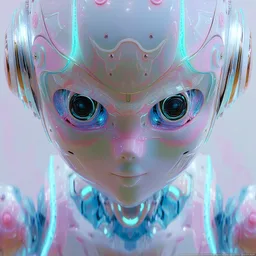

crispz-studio is a Fooocus-style web studio for Z-Image Turbo, the distilled 6B model that renders a clean 1024 image in about 8 steps at guidance 0. It is the root of the crispz family: the other studios (klein, krea, qwen-edit, flux3, moss, ideogram) are forks of this one, so what you learn here works everywhere. Everything runs on your own GPU, no ComfyUI, no cloud.
czp): batch work, and the engine behind comics2crispz.Hardware: an NVIDIA GPU; 8 GB of VRAM is enough with the GGUF quants and offload, more is comfortable. Z-Image Turbo is Apache 2.0, public on Hugging Face: no token.
Pinokio launcher: https://github.com/mikecastrodemaria/crispz-studio.pinokio
Source: https://github.com/mikecastrodemaria/crispz-studio
Install (Pinokio)
https://github.com/mikecastrodemaria/crispz-studio.pinokio.