Hey everyone! I’ve been building Mumblebox 3D Asset Foundry into the kind of toolbox I wanted for my own projects. I take ComfyUI recipes I’ve tested, turn them into guided wizards, give them defaults I’d actually use, and keep improving them as I find better ways to make things.
You can create 3D assets on your own machine without knowing ComfyUI. Pinokio handles the software setup, and the wizards show you the choices that matter along the way.
CCORE turns a description into a 3D prop
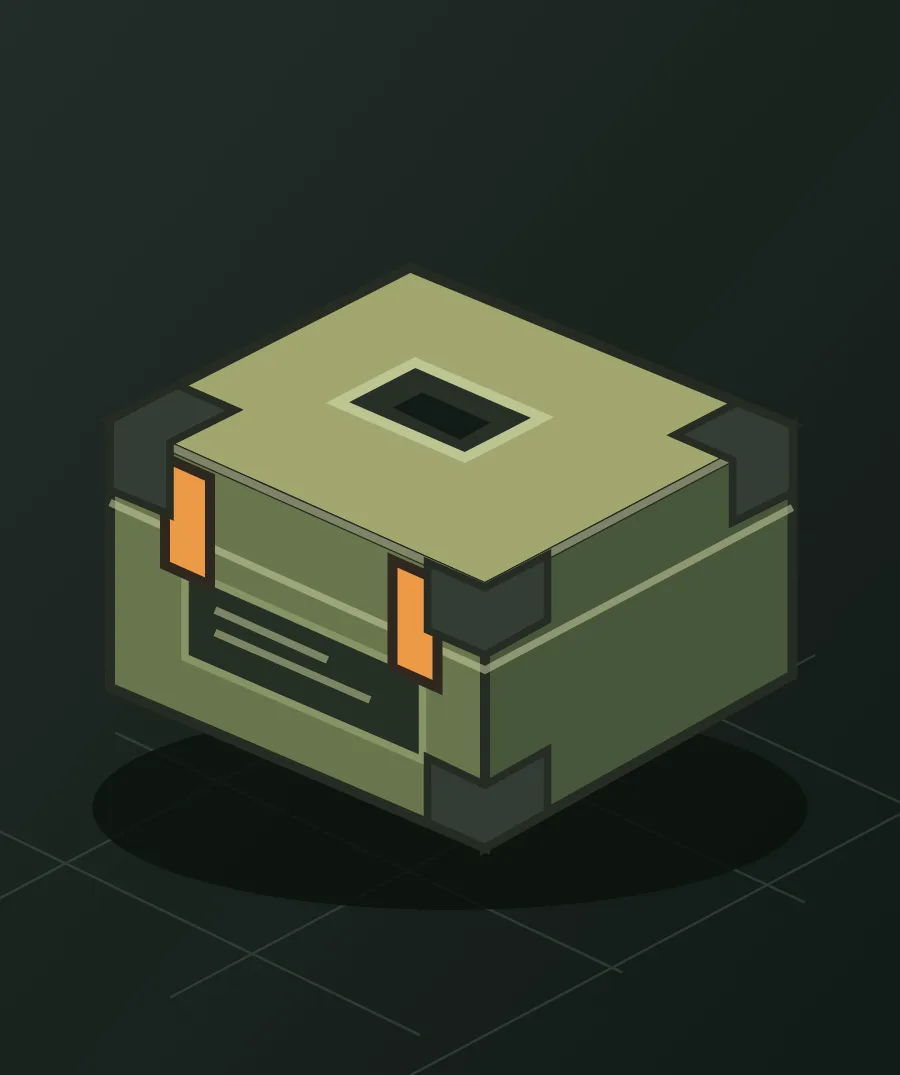
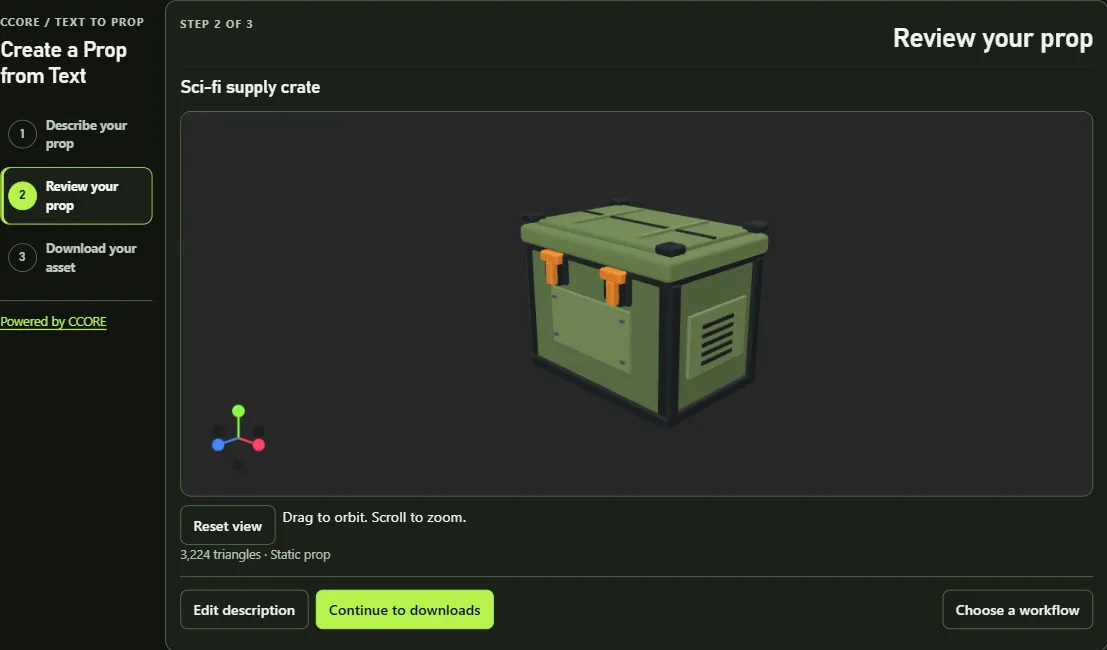
Need a battered cargo crate, a field radio, or a piece of furniture for a scene? Describe it and CCORE builds a stylized low-poly prop you can orbit in 3D. There are 12 editable examples to get you going. If you only have a rough idea, Enhance description uses local Qwen to help flesh out the design, and you can edit every word before generating. Download a GLB to take into Blender or grab a ZIP with the asset and its details.
HairDeck gives your characters hair that moves
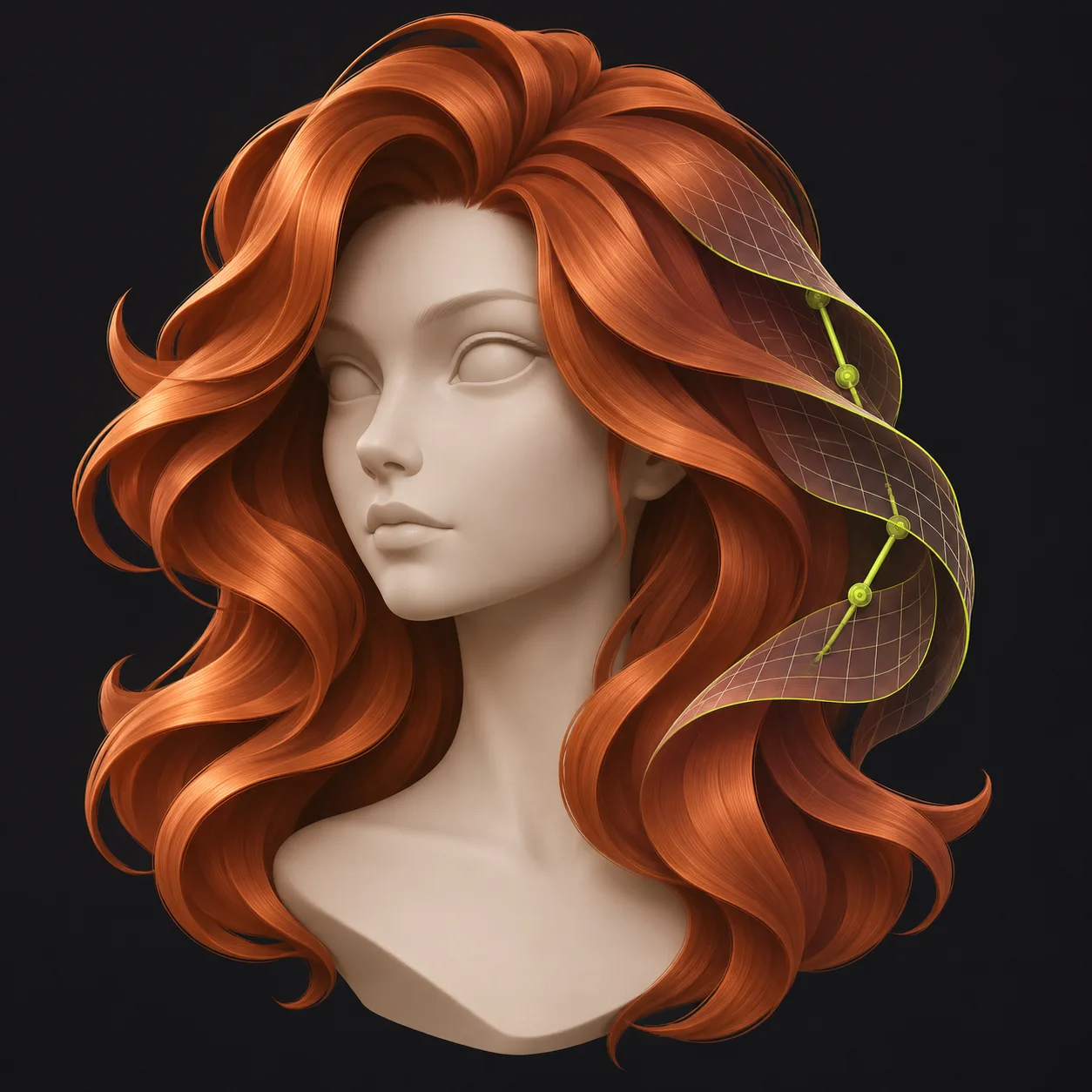
Start with one clear hairstyle reference and generate stylized 3D hair cards. Compare variations, inspect the hair and its bone chains in 3D, and adjust the fit, color, and materials. Preview how the hair moves before exporting it as a static GLB or a rigged VRM with spring bones for an avatar.
What’s next for Claude, Codex, and Blender
Foundry already ships an MCP. Claude or Codex can hand off a supported asset job, keep working while your machine runs it, and come back for the result. I’m working on a companion skill to teach agents when to use Foundry and how to hand the asset off to Blender. The idea is to save tokens by reusing tested workflows and letting local software do the generation.
A big thank-you to @halr9000 for the HairDeck installer compatibility and Blender download fixes from their fork. Thanks to everyone who’s tried Foundry and shared feedback. If you’ve found a workflow you love or have ideas for a better recipe, I’d love to hear about it.
Windows / NVIDIA preview. Already have Foundry? Use Update in Pinokio to get preview.18.



Hey everyone! I’ve been building Mumblebox 3D Asset Foundry into the kind of toolbox I wanted for my own projects. I take ComfyUI recipes I’ve tested, turn them into guided wizards, give them defaults I’d actually use, and keep improving them as I find better ways to make things.
You can create 3D assets on your own machine without knowing ComfyUI. Pinokio handles the software setup, and the wizards show you the choices that matter along the way.
CCORE turns a description into a 3D prop
Need a battered cargo crate, a field radio, or a piece of furniture for a scene? Describe it and CCORE builds a stylized low-poly prop you can orbit in 3D. There are 12 editable examples to get you going. If you only have a rough idea, Enhance description uses local Qwen to help flesh out the design, and you can edit every word before generating. Download a GLB to take into Blender or grab a ZIP with the asset and its details.
HairDeck gives your characters hair that moves
Start with one clear hairstyle reference and generate stylized 3D hair cards. Compare variations, inspect the hair and its bone chains in 3D, and adjust the fit, color, and materials. Preview how the hair moves before exporting it as a static GLB or a rigged VRM with spring bones for an avatar.
What’s next for Claude, Codex, and Blender
Foundry already ships an MCP. Claude or Codex can hand off a supported asset job, keep working while your machine runs it, and come back for the result. I’m working on a companion skill to teach agents when to use Foundry and how to hand the asset off to Blender. The idea is to save tokens by reusing tested workflows and letting local software do the generation.
A big thank-you to @halr9000 for the HairDeck installer compatibility and Blender download fixes from their fork. Thanks to everyone who’s tried Foundry and shared feedback. If you’ve found a workflow you love or have ideas for a better recipe, I’d love to hear about it.
Windows / NVIDIA preview. Already have Foundry? Use Update in Pinokio to get preview.18.