

Pinokio
FeedApps
Author@yoyokits
Download Pinokio
Sign inCreate accountJoin

Cekli.com

@yoyokits

Software engineer building sensor-data visualization at ROSEN, and indie Android apps (MemoCam, MemoShare) at Cekli — no cloud, no tracking.

GitHubcekli.comLinkedInX

Joined September 2026

0 Following5 Followers1 App
PostsRepliesApps
More
ActivityCheckpointsFollowed appsGitHub creations

Published apps

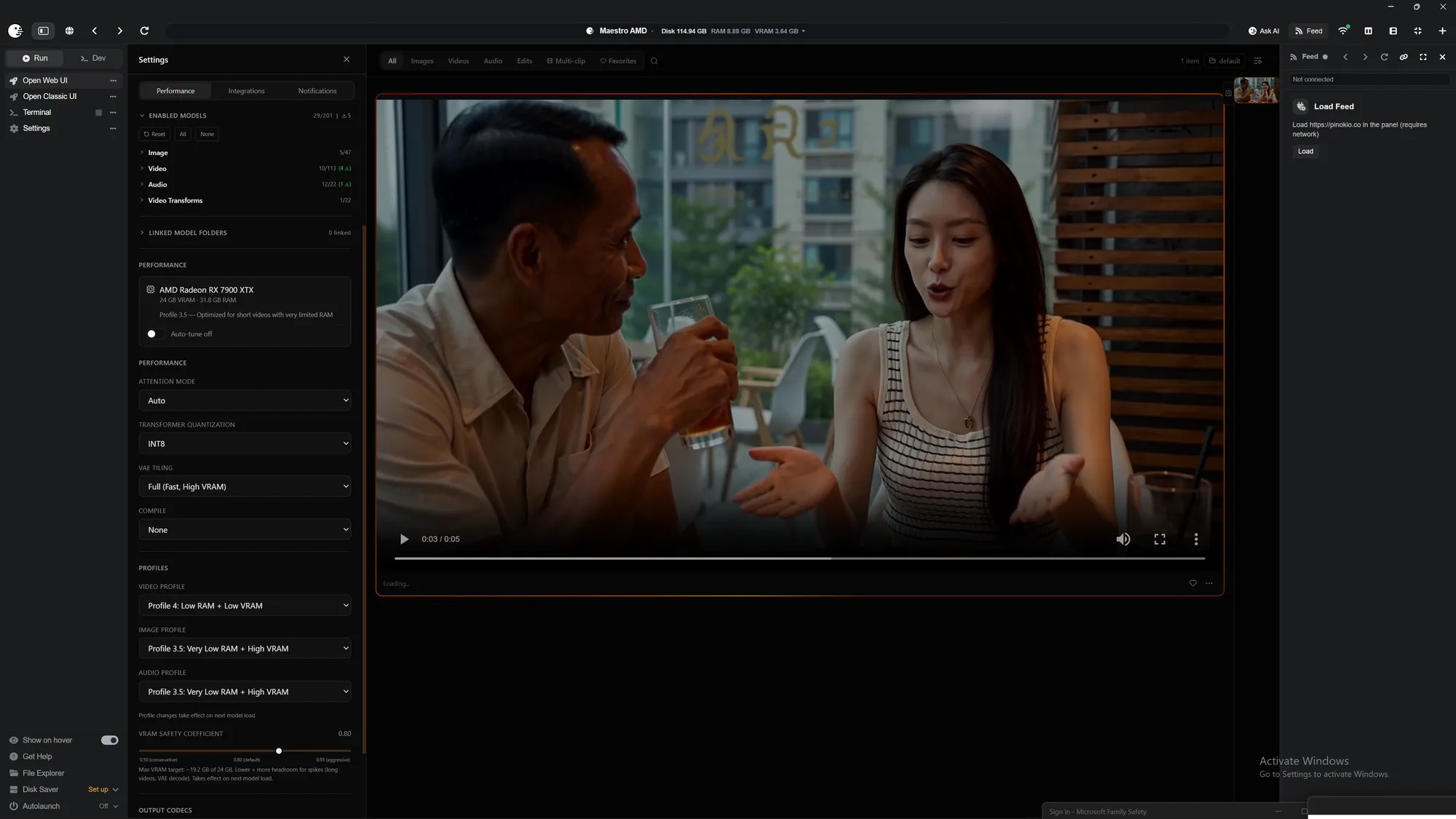
  • Maestro AMD[AMD ONLY] All-in-one local AI video, image & music studio built on the WanGP pipeline (Wan 2.1/2.2, LTX-2.3, Qwen, Hunyuan Video, Flux). ROCm-powered. Supported on Windows and Linux for RDNA 2-4 dGPUs (RX 6000/7000/8000/9000) and gfx1150-53 APUs (Strix Point/Halo, Krackan Point/Halo). 6 GB+ VRAM recommended. For NVIDIA GPUs use the upstream Maestro app. Credits: the app itself is Maestro by Blizaine (github.com/Blizaine/Maestro) — this is just an AMD installer wrapper around it. The clone-at-install-time approach used to port it to AMD was pioneered by 6Morpheus6's wan2gp-amd (github.com/6Morpheus6/wan2gp-amd).
View all apps
Posts · 3
Cekli.com@yoyokits·1mo ago

[Fixed] Maestro AMD Error: MiniMax H3 renders a flat-grey video on my AMD card— and the fix was one dropdown

TL;DR: If MiniMax H3 in Maestro / WanGP "finishes" a generation but the file is a tiny (~50 KB) solid-grey clip on an AMD GPU, open Advanced Settings → H3 Text Encoder and make sure it is GGUF Q4_K_M, not GGUF Q2_K. The 2-bit Q2_K encoder is unreliable for H3 on the ROCm-for-Windows build. Everything else I tried — TDR registry tweaks, reboots, resolution cuts, rolling Maestro back a version — was a dead end. The setup GPU: Radeon RX 7900 XTX (RDNA 3, gfx1100), 24 GB VRAM RAM: 32 GB OS: Windows 11 App: Maestro AMD (a Pinokio wrapper around Blizaine/Maestro, which is built on the WanGP pipeline

Maestro AMDyoyokits/Maestro-AMD
#amd#h3#troubleshooting
0
Cekli.com@yoyokits·1mo ago

Maestro AMD Playbook

A known-good starting configuration for Maestro on AMD, taken from generations that actually completed — not from theory. Start here, confirm it runs, then experiment outward. Measured on: GPU Target VRAM System RAM OS Radeon RX 7900 XTX gfx1100 24 GB 32 GB Windows 11 Read this first — lower settings first, always The most common way to conclude "Maestro doesn't work on AMD" is to open it and immediately ask for a long, high-resolution clip. On a 24 GB card with 32 GB of system RAM that will stall — and the stall looks exactly like a crash, because nothing prints while it grinds. Run the small

Maestro AMDyoyokits/Maestro-AMD
1
Cekli.com@yoyokits·1mo ago

Maestro AMD: 100% Local AI Video/Image/Music Studiofor AMD GPUs

Maestro AMD (github.com/yoyokits/Maestro-AMD) is a Pinokio wrapper that gets the Maestro creative studio running on AMD GPUs via ROCm — 100% local AI video, image, and music generation, no cloud, no subscription. It bundles Director Mode (prompt → finished short film/music video), Studio Mode (manual control over MiniMax H3, LTX‑2.5, Hunyuan Video, Flux 2, Krea 2, TTS/music/SFX models), and Edit Mode (retakes, character swap, repaint, outpaint). Runs on RDNA 2/3/4 cards (RX 6600–9000 series) and Ryzen AI APUs, on Windows or Linux. ⚠️ Before using Maestro AMD: change settings or risk a system h

Maestro AMDyoyokits/Maestro-AMD
0
You’re all caught up.
Pinokio
PrivacyTerms
FeedApps