Pinokio
FeedAppsRemoteCreate
Download Pinokio
Sign inCreate accountJoin

New apps

Apps

FeaturedAnnouncedUpdatedNew

One-click launchers that install and run apps on your computer.

System:Any
AnymacOSWindowsLinux
GPU:Any
AnyNVIDIAAMDApple
#tts64#image-generation51#video-generation42#music35#utility35#agent28#video28#próba27
audio-variants
Příprava MP3 pro Suno — varianty L1–L4, sample export, mashup, A/B přehrávač, kalibrace a filter oracle.

alkofolik/audio-variantsv7.0added 4mo ago
0 check-insNVIDIAAMDApple
Audio Variants Studio
Moderní webové studio pro tvorbu, porovnání a kalibraci audio variant.
alkofolik/audio-variants-pinokiov7.0added 4mo ago
0 check-insNVIDIAAMDApple
حامی شبکه ماسو (Masu Network Local)
نسخه کاملاً لوکال و آفلاین سامانه مشاوره امن و اضطراری قربانیان خشونت خانگی شبکه ماسو

helpsystem/Masuadded 4mo ago
0 check-insNVIDIAAMDApple
Local Computer Use
Private computer-use AI with a hard per-application safety boundary. Local model inference only; no cloud APIs.

jojogamerCt/Local_Computer_Usev8.0.0added 4mo ago
0 check-insNVIDIAAMDApple
Bonsai Demo
Run PrismML Bonsai and Ternary-Bonsai language models locally on macOS, Linux, and Windows with llama.cpp.

godwish/BonsaiDemo.pinokiov7.0added 4mo ago
@godwish3 check-insNVIDIAAMDApple
DocToSpeech (CSM)
Fully offline document-to-speech converter using Sesame CSM-1B. Conversational speech model with Llama backbone and voice cloning. Converts EPUB, PDF, DOCX, HTML, and TXT files to audio. No API keys or cloud services required.

C0m3b4ck/DocToSpeech-CSMv7.0added 4mo ago
#tts
@c0m3b4ck0 check-insNVIDIAAMDApple
DocToSpeech (OpenVoice)
Fully offline document-to-speech converter using OpenVoice V2. Tone color conversion and voice cloning via MeloTTS. Converts EPUB, PDF, DOCX, HTML, and TXT files to audio. No API keys or cloud services required.
C0m3b4ck/DocToSpeech-OpenVoicev7.0added 4mo ago
@c0m3b4ck0 check-insNVIDIAAMDApple
DocToSpeech (Tortoise)
Fully offline document-to-speech converter using Tortoise TTS. High-quality autoregressive synthesis with voice cloning. Converts EPUB, PDF, DOCX, HTML, and TXT files to audio. No API keys or cloud services required.
C0m3b4ck/DocToSpeech-Tortoisev7.0added 4mo ago
@c0m3b4ck0 check-insNVIDIAAMDApple
DocToSpeech (Chatterbox)
Fully offline document-to-speech converter using Resemble Chatterbox TTS. 350M parameter model with paralinguistic tags and voice cloning. Converts EPUB, PDF, DOCX, HTML, and TXT files to audio. No API keys or cloud services required.
C0m3b4ck/DocToSpeech-Chatterboxv7.0added 4mo ago
@c0m3b4ck0 check-insNVIDIAAMDApple
DocToSpeech (Coqui)
Fully offline document-to-speech converter using Coqui TTS models (XTTS v2, Bark, VITS, YourTTS) and StyleTTS 2. Converts EPUB, PDF, DOCX, HTML, and TXT files to audio with voice cloning support. No API keys or cloud services required.
C0m3b4ck/DocToSpeech-coquiv7.0added 4mo ago
@c0m3b4ck1 check-inNVIDIAAMDApple
Open WebUI
User-friendly WebUI for LLMs, supported LLM runners include Ollama and OpenAI-compatible APIs https://github.com/open-webui/open-webui

daddoon/open-webuiv3.4.0added 4mo ago
1 check-inNVIDIAAMDApple
PlanetCoaster AI Builder
AI agent that reads real theme-park blueprints, maps and coaster schematics, then builds them automatically in Planet Coaster 1 & 2 via PC-level control (Claude / Gemini / OpenAI vision + PyAutoGUI).
manat0912/Planetcoaster-AI-builder-v5.0added 4mo ago
@manatheturipa1 check-inNVIDIAAMDApple
Render Studio KH
Episode-level local render worker managed by Studio Hub KH.

theng12/renderstudio-macv3.6added 4mo ago
0 check-insNVIDIAAMDApple
GeoLibreFeatured
A free, open-source GIS for visualizing, exploring, and analyzing geospatial data locally in your browser.
cocktailpeanut/geolibre.pinokiov7.0added 4mo ago
#gis
@cocktailpeanut4 check-insNVIDIAAMDApple
MuScriptorFeatured
Local multi-instrument audio-to-MIDI transcription from Kyutai and Mirelo.
cocktailpeanut/muscriptor.pinokiov8.0.0added 4mo ago
#music#audio#midi
@cocktailpeanut28 check-insNVIDIAAMDApple
Uncensored Local StudioFeatured
Run image generation, GGUF language models, Whisper speech recognition, and Kokoro speech synthesis locally from one offline studio.
cocktailpeanut/uncensored-local-studio.pinokiov8.0added 4mo ago
#image-generation#llm#local
@cocktailpeanut36 check-insNVIDIAAMDApple
ollamaq
Local Ollama offload harness for Claude Code: map-reduce batch jobs + queue daemon.

BI-Blitzer/tandem-tokensv3.0added 4mo ago
@bi_blitzer0 check-insNVIDIAAMDApple
MacProvider
Host open models on idle Apple Silicon and earn USDC.

Augustas11/macprovider-pinokiov1.0added 4mo ago
0 check-insNVIDIAAMDApple
MaestroFeatured
An all-in-one, 100% local AI creative studio, director, and multi-track editor. Generate with MiniMax H3, LTX-2.5/2.3, Wan, Flux, Qwen, and more; turn an idea or song into a planned production; then finish it on the timeline. Requires an NVIDIA GPU (6GB+ VRAM).
Blizaine/Maestrov8.0added 4mo ago
#maestro#video-generation#music
@blizaine314 check-insNVIDIAAMDApple
FaceFusion
Industry leading face manipulation platform
alexwyattdev/facefusion-pinokiov1.5added 4mo ago
2 check-insNVIDIAAMDApple
Previous
1...363738...82
NextPage 37 of 82

Get project updates

Pulse

View all

The latest posts from across Pinokio.

RHODIUM Germany Plattform für Datenintegrität, geschützte Datenübergabe, Wiederherstellung und techni...
@psychodaddy · Community
Darkroom is now on Pinokio: 1-click install Darkroom is a local image generation studio: a dark Gradi...
@pierrunoyt · Darkroom
New on Pinokio
@pierrunoyt · Darkroom
Automatically discovered via GitHub
Checked into Ruach Studio. In Linux Ubuntu, a hard rock/thrash-style track was successfully created a...
@arkinou · Community
Checked in to OS Studio.
@arkinou · Community

Radar

View all

Projects getting attention.

Followed·3 min
FooocusPlus
An enhanced version of Fooocus giving you access to all of the latest AI image generation models
Installable
Followed·4 min
Uncensored Local Studio
Run image generation, GGUF language models, Whisper speech recognition, and Kokoro speech synthesis locally from one offline studio.
Installable
Followed·5 min
kohya_ss
Stable Diffusion Trainer: https://github.com/bmaltais/kohya_ss
Installable
Followed·7 min
Wan2GP - AMD
[AMD ONLY] Super Optimized Gradio UI for AI video creation for GPU poor machines (6GB+ VRAM). Supports Wan 2.1/2.2, Qwen, Hunyuan Video, LTX Video, Flux and more. (On Windows supported by all dedicated AMD GPUs from RDNA 2 - RDNA 4)
Installable
Followed·9 min
kohya_ss
1 Click Installer for kohya_ss, a Stable Diffusion LoRa & Dreambooth WebUI (https://github.com/bmaltais/kohya_ss)
Installable
Pinokio
PrivacyTerms
FeedAppsCreateRemote

Explore the community

#showcase
Darkroom is now on Pinokio: 1-click install Darkroom is a local image generation studio: a dark Gradio UI on top of a ComfyUI backend. Write a prompt, pick a model, and watch the image develop step by step. The launcher installs Darkroom and its own ComfyUI with the right PyTorch for your GPU, and can download every supported model for you. 🎞️ What it does 🖼️ Text-to-image and img2img with SD 1.5, SDXL, SD 3.5, Z-Image, FLUX 3 Klein, Qwen-Image 2.1, MOSS-Image, Krea 2, Ideogram 4, HiDream O1, ERNIE-Image, Lens, Chroma, Ovis-Image, Anima and more. ✏️ Instruction editing: drop an image in t...
@pierrunoyt·47 min ago
#cool-project
Darkroom is now on Pinokio: 1-click install Darkroom is a local image generation studio: a dark Gradio UI on top of a ComfyUI backend. Write a prompt, pick a model, and watch the image develop step by step. The launcher installs Darkroom and its own ComfyUI with the right PyTorch for your GPU, and can download every supported model for you. 🎞️ What it does 🖼️ Text-to-image and img2img with SD 1.5, SDXL, SD 3.5, Z-Image, FLUX 3 Klein, Qwen-Image 2.1, MOSS-Image, Krea 2, Ideogram 4, HiDream O1, ERNIE-Image, Lens, Chroma, Ovis-Image, Anima and more. ✏️ Instruction editing: drop an image in t...
@pierrunoyt·47 min ago
#guide
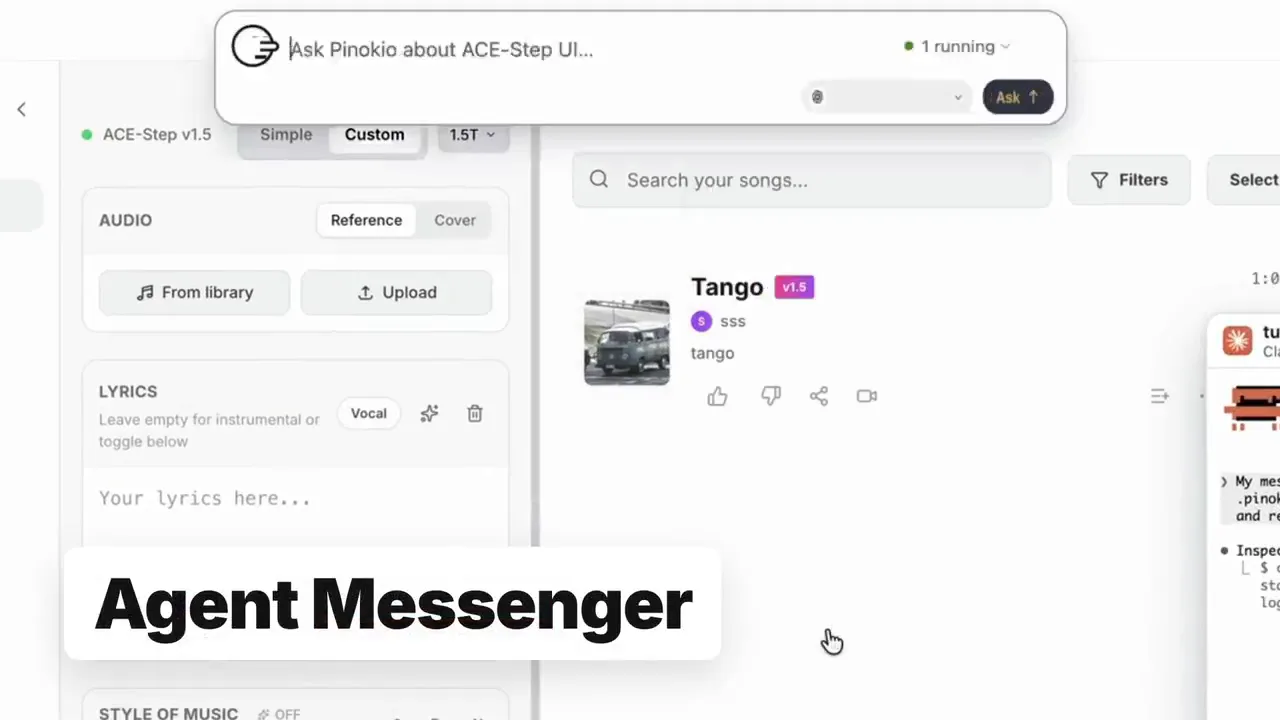
Agent Messenger: Chat with All Local Apps
@cocktailpeanut·20h ago
#testers-wanted
Darkroom is now on Pinokio: 1-click install Darkroom is a local image generation studio: a dark Gradio UI on top of a ComfyUI backend. Write a prompt, pick a model, and watch the image develop step by step. The launcher installs Darkroom and its own ComfyUI with the right PyTorch for your GPU, and can download every supported model for you. 🎞️ What it does 🖼️ Text-to-image and img2img with SD 1.5, SDXL, SD 3.5, Z-Image, FLUX 3 Klein, Qwen-Image 2.1, MOSS-Image, Krea 2, Ideogram 4, HiDream O1, ERNIE-Image, Lens, Chroma, Ovis-Image, Anima and more. ✏️ Instruction editing: drop an image in t...
@pierrunoyt·47 min ago