Hey Pinokio community! I’ve just released **Exe AI**, an agent harness for macOS and Windows that brings local and cloud models, connected apps, automation, image creation, and voice tools into one workspace. I’d love your feedback!
Website: exe-hq.net
Support: dev@exe-hq.net
#agent
Browse tags
Most posts · Last 30 days
No recent tagged posts yet.
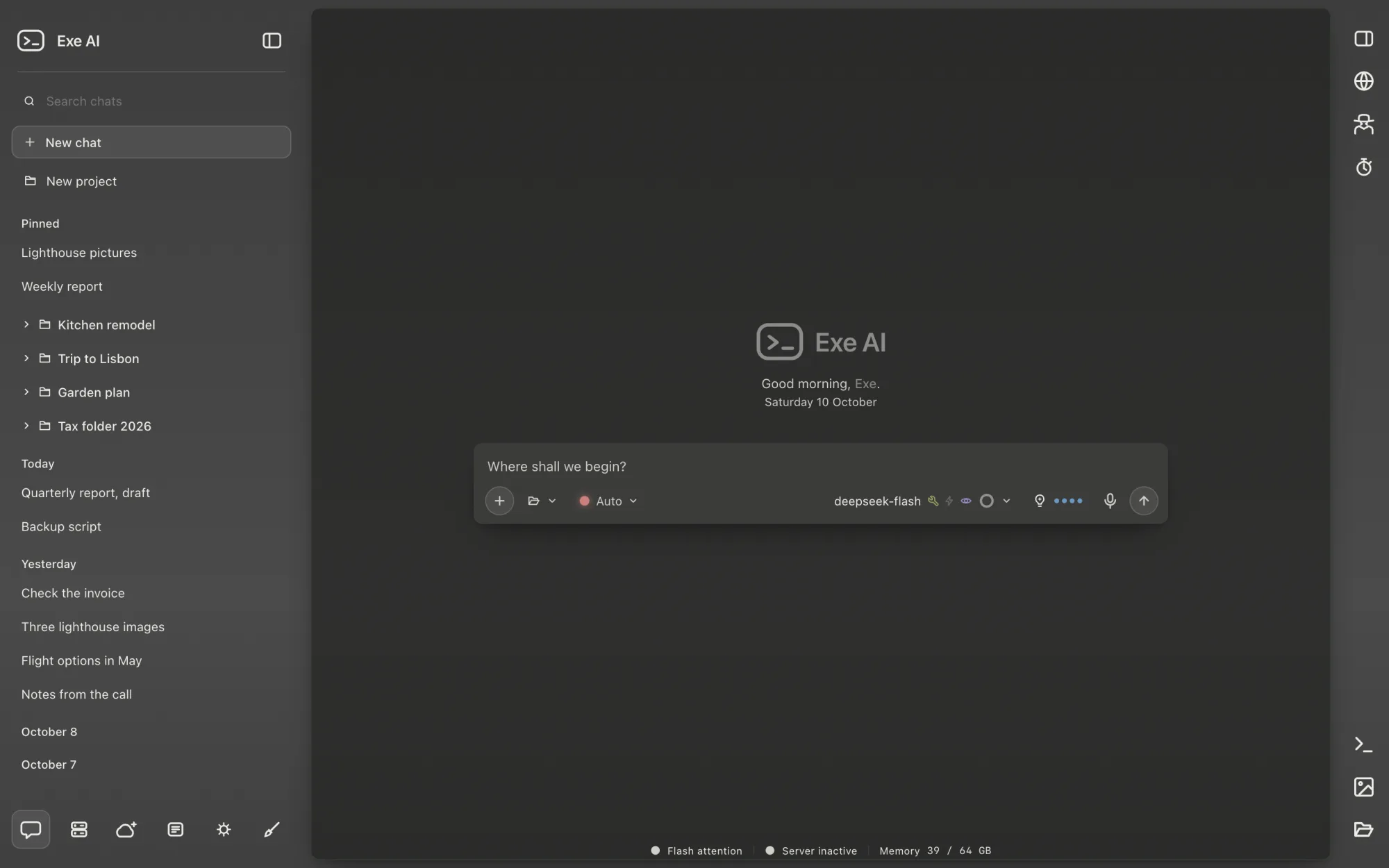
Exe AI is an AI workspace that brings your whole workflow into one window: chat, documents, images, agents, schedules and voice. Local models are the default, and your data stays on your computer. Connect a cloud provider with your own API key whenever you choose.
Local models, end to end
Browse a curated GGUF catalogue matched to your computer's memory, or search Hugging Face. Download a model with one click and run it with the built-in llama-server. Download, start, chat — no terminal, no configuration files.
Images and video, generated locally
Create images, edit existing pictures and generate video in the image workspace with compatible local models, powered by stable-diffusion.cpp. Adjust generation settings, combine LoRAs and work with masks.
Agents, jobs and schedules
Define reusable agents in Markdown files with front matter. Run them from a chat or on a schedule, with progress updates and reports. Schedule agents, scripts or reminders, and review past runs and upcoming work.
Tools with adjustable permissions
Use built-in tools or connect MCP servers. Choose Auto, Manual or Restricted to control approval requests. Allow a tool to run once, or save a permission that applies across chats and agent runs.
A memory that grows with you
Keep rules and facts for future conversations in an editable local memory file. Memory is on by default for the models Exe AI runs itself and is shared with other servers and cloud models only if you enable it.
Long conversations stay usable
Exe AI condenses older tool output first and, when needed, the middle of a conversation, while keeping the opening and the recent messages. The original chat remains intact.
Made for you
On first launch, enter your name, choose your language and pick a look. Switch between English and German while you work. No account, no sign-in.
Private by design
Exe AI runs its models on your computer. The model server and the model files you choose are downloaded on your request from their original sources. Cloud providers are used only when you add an API key.

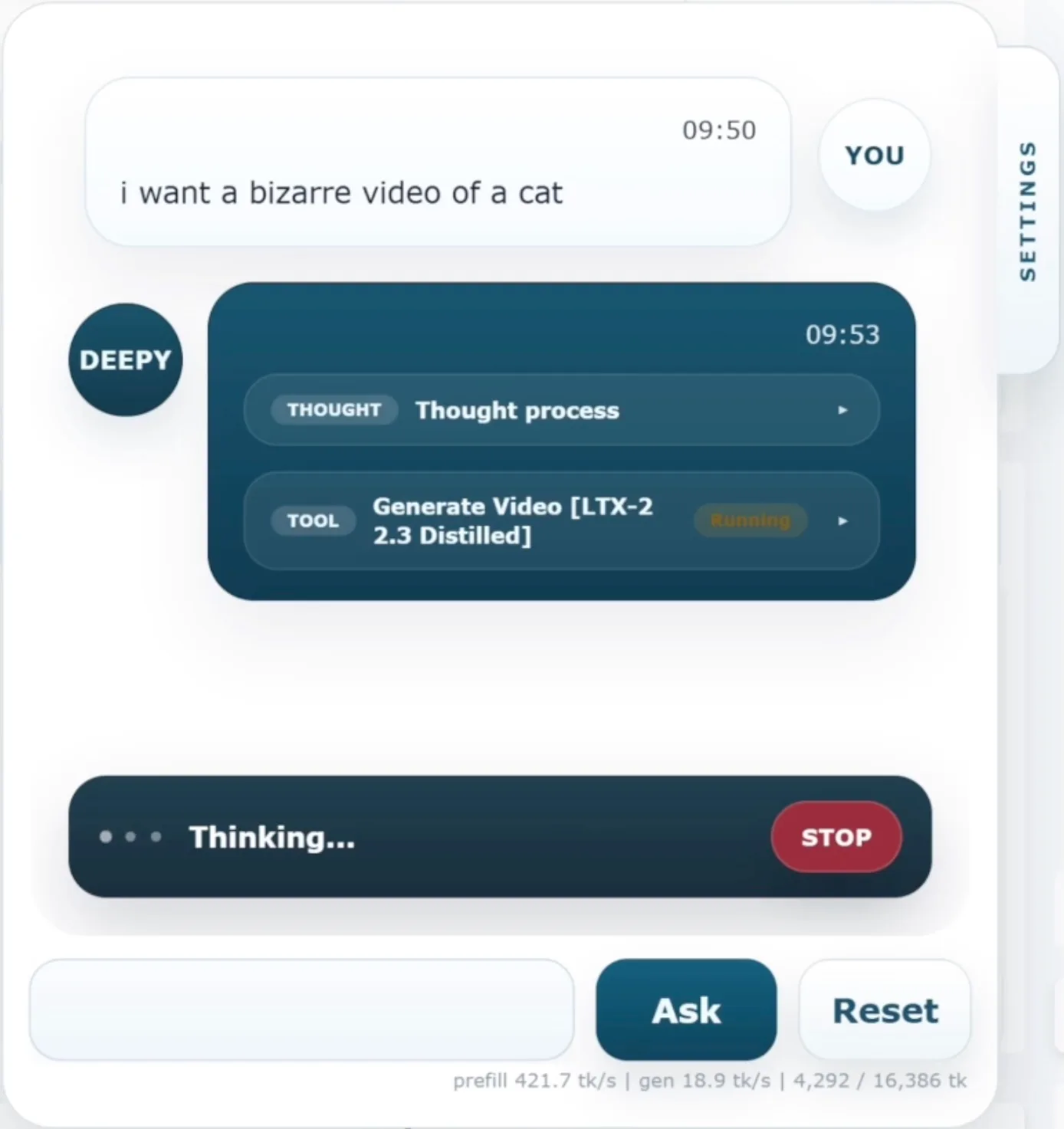
Fully Local Video Generation Agent comes to WanGP
See more here: WanGP now ships with a native LOCAL LLM agent. Yes, it's FULLY local, making use of Qwen 3.5VL. You => Local LLM agent => Local Video Model => Video And the cool part is you can keep talking to the agent to keep iterating. To get it to work, first enable it by going to "Configuration" and then you'll be able to talk to Deepy. See the video:

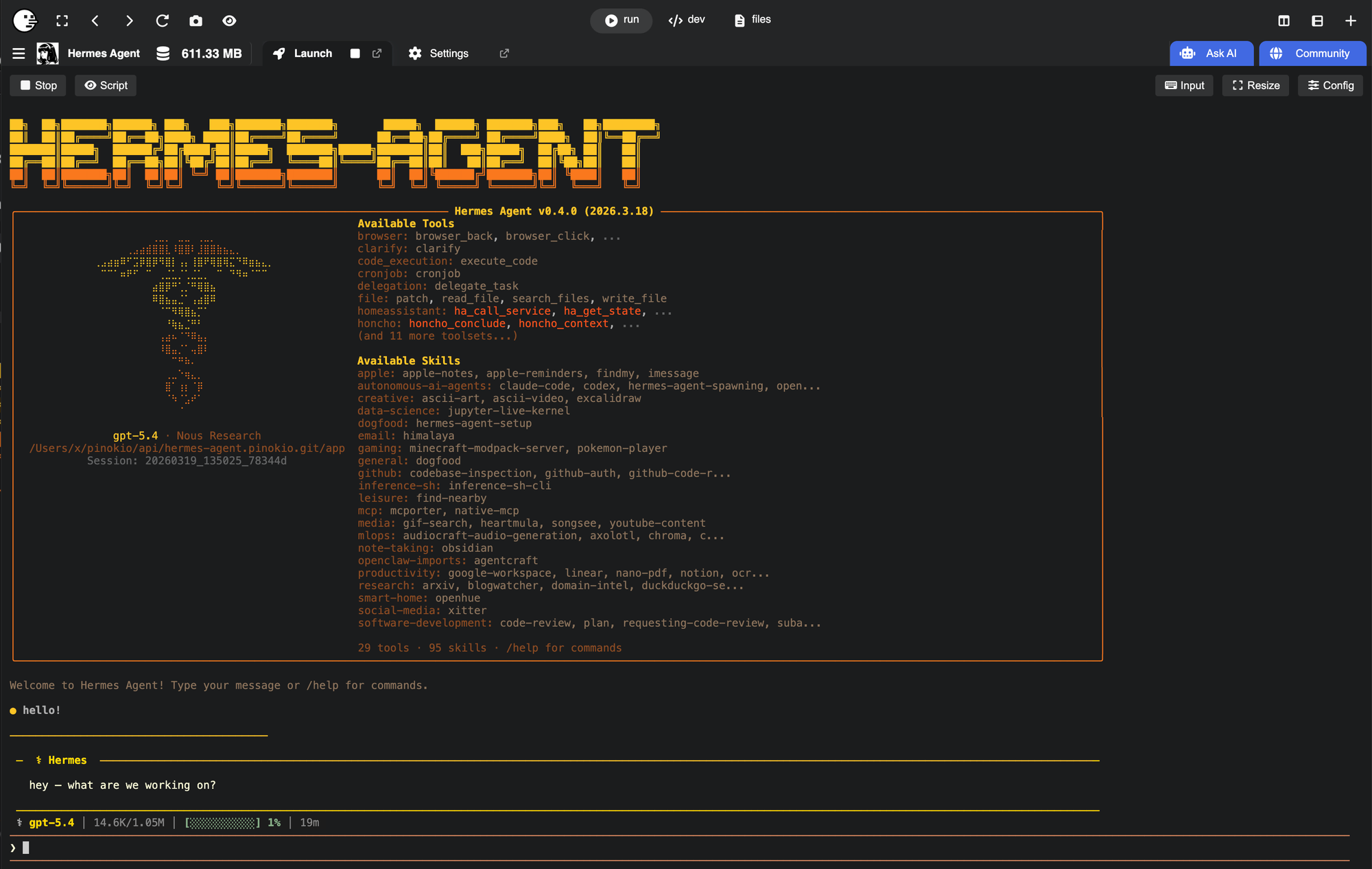
Hermes Agent from Nous Research
Heremes Agent is a new autonomous AI agent from Nous Research It is like Openclaw but has a different architecture that makes it much simpler for many things. I wrote a launcher that installs hermes as well as the gateway and automatically lets you walk through the onboarding and start. Here's a 52 second video of me going from install to setup to the first interaction with hermes: And here i am asking Hermes agent to run video generation. Hermes automatically starts talking to Pinokio, finds the relevant app (#Wan2GP), launches it when not already launched, and then makes a request, and then

You’re all caught up.
Join the community
Follow people and apps for updates. Explore Announcements and All for more.
Discover people →