You can now connect a GitHub organization to Pinokio and manage the projects that belong to it. A lot of people reached out and asked for a way to connect their github organizations instead of just the personal account, and this is now supported.
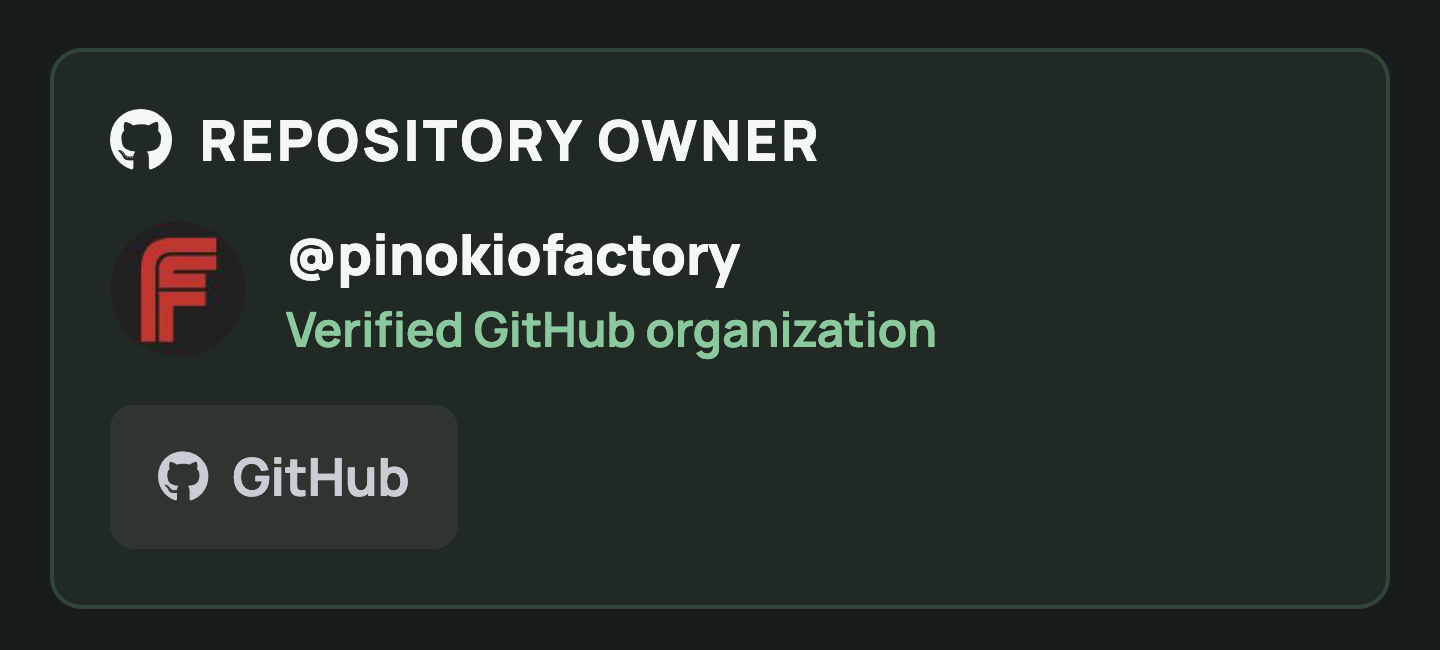
What can managers do?
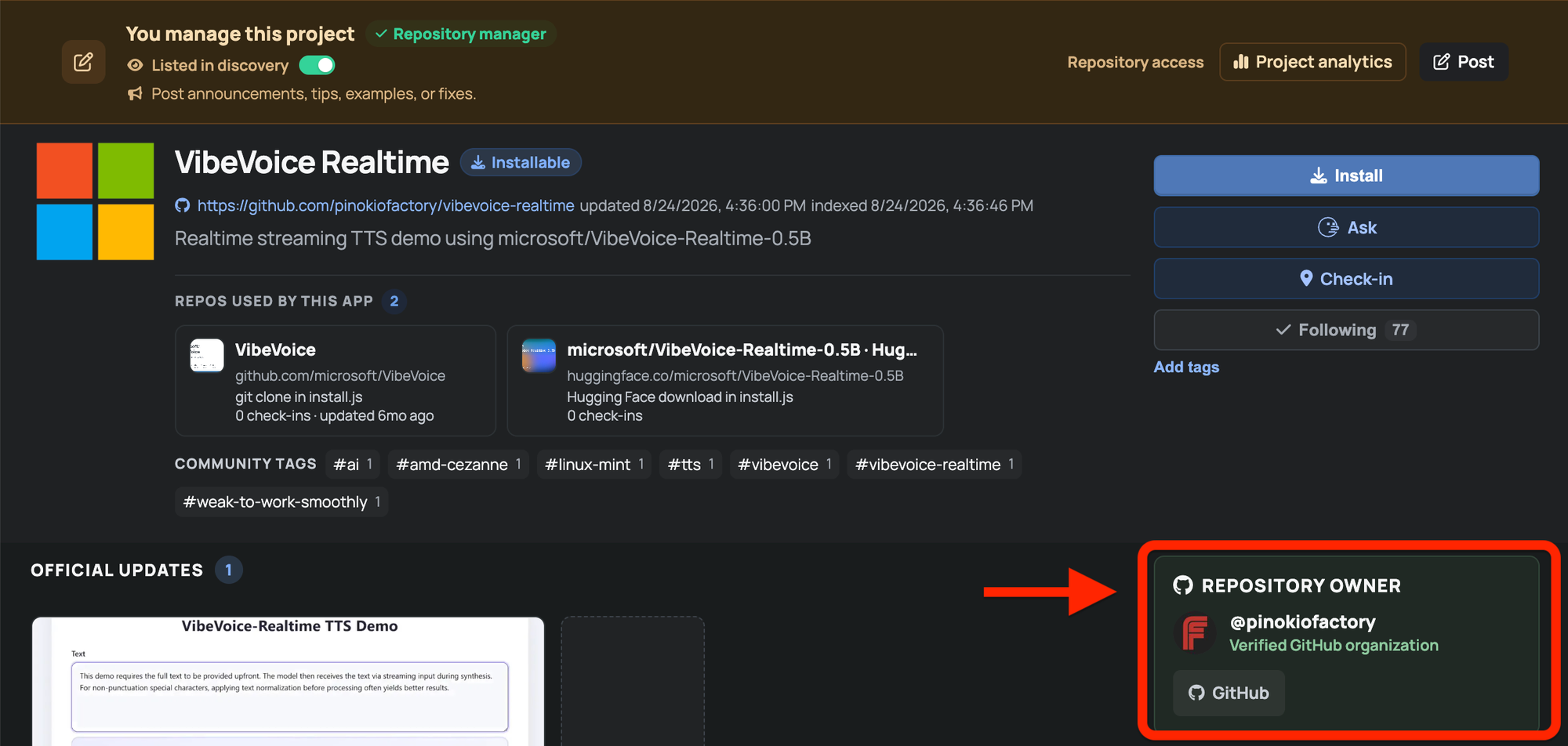
Once verified as a manager, you can:
- Manage your organization’s project listings (list or delist)
- View project analytics
- Create official updates: Your posts for the organization projects will show up on the "Launcher updates" home rail as well as the project's "Official updates" row.
- Receive project notifications: When someone posts on any of the organization's project pages, you will get a notification.
- Work alongside other verified organization Owners
Who qualify as managers?
Only users assigned the Owner role in a GitHub organization are treated as managers (or owners).
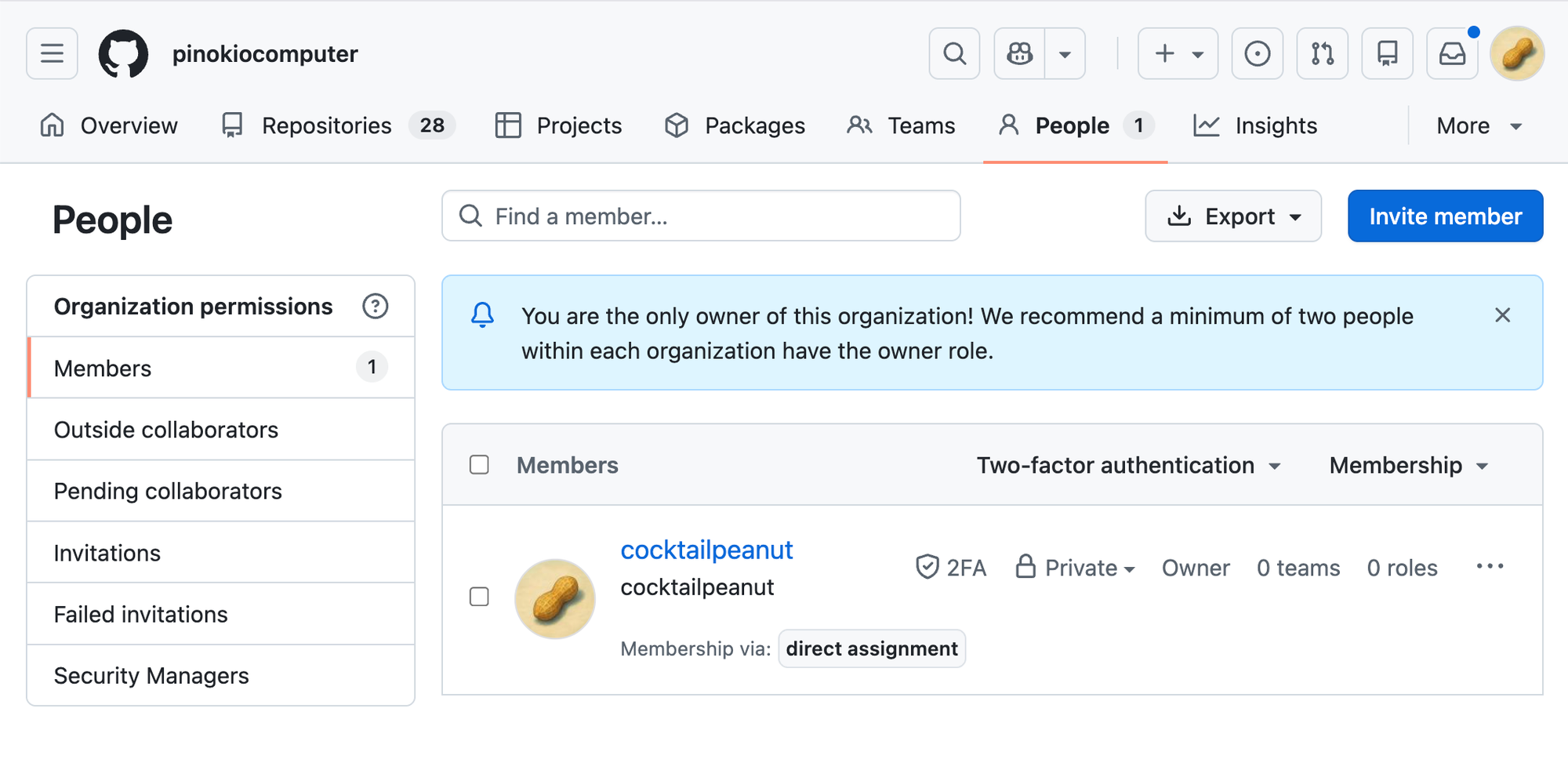
How to connect
There are two ways to connect:
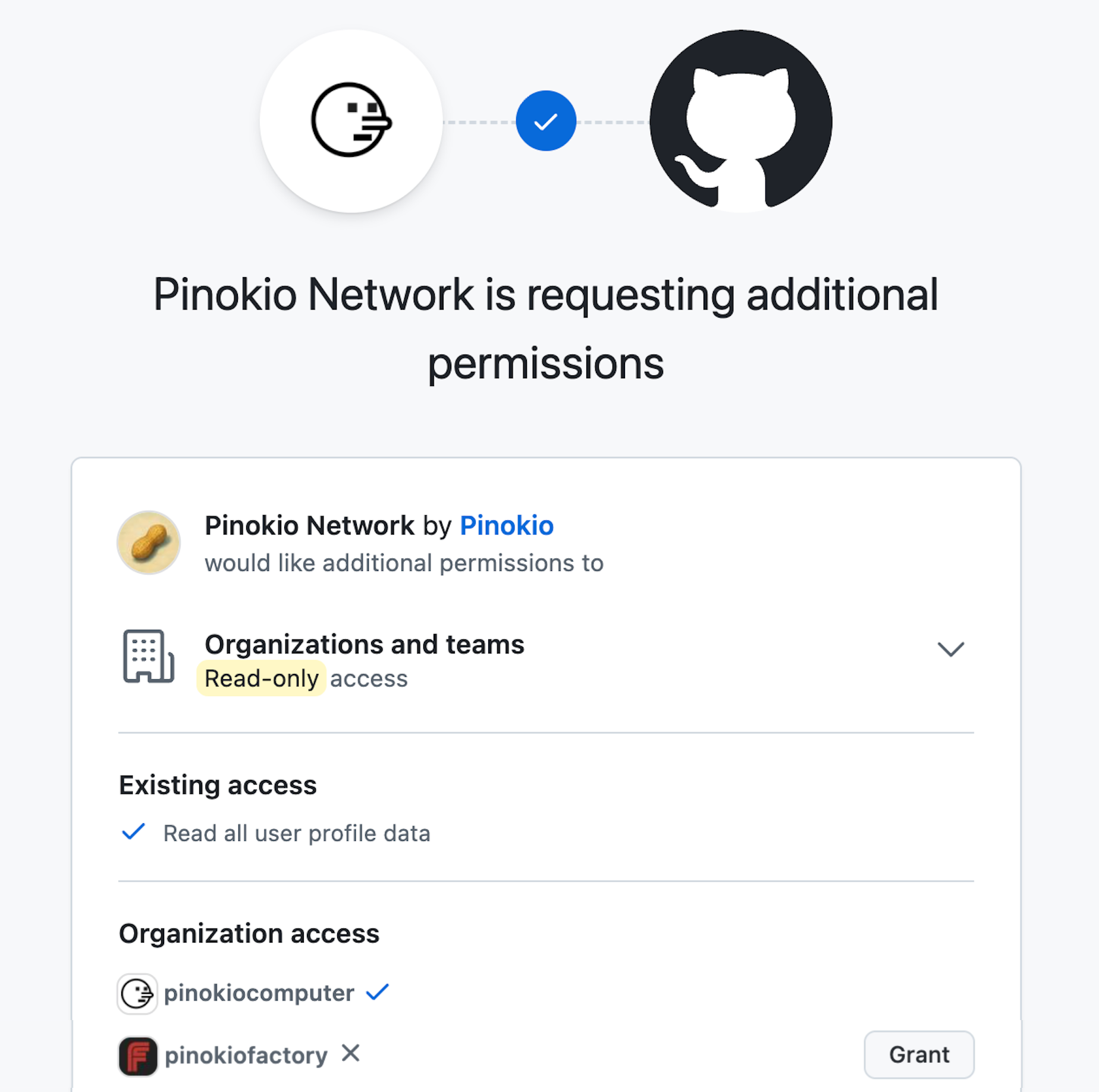
First, connect your GitHub account from Settings >> Repository access. Pinokio will check your personal account and the organizations where you’re an Owner. Grant access to the orgs you want to verify.
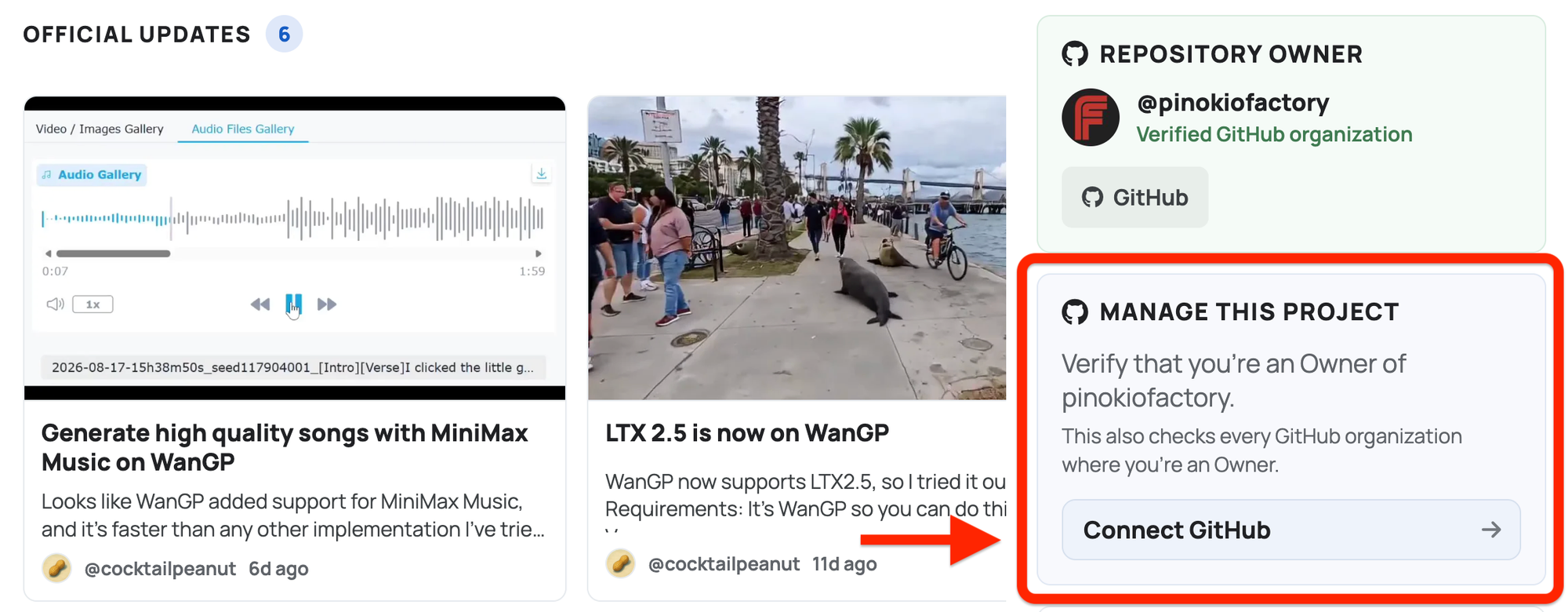
Second, You can also start directly from a project page by selecting Manage this project:
Advanced
- There is no need for one person to claim a project on behalf of the whole organization. Each GitHub organization Owner can connect their own account and get access to the same projects.
- GitHub remains the source of truth. If your organization’s Owners change, simply refresh your GitHub access from Settings. Pinokio will check the latest information from GitHub and update access accordingly.
- Verified organizations also have a public page where people can find their projects on Pinokio. For example https://pinokio.co/namespaces/github/pinokiofactory
- Organizations are not quite the same as personal Github accounts. While you can follow individual users on Pinokio, you can't follow organizations at the moment.
- For privacy, Pinokio uses your GitHub authorization only while connecting or refreshing your access. We don’t store your GitHub access token or make your organization’s manager list public.



You can now connect a GitHub organization to Pinokio and manage the projects that belong to it. A lot of people reached out and asked for a way to connect their github organizations instead of just the personal account, and this is now supported.
What can managers do?
Once verified as a manager, you can:
Who qualify as managers?
Only users assigned the Owner role in a GitHub organization are treated as managers (or owners).
How to connect
There are two ways to connect:
First, connect your GitHub account from Settings >> Repository access. Pinokio will check your personal account and the organizations where you’re an Owner. Grant access to the orgs you want to verify.
Second, You can also start directly from a project page by selecting Manage this project:
Advanced