Here's a quick example workflow of generating 3d animation keyframes in CozyClay, and then using it to generate a full video:
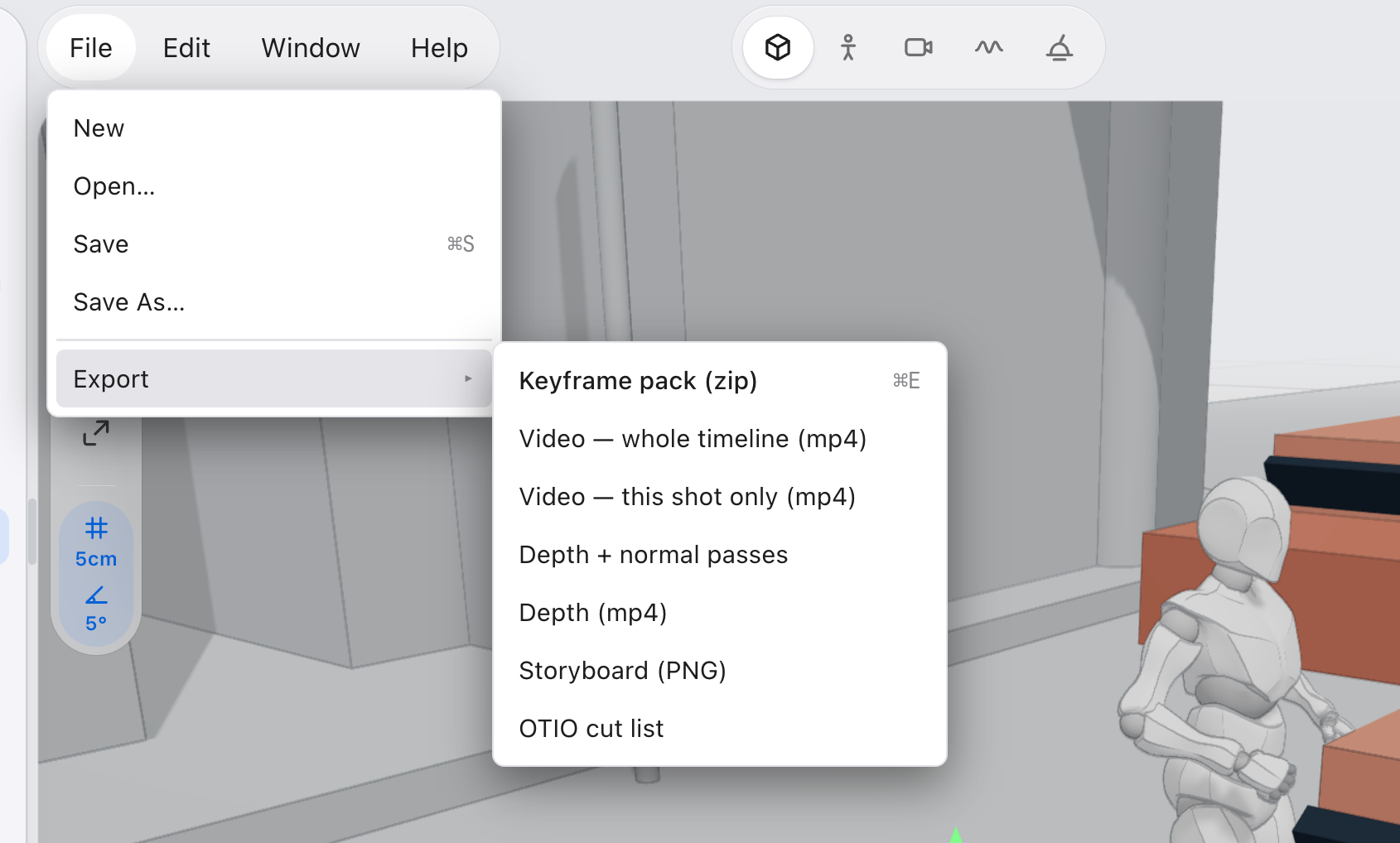
First used the CozyClay app to generate the top animation video, and then exported the keyframe pack (zip):
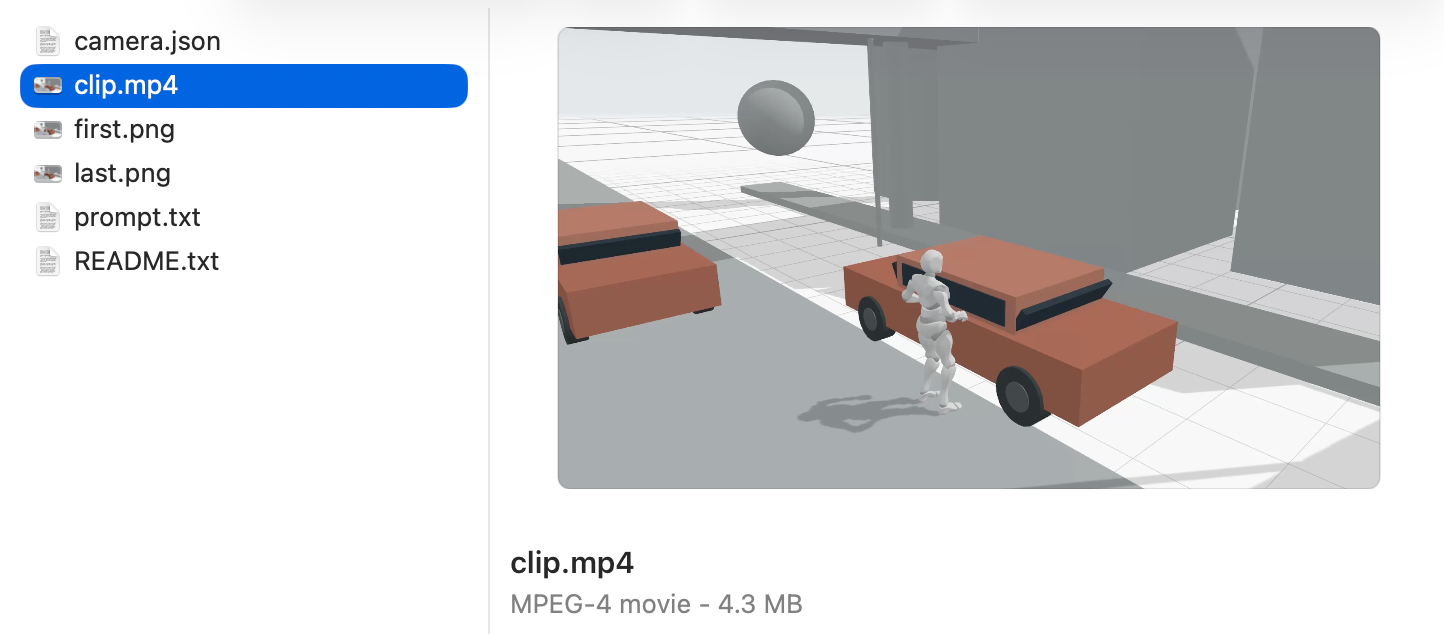
Then, I just took the generated video (clip.mp4)
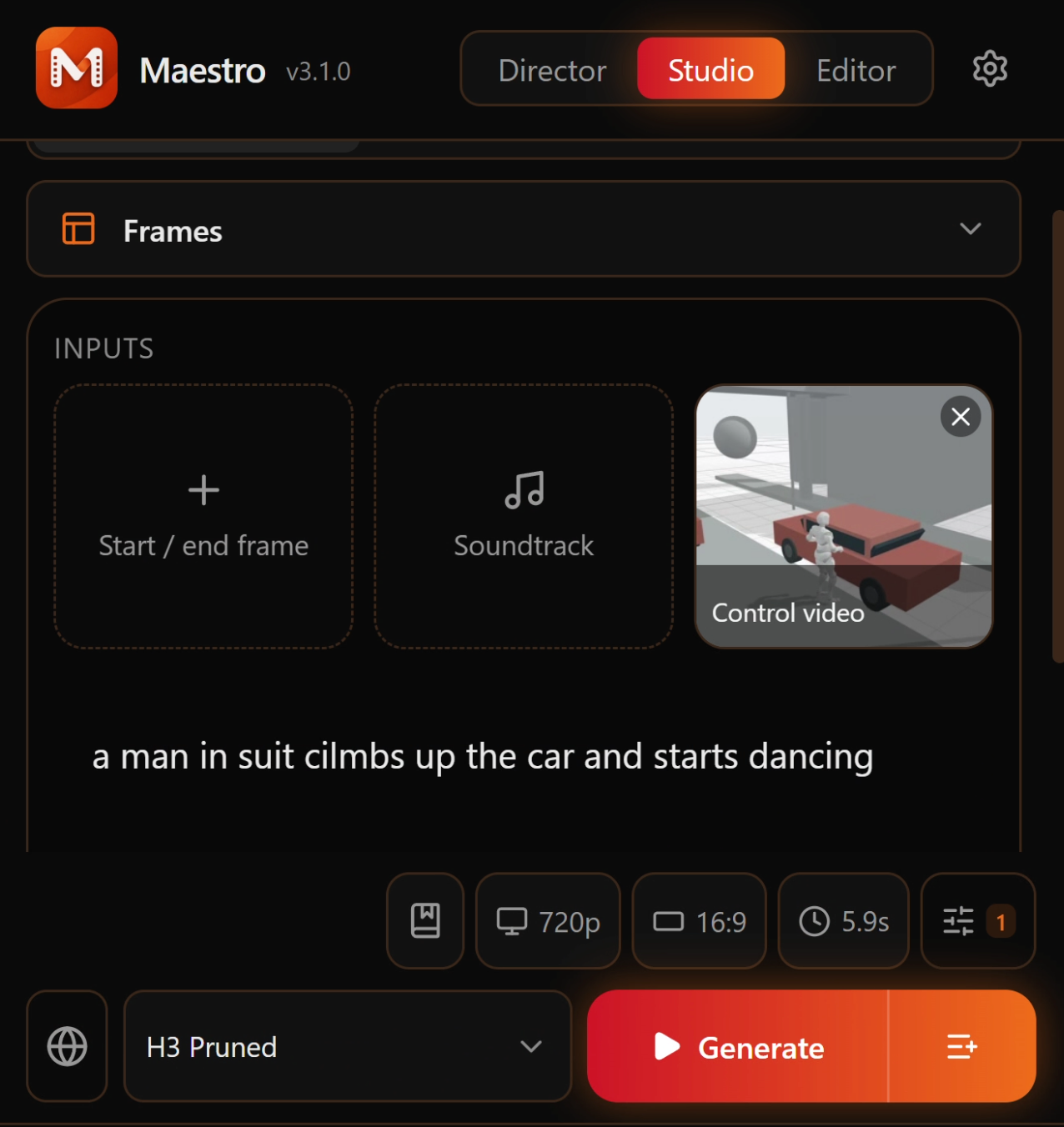
and dropped it into Maestro's "Control Video" dropzone
https://pinokio.co/apps/github-com-blizaine-maestro
and prompted
I think I will need to experiment a bit more with the full workflow. The demo here still preserves a lot of the existing skeleton video, but hopefully there's a way to make it completely transform into a scene from anime or a movie.



Here's a quick example workflow of generating 3d animation keyframes in CozyClay, and then using it to generate a full video:
First used the CozyClay app to generate the top animation video, and then exported the keyframe pack (zip):
Then, I just took the generated video (clip.mp4)
and dropped it into Maestro's "Control Video" dropzone
https://pinokio.co/apps/github-com-blizaine-maestro
and prompted
I think I will need to experiment a bit more with the full workflow. The demo here still preserves a lot of the existing skeleton video, but hopefully there's a way to make it completely transform into a scene from anime or a movie.