Launching the most efficient, fastest video upscaling on Mac — FlashVSR+'s one-step diffusion pipeline running at full GPU speed through vpipe's Metal backend.
🚀 How to use
Model — choose Turbo or Base and hit Fetch model (first time only).
You'll see per-file download status and a live progress bar.
Input Video — drop an mp4 / mov / mkv / webm file.
Settings — pick the target resolution (with aspect-lock / match-source-aspect),
output FPS, color fix, decoder (Tiny fast / Full VAE), temporal compression,
seed (or random), and whether to keep the source audio.
⚡ Upscale Video — the ⚡ logo flickers to life and the job runs in the
background; watch the phase, clip counter and log tail (the red Cancel stops it).
When it's done, the result appears in the Result tab.
Compare — drag the divider (or the slider) to sweep between original and
upscaled; Play keeps both in sync; use the seek bar to jump around.
Scroll to zoom, drag to pan, double-click to reset.
Library — all past outputs with previews and badges. Each card: ⬇ download,
⇄ compare, 🗑 delete (just that generation), or click to open it on the
Result page. ⟳ refreshes; 🗑 Clear wipes the whole library.


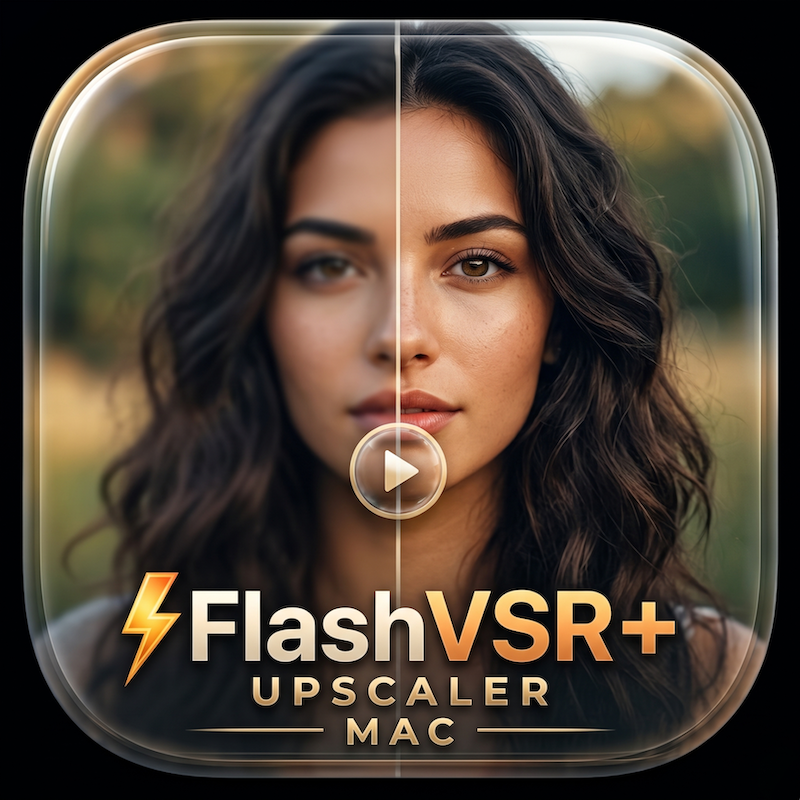
Launching the most efficient, fastest video upscaling on Mac — FlashVSR+'s one-step diffusion pipeline running at full GPU speed through vpipe's Metal backend.
🚀 How to use
Model — choose Turbo or Base and hit Fetch model (first time only).
You'll see per-file download status and a live progress bar.
Input Video — drop an mp4 / mov / mkv / webm file.
Settings — pick the target resolution (with aspect-lock / match-source-aspect),
output FPS, color fix, decoder (Tiny fast / Full VAE), temporal compression,
seed (or random), and whether to keep the source audio.
⚡ Upscale Video — the ⚡ logo flickers to life and the job runs in the
background; watch the phase, clip counter and log tail (the red Cancel stops it).
When it's done, the result appears in the Result tab.
Compare — drag the divider (or the slider) to sweep between original and
upscaled; Play keeps both in sync; use the seek bar to jump around.
Scroll to zoom, drag to pan, double-click to reset.
Library — all past outputs with previews and badges. Each card: ⬇ download,
⇄ compare, 🗑 delete (just that generation), or click to open it on the
Result page. ⟳ refreshes; 🗑 Clear wipes the whole library.