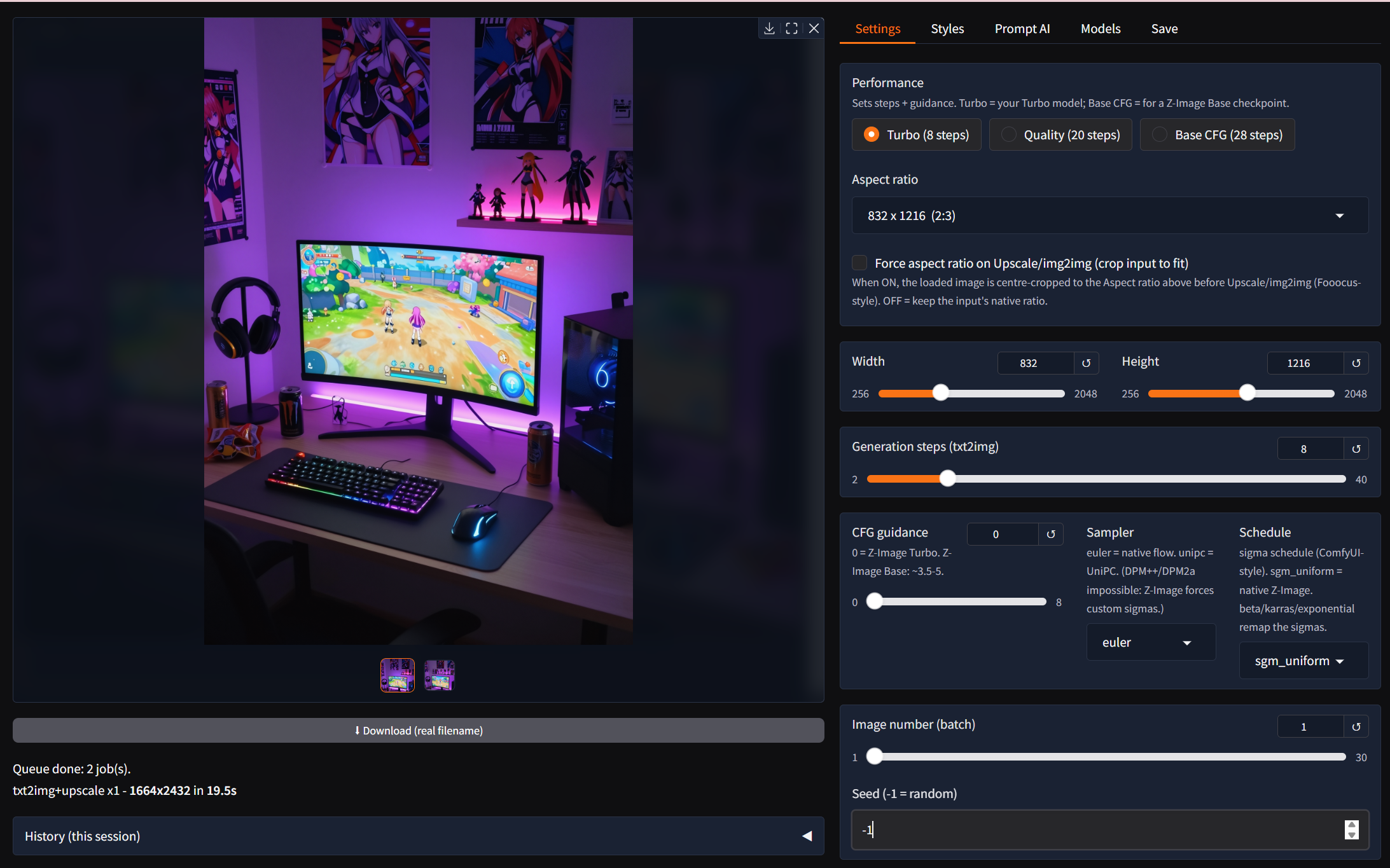
crispz-qwen-edit is a Fooocus-style web studio for Qwen-Image (text to image, with the best in-image text of the 20B generation) and Qwen-Image-Edit-2509, the model that edits a picture from a plain instruction: "add heavy rain, keep everything else", "she looks to the left", "make it night". Both are Apache 2.0. Everything runs on your own GPU, no ComfyUI, no cloud.
- Edit tab: an image plus an instruction in plain words; the result keeps what you did not ask to change, and the previous version stays one click away.
- Text to Image with styles, wildcards, tag autocomplete, prompt variants, live preview and Stop.
- Upscale and enhance: Real-ESRGAN plus a Qwen refine pass, tiled up to 4K, one-click Vary, Reframe / outpaint.
- Models: the bf16 weights or GGUF quants of both models (the edit model runs from a Q4 file with model offload), single-file checkpoints, LoRAs with hot swap, CivitAI search.
- Job queue and X/Y/Z grids, Describe / Improve / Vision Mix through Ollama, Remove BG, Face Swap, detailer, CLI and the family protocol v1 (
czp, with the edit op that comics2crispz uses for its "edit by instruction").
Hardware: an NVIDIA GPU. These are 20B models: on cards under 32 GB pick the GGUF quants (they stay quantized in VRAM) with model offload, and give the machine system RAM for the model that waits its turn. Public weights on Hugging Face: no token.
Pinokio launcher: https://github.com/mikecastrodemaria/crispz-qwen-edit.pinokio
Source: https://github.com/mikecastrodemaria/crispz-qwen-edit
Install (Pinokio)
- In Pinokio, open Discover and paste
https://github.com/mikecastrodemaria/crispz-qwen-edit.pinokio.
- Click Install: the launcher clones the app, creates the venv, installs the requirements and PyTorch (CUDA 12.8 on NVIDIA).
- Click Start, then Open Web UI. Pick the GGUF variants in Settings if your card is under 32 GB; the first render downloads the models.



crispz-qwen-edit is a Fooocus-style web studio for Qwen-Image (text to image, with the best in-image text of the 20B generation) and Qwen-Image-Edit-2509, the model that edits a picture from a plain instruction: "add heavy rain, keep everything else", "she looks to the left", "make it night". Both are Apache 2.0. Everything runs on your own GPU, no ComfyUI, no cloud.
czp, with theeditop that comics2crispz uses for its "edit by instruction").Hardware: an NVIDIA GPU. These are 20B models: on cards under 32 GB pick the GGUF quants (they stay quantized in VRAM) with model offload, and give the machine system RAM for the model that waits its turn. Public weights on Hugging Face: no token.
Pinokio launcher: https://github.com/mikecastrodemaria/crispz-qwen-edit.pinokio
Source: https://github.com/mikecastrodemaria/crispz-qwen-edit
Install (Pinokio)
https://github.com/mikecastrodemaria/crispz-qwen-edit.pinokio.