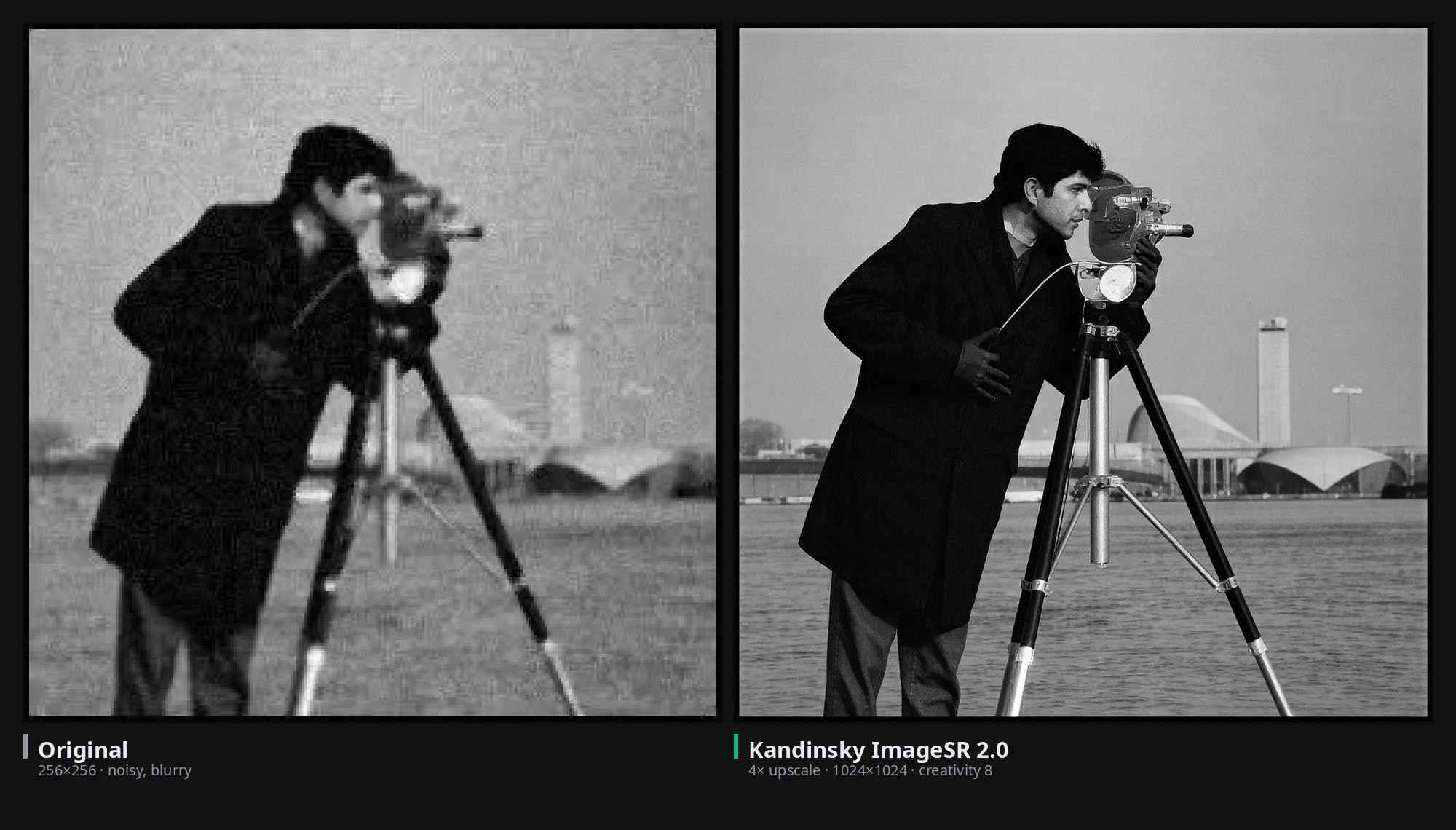
KandinskyLab just released Kandinsky ImageSR 2.0, a one-step diffusion upscaler (×2 / ×4). While its official benchmarks cite H100s, I wanted it on normal PCs, so I built Kandinsky ImageSR 2.0 Studio! It can run ImageSR anywhere from CPU-only to a full range of low end gpus, including the full model on a 16 GB GPU.
Features: Creative Slider
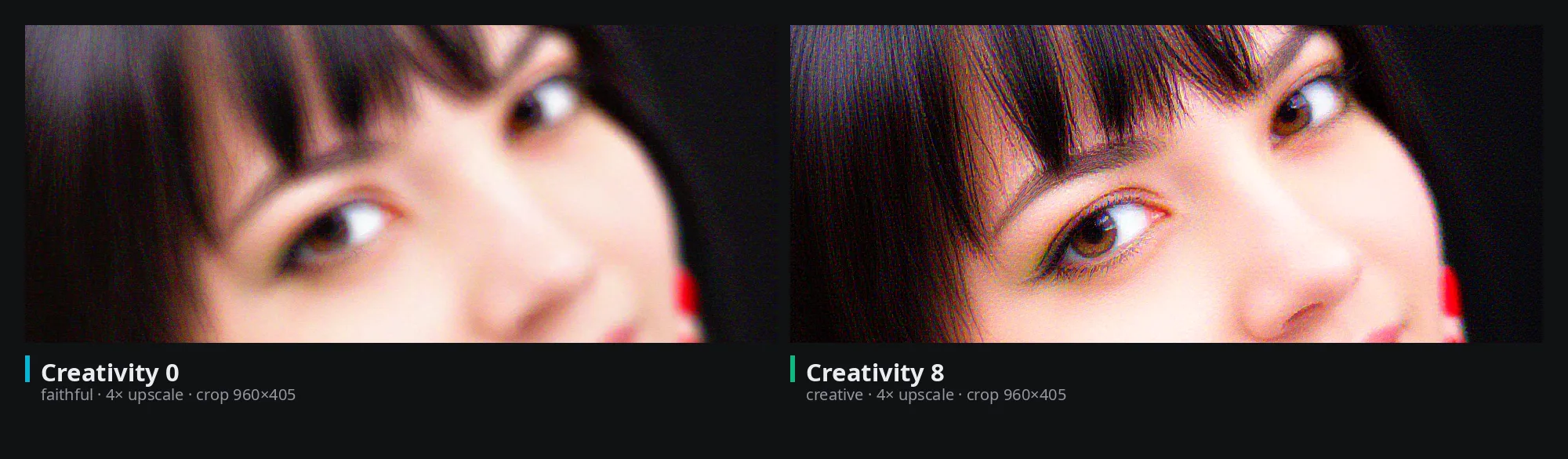
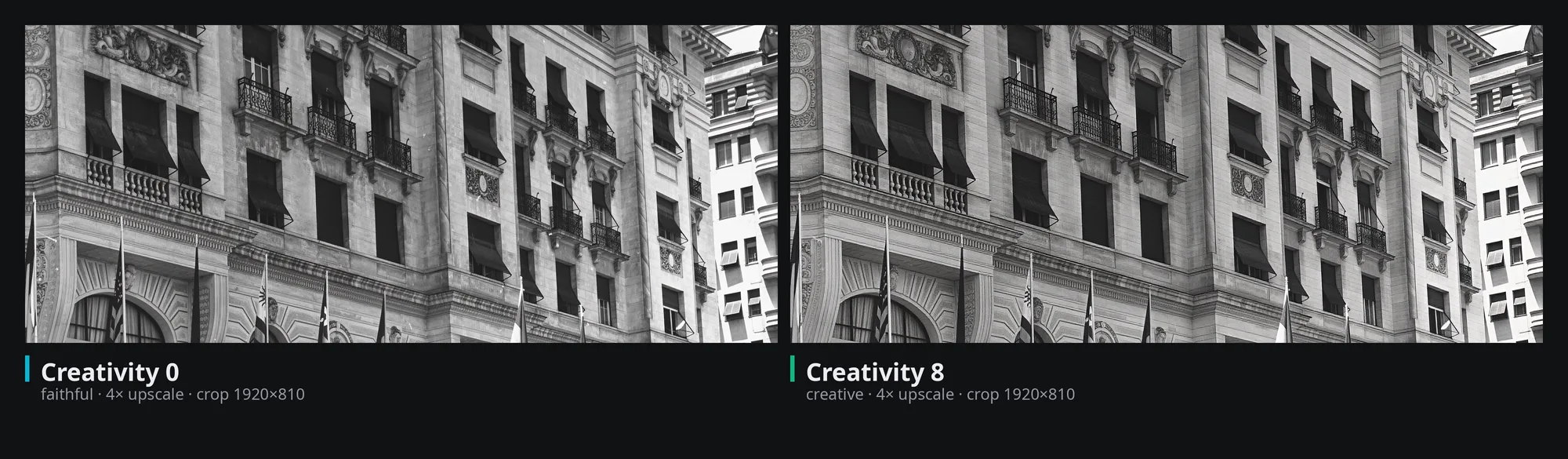
One slider (0–8) decides how much the model trusts the input versus inventing detail. Here is the difference between 0 and 8 in a extreme zoom in:
Features: Made to runs on almost any PC
Pick a memory profile, or let Auto choose from your free VRAM:
| Profile |
For GPUs with |
Peak VRAM |
Output |
| Full |
16+ GB |
11.5 GB |
reference |
| Balanced (int8) |
10 GB |
8.4 GB |
visually identical |
| Low (streamed from RAM) |
6 GB |
4.5 GB |
bit-identical to Full |
| Minimum |
3 GB |
1.8 GB |
slight tile seams possible |
| CPU only |
no GPU |
— |
~40 s per 1024 px tile |
On an RTX 5090, a 1024×1024 → 4096×4096 ×4 upscale takes about 13 s, and the 4.5 GB "Low" profile is barely slower than Full (4.7 s vs 4.2 s on a 2048 px output).
What the Studio adds on top of the official demo
- Memory profiles, plus a trick that frees 2.2 GB of VRAM at identical output: part of the model only ever sees 19 fixed inputs, so its answers are precomputed at load time
- The right PyTorch for your machine, installed automatically: NVIDIA (GTX 900 series up to RTX 50), AMD on Linux (ROCm), Intel Arc, Apple Silicon or CPU
- Batch mode: add folders or many files with your system's own file dialog (KDE, GNOME, Windows, macOS), optional subfolders, and it never re-upscales its own results
- Every result saved to
outputs/ (the online demo deletes them after an hour)
- Progress, results and errors in Pinokio's terminal
- An API (Python, JavaScript, curl) for scripting
Examples
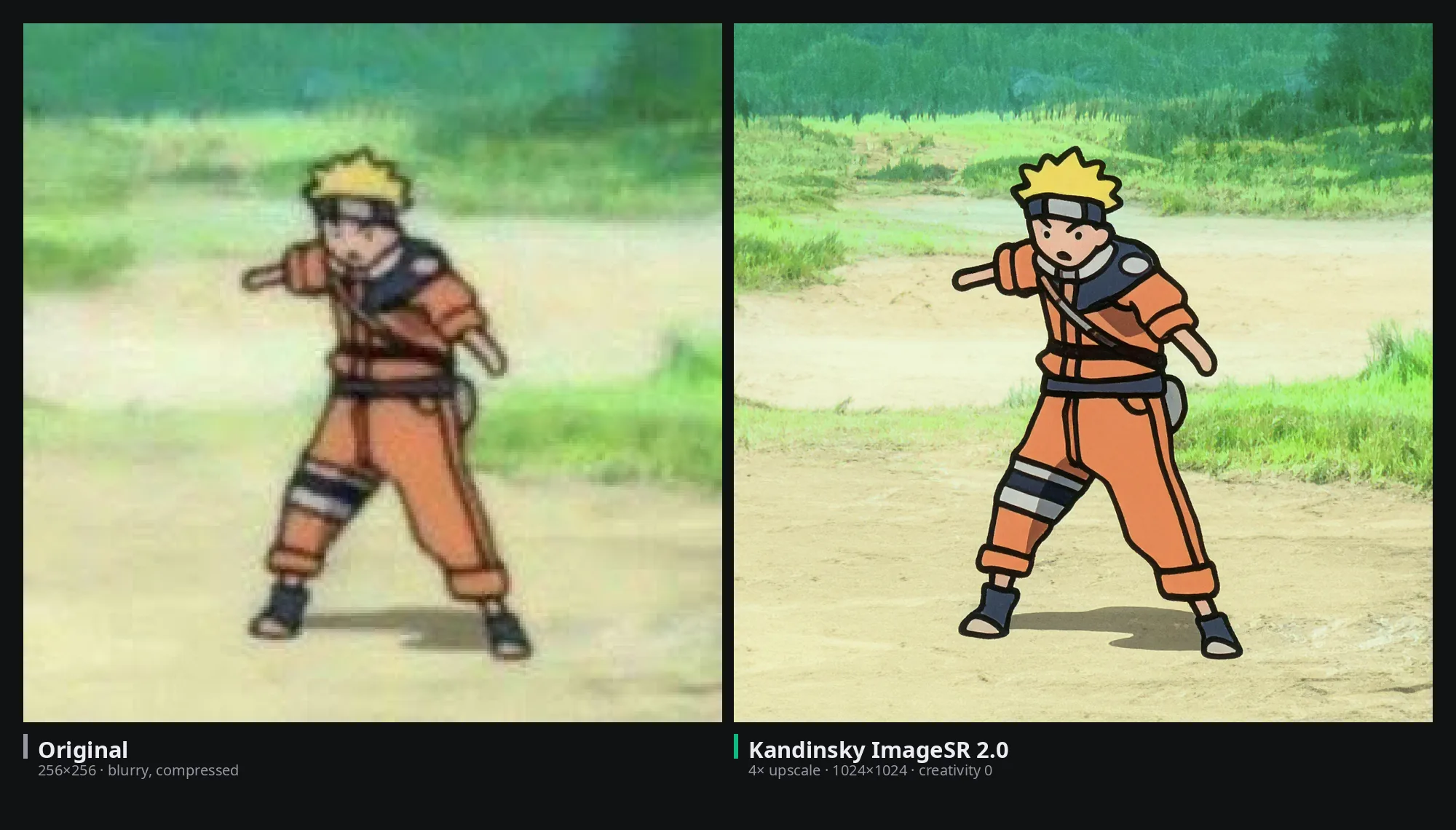
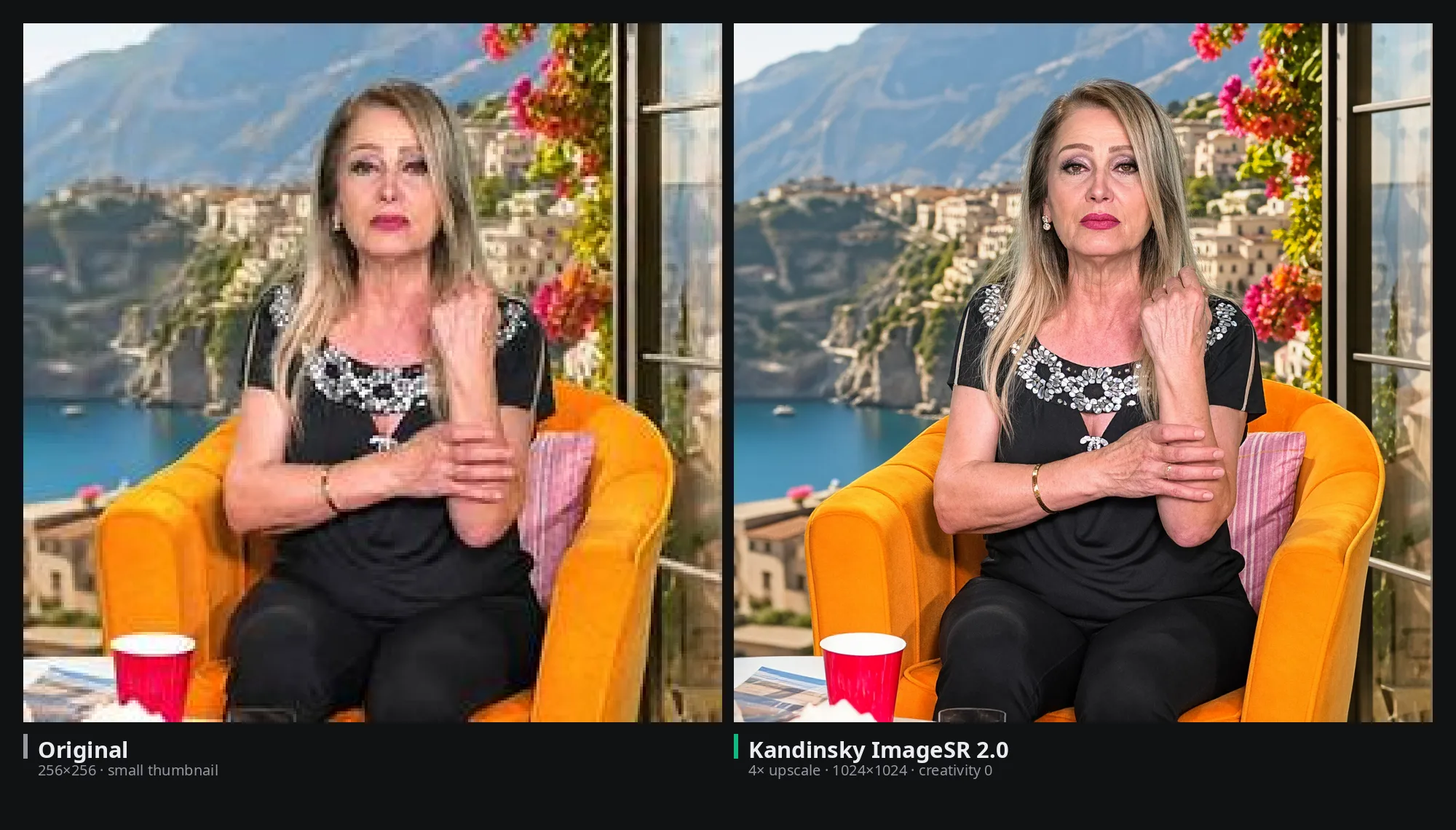
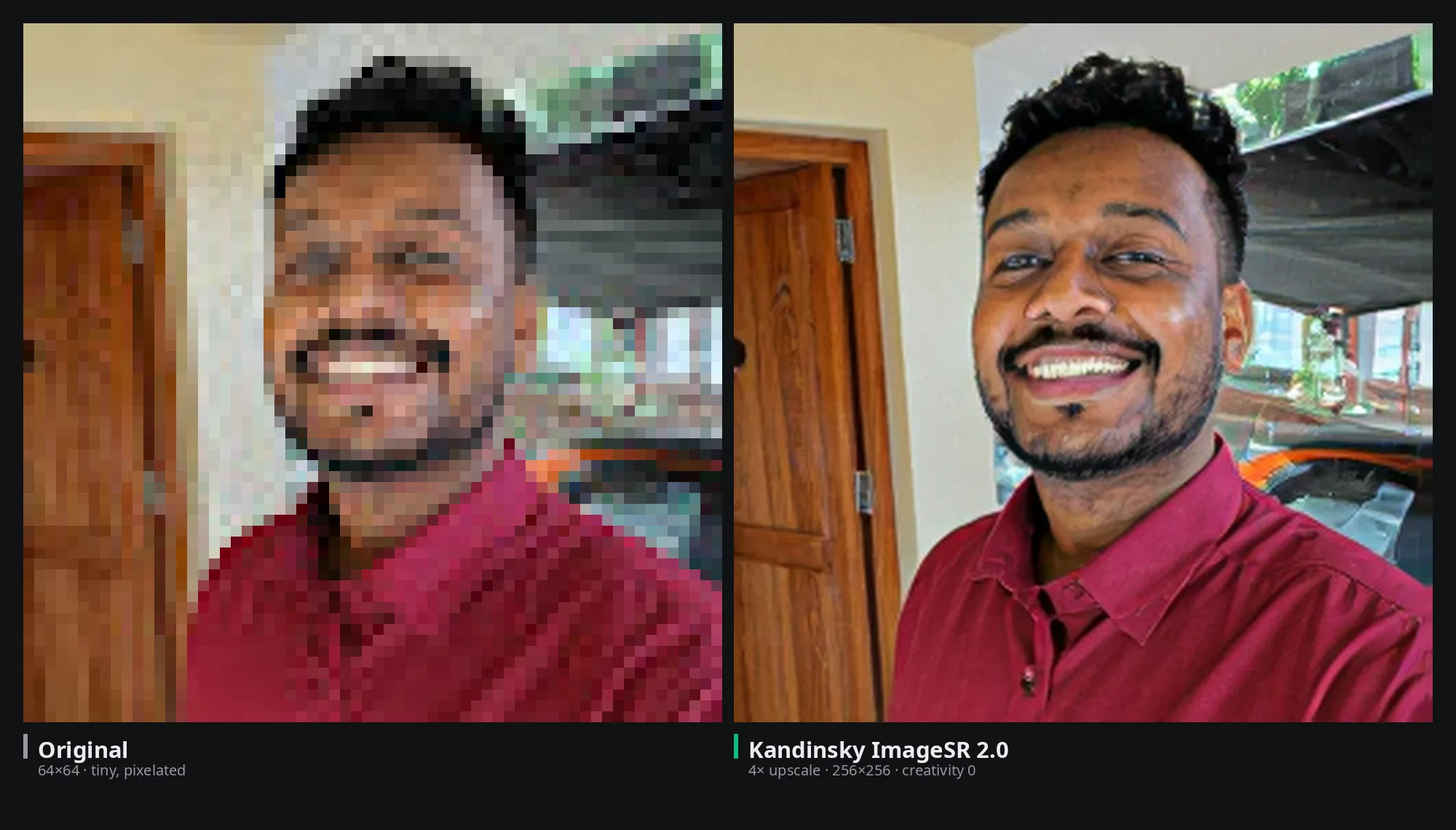



KandinskyLab just released Kandinsky ImageSR 2.0, a one-step diffusion upscaler (×2 / ×4). While its official benchmarks cite H100s, I wanted it on normal PCs, so I built Kandinsky ImageSR 2.0 Studio! It can run ImageSR anywhere from CPU-only to a full range of low end gpus, including the full model on a 16 GB GPU.
Features: Creative Slider
One slider (0–8) decides how much the model trusts the input versus inventing detail. Here is the difference between 0 and 8 in a extreme zoom in:
Features: Made to runs on almost any PC
Pick a memory profile, or let Auto choose from your free VRAM:
On an RTX 5090, a 1024×1024 → 4096×4096 ×4 upscale takes about 13 s, and the 4.5 GB "Low" profile is barely slower than Full (4.7 s vs 4.2 s on a 2048 px output).
What the Studio adds on top of the official demo
outputs/(the online demo deletes them after an hour)Examples