Pinokio
FeedAppsRemoteCreate
Download Pinokio
Sign inCreate accountJoin

Apps

Announcements

View all

Official updates.

Pinned announcement from Pinokio
pinokio
@cocktailpeanut•2d ago
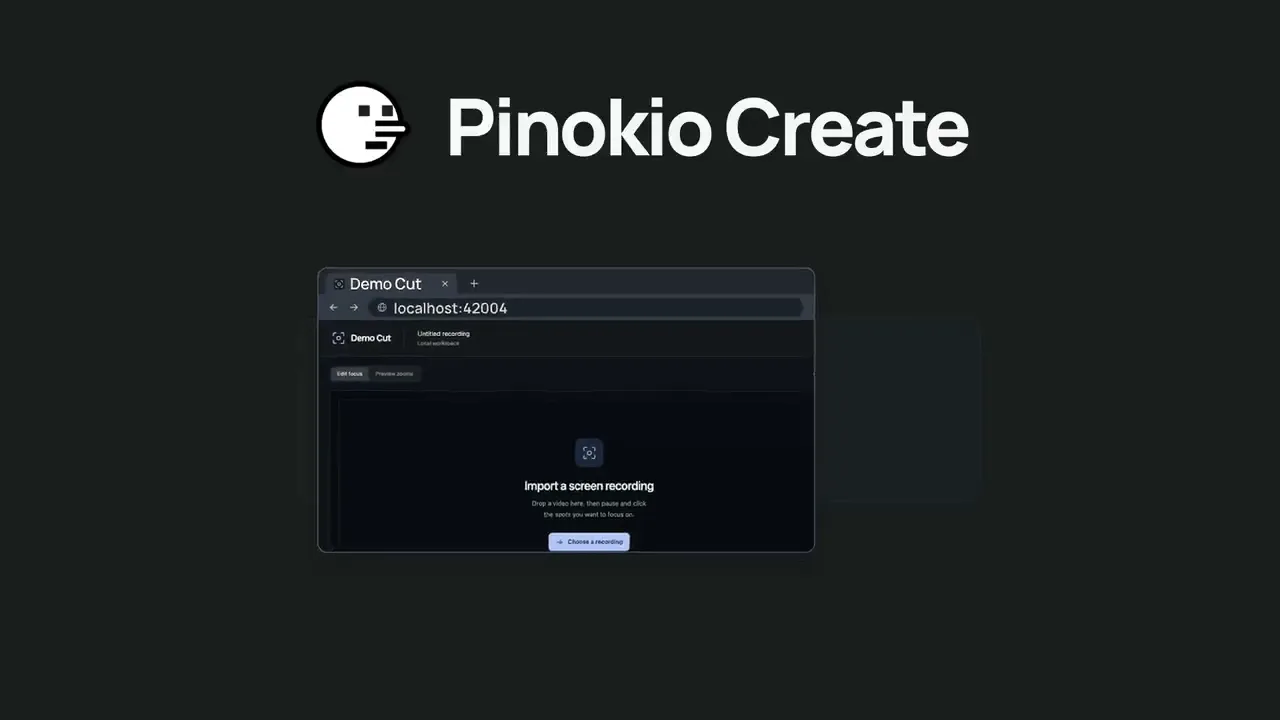
Pinokio Create: Turn Anything into a 1-Click Launcher, Automatically.Pinokio now talks to your AI agent to package anything into a 1-click launcher, publish to github, and list on pinokio, automatically. Just click the "Create" button at the top, select a template, enter what you want, and open in pinokio. Pinokio will hand off all the instructions needed to your own AI agent, and your agent will take it from there, taking care of everything automatically: Build a new app: Build a new app with 1-click launcher built-in, publish to github, and list to pinokio Publish your own app: Take your existing project, package it as a 1-click launcher, publish to github, and list to pinokio 1-Click Launcher for any existing project you want to try: Take any existing project you want to try out, package it as a 1-click launcher, publish to github and list on pinokio, all automatically.
EmberWriter
@grumpystrongman•8h ago
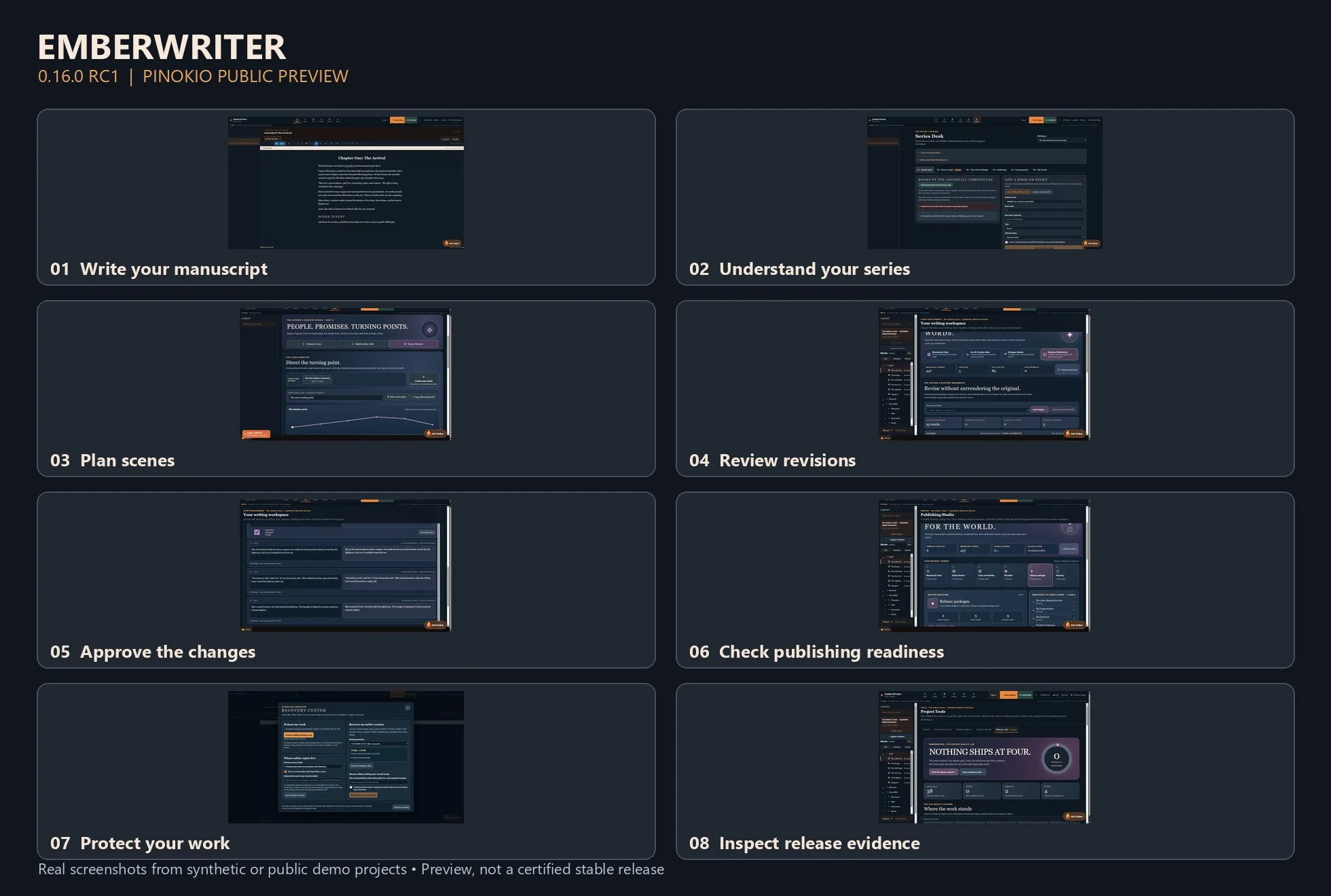
EmberWriter 0.16.0 RC1 — A Local AI Writing Studio for PinokioWriting a novel is more than generating paragraphs. It's keeping track of who knows what, what happened three chapters ago, which relationships have changed, and whether a new scene still makes sense in the larger story. I've been building EmberWriter around that challenge. It's a local-first fiction writing studio designed to help authors move from an idea to a complete manuscript while keeping creative decisions in their own hands. Version 0.16.0 RC1 is now available as a public preview through Pinokio. The writing desk is only one part of the experience. EmberWriter also includes series intelligence for tracking characters and continuity across books, a Scene Director for planning and structuring scenes, a Revision Workbench for examining proposed changes, and publishing tools for preparing exports. One principle has guided the development: AI should assist the author without silently rewriting their work or deciding what becomes canon. A suggested revision remains a suggestion. A planned scene doesn't overwrite a chapter just because a model generated something. The application includes local recovery tools, source-linked story evidence, and a Release Lab that makes technical readiness and outstanding issues visible. What's been tested? The latest engineering work includes backend and Windows recovery checks, an isolated end-to-end storyboard-to-writer test, and automated accessibility checks across desktop, tablet, and mobile layouts. RC1 is still a developer preview, not a fully certified production release. Security hardening, fresh-device installation testing, and additional real-model quality evaluation are continuing. I'd recommend starting with the isolated DEMO workspace and keeping backups of any important writing. Try EmberWriter with Pinokio: Open Pinokio on Windows x64. Choose Download from URL. Enter https://github.com/grumpystrongman/EmberWriter-Pinokio Select branch release/0.16.0-rc.1. Install and launch DEMO to explore the application. Application release: https://github.com/grumpystrongman/EmberWriter/releases/tag/preview-0.16.0-rc.1 Pinokio preview release: https://github.com/grumpystrongman/EmberWriter-Pinokio/releases/tag/preview-0.16.0-rc.1 I'd be interested in feedback from people actually writing longer fiction—particularly whether the transition from scene planning to drafting and reviewing changes feels natural. That's where I want the experience to improve most.
MiniMax H3 Studio
@mvrdvk•10h ago
Momo has a message for you!!! https://www.youtube.com/watch?v=0bFra725El4
Phosphene
@bizarro•12h ago
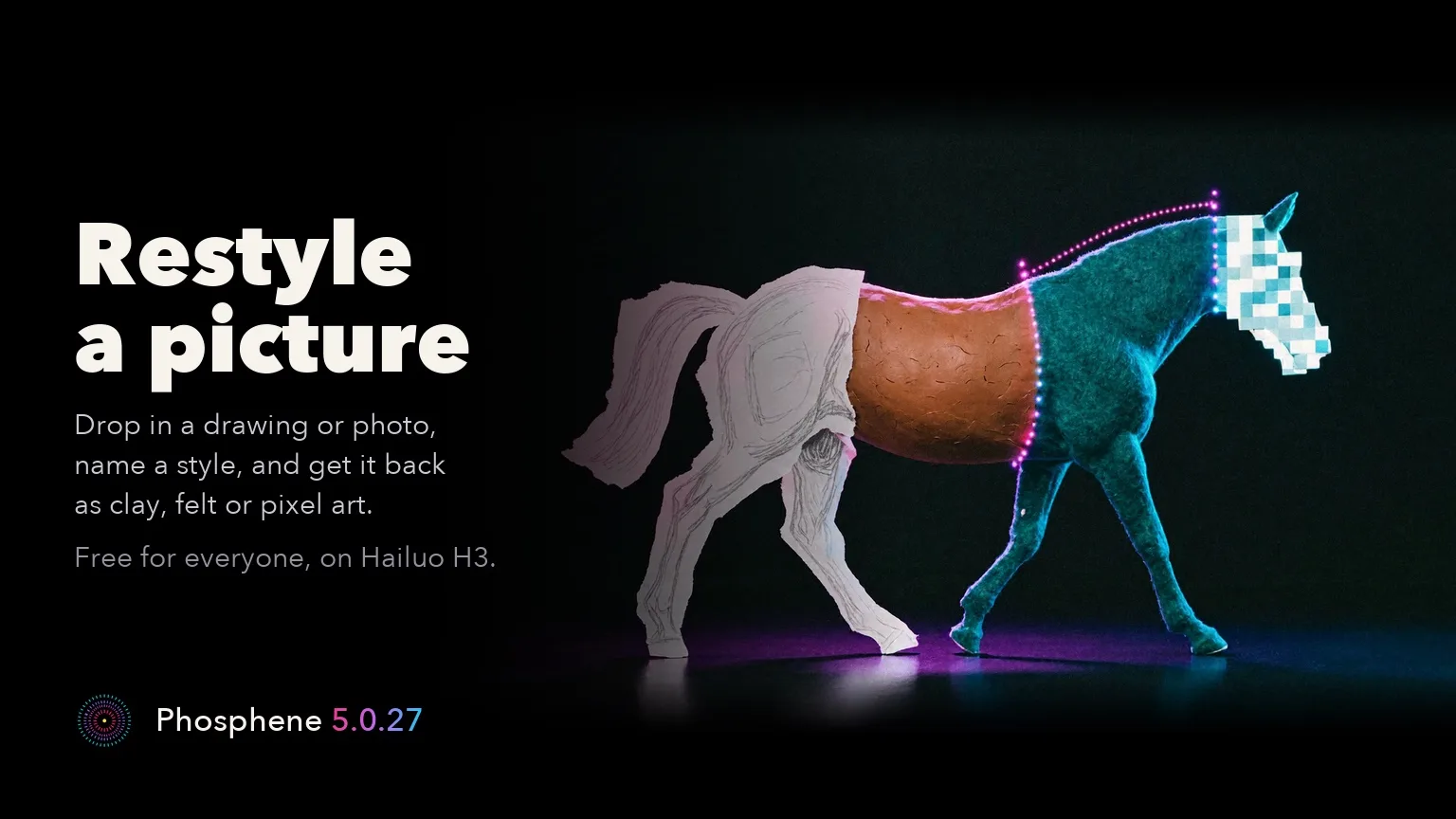
Phosphene 5.0.27: Restyle a picture on Hailuo H3, and Crisper detail for ProRestyle a picture is free for everyone. Drop in a photo or drawing, name a style, and get the same scene back in that style. Bold styles work best: clay, flat vector, pixel art or felt. Restyle needs the Hailuo H3 video pack and P-H3-Image installed, plus a one-time 300 MB download. About 2 minutes a picture at about 1 megapixel on an M4 Max 64 GB (27.6 GB peak). Crisper detail (Pro) brings finer skin, hair, fabric and backgrounds to LTX-2.5 Quick, Balanced and Standard clips. Switch it on under the prompt; it is off by default and the take changes. Our M4 Max 64 GB comparison, with the same seed and prompt, measured about 50-70% sharper fine detail, with about 10 seconds more on a 2 min 20 s render. First use downloads 1.2 GB once. Not on High or Fast draft, with a character or HDR; the Pro speed-up stands aside for this clip. The new text is in all ten languages. Free renders work exactly as before. On Pinokio, press Update, then restart. Mac app users get the Studio on the next update check. Release notes: https://github.com/mrbizarro/Phosphene/releases/tag/v5.0.27 Mac app: https://phosphene.video/
Forge Studio
@shai7net•17h ago
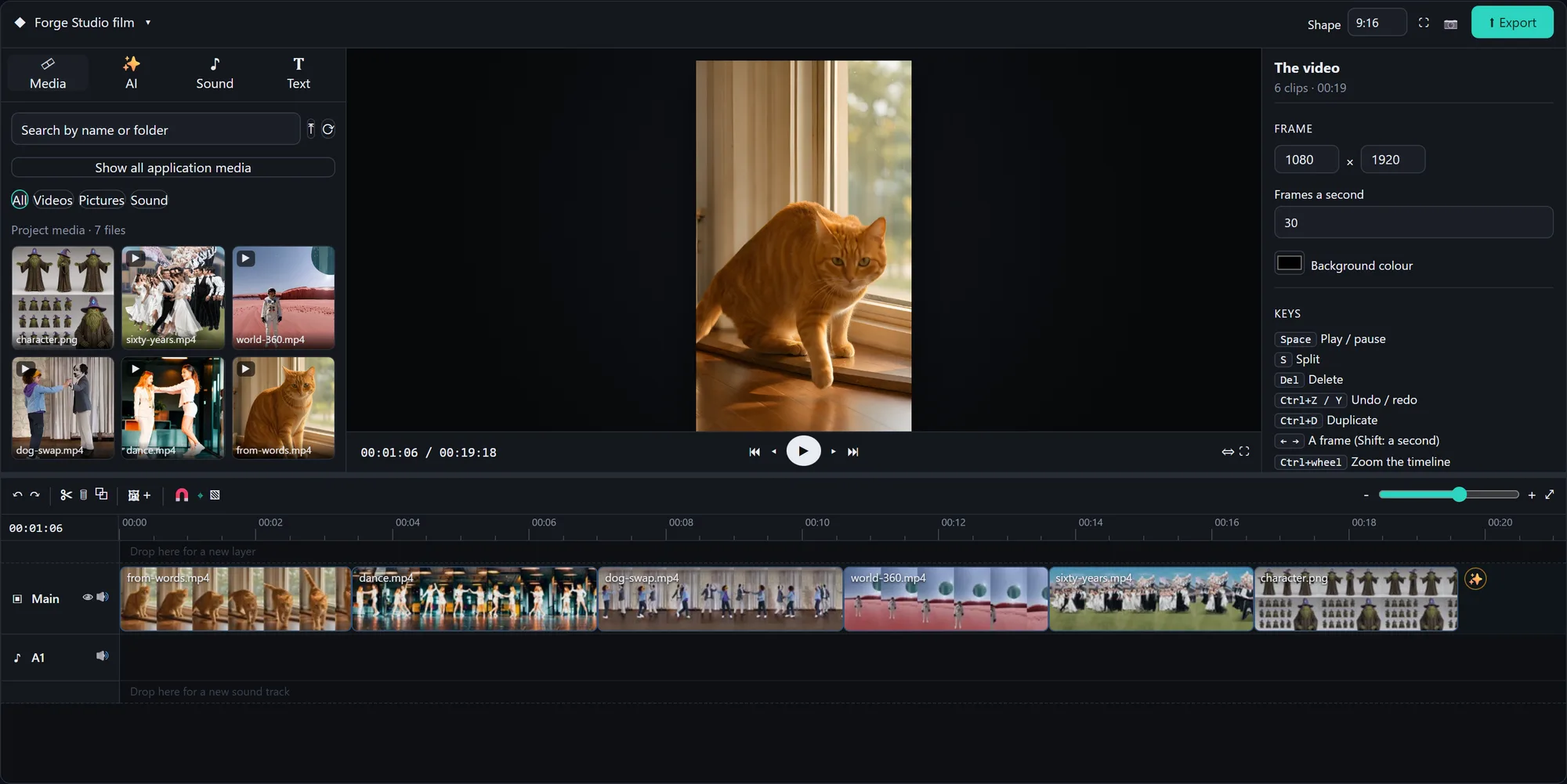
Forge Studio: a whole AI creative studio on one PC with an 8 GB card, now 1-click in Pinokio 🎬 Built on Stable Diffusion WebUI Forge: • Pictures: FLUX 3 Klein, FIBO 2.0, SDXL and SD 1.5 • Video Studio: Wan 2.2 video from text, a picture, first + last frame, "ingredients", or replacing a character in a video • AnimateDiff dance transfer, Deforum with music keyframes • Simulation 360 worlds, Time Strata, Characters (consistent character sheets → video → 3D) • Forge Studio: a timeline video editor that every tab can drop its results onto • A prompt writer that takes your idea in any language • UI skins: hold any button to restyle it, save and share skins Every shot in the video was made in it, and so was the music. Launcher: https://github.com/Shai7net/forge-studio-pinokio Project: https://github.com/Shai7net/forge-studio Windows + NVIDIA (8 GB or more). First versions, experimental: feedback is very welcome!
God's Eye View
@bilawalsidhu•21h ago
Hey everyone, we've got an official website now: https://godseyeview.ai. You can check out all the features, setup instructions and watch reconstructions of real-world events. By popular demand, we also have a hosted version coming, so you can get on the waitlist there as well. We will be opening up for early access soon. We also have a substantial 0.4.0 update coming to the open source self-hosted project next week. Thanks for all the support! Tons more to come.
FeaturedAnnouncedUpdatedNew
Runs on:Any
System
AnymacOSWindowsLinux
GPU
AnyNVIDIAAMDApple
Show:All projects
LaunchersPluginsAll projects
#tts64#image-generation50#video-generation42#music35#utility35#video28#próba27#3d26
gligen-gui
An intuitive GUI for GLIGEN that uses ComfyUI in the backend
cocktailpeanut/gligen-guiadded 6mo ago
@cocktailpeanut0 check-insNVIDIAAMDApple
MusicVideoCutter
Automatically create music videos. Synchronize the cuts to the music's beat. (Compatible with all OS and GPU's)
6morpheus6/musicvideocutteradded 6mo ago
@morpheus0 check-insNVIDIAAMDApple
mlx-video
MLX-Video is the best package for inference and finetuning of Image-Video-Audio generation models on your Mac using MLX.
Blaizzy/mlx-videoadded 6mo ago
0 check-insNVIDIAAMDApple
arsenal-x
Arsenal is just a quick inventory and launcher for hacking programs
sidneysimas/arsenal-xadded 6mo ago
0 check-insNVIDIAAMDApple
XVoice
X-Voice
6morpheus6/xvoiceadded 6mo ago
@morpheus0 check-insNVIDIAAMDApple
XRXRX/X-Voice · Hugging Face
We’re on a journey to advance and democratize artificial intelligence through open source and open science.
huggingface.co/xrxrx/x-voiceadded 6mo ago
0 check-insNVIDIAAMDApple
freellmapi
OpenAI-compatible proxy that aggregates free-tier keys from ~14 AI providers with automatic failover. For personal experimentation only.
tashfeenahmed/freellmapiadded 6mo ago
0 check-insNVIDIAAMDApple
Fooocus2026
Focus on prompting and generating
mikecastrodemaria/fooocus2026added 6mo ago
@supersoniquestudio0 check-insNVIDIAAMDApple
untrunc
Restore a truncated mp4/mov. Improved version of ponchio/untrunc
anthwlock/untruncadded 6mo ago
0 check-insNVIDIAAMDApple
audiocraft
Audiocraft is a library for audio processing and generation with deep learning. It features the state-of-the-art EnCodec audio compressor / tokenizer, along with MusicGen, a simple and controllable music generation LM with textual and melodic conditioning.
peanutcocktail/audiocraftadded 6mo ago
0 check-insNVIDIAAMDApple
kernels
precompiled Cuda kernels
deepbeepmeep/kernelsadded 6mo ago
0 check-insNVIDIAAMDApple
needle
26m function call model that runs on incredibly small devices
cactus-compute/needleadded 6mo ago
0 check-insNVIDIAAMDApple
Qwen3 Coder WebDev - a Hugging Face Space by Qwen
Enter a brief description of the website you want, and the app writes the corresponding HTML or React code for you. It shows a live preview of the generated page and lets you download or view the s...
huggingface.co/spaces/Qwen/Qwen3-Coder-WebDevadded 6mo ago

0 check-insNVIDIAAMDApple
guoyww/animatediff · Hugging Face
We’re on a journey to advance and democratize artificial intelligence through open source and open science.
huggingface.co/guoyww/animatediffadded 6mo ago

0 check-insNVIDIAAMDApple
Dreamshaperxl
huggingface.co/Lykon/DreamShaperXLadded 6mo ago

0 check-insNVIDIAAMDApple
Realcartoonxl
huggingface.co/SG161222/RealCartoonXLadded 6mo ago

0 check-insNVIDIAAMDApple
kenerateai/Flux-uncensored · Hugging Face
We’re on a journey to advance and democratize artificial intelligence through open source and open science.
huggingface.co/kenerateai/Flux-uncensoredadded 6mo ago

0 check-insNVIDIAAMDApple
seanime
Open-source media server with a web interface and desktop app for anime and manga.
5rahim/seanimeadded 6mo ago

0 check-insNVIDIAAMDApple
Kernel/sd-nsfw · Hugging Face
We’re on a journey to advance and democratize artificial intelligence through open source and open science.
huggingface.co/Kernel/sd-nsfwadded 6mo ago

0 check-insNVIDIAAMDApple
X-Voice
X-Voice is a multilingual text-to-speech system that enables one speaker to speak 27 languages.
6Morpheus6/X-Voicev5.0added 6mo ago
@morpheus2 check-insNVIDIAAMDApple
Previous
1...154155156...306
NextPage 155 of 306

Get project updates

Pulse

View all

The latest posts from across Pinokio.

siempre me marca error de memoria insuficiente en cuda, tengo 8 de vram, alguien me podria ayudar a c...
@slnit · Community
New on Pinokio
@saintbrodie · PixlStash
Automatically discovered via GitHub
New on Pinokio
@cocktailpeanut · Spaceship IDE
Automatically discovered via GitHub
Checked in to God's Eye View.
@rvn · Community
Made with Maestro, I call it a masterpiece ... you can call it crap :-D ... but of course, I love the...
@auriodk · Community

Radar

View all

Projects getting attention.

Followed·just now
God's Eye View
A live 3D intelligence console for planet Earth.
Installable
Followed·1 min
Stable-Video-Diffusion
Stable Video Diffusion auto install with web UI
Followed·1 min
FaceFusion 3.9.2
Industry leading face manipulation platform
Installable
Followed·1 min
YUE2 // GROOVE
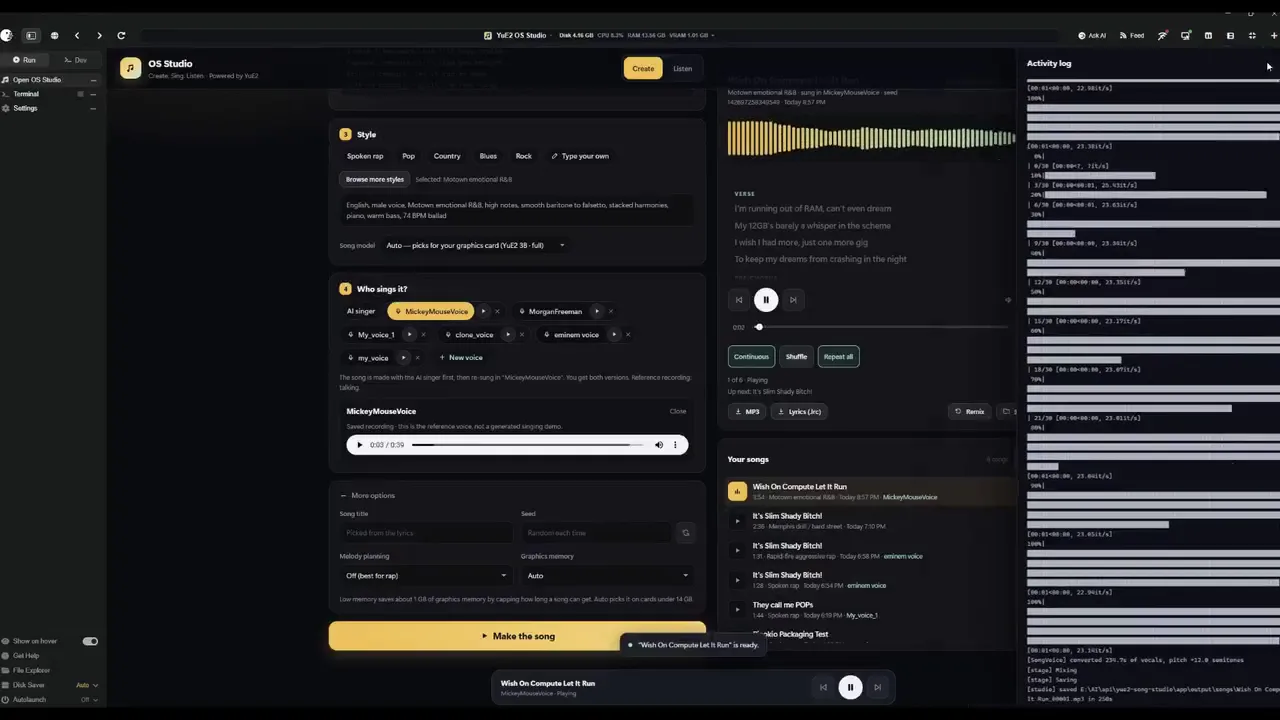
YUE2 // GROOVE is the latest music studio built on the open-source Yue2 model and its inference stack. Generate high-quality full songs from style and lyrics with an editable score plan — powered by the latest YuE model — cover from audio with SheetSage2 and MERT2, refine and compare edits, and keep your works in a reusable, easy-to-manage library. You get high-quality creation with real creative control. Hardware: an NVIDIA GPU with 24 GB VRAM on Linux (YuE2's recommended setup, validated end-to-end on NVIDIA L4 hosts; a 16 GB memory budget runs everything the app can produce, and 12 GB runs the unquantized model at CFG 1.0 or for shorter songs) or an Apple Silicon Mac with 32 GB+ unified memory (where this app is developed and tested). Windows is best effort: install, launch, Cover and a full-length song verified on Windows 11 (RTX 2070, 8 GB); song generation there runs through the GGUF engine. Cards under 16 GB (and Windows) get the optional GGUF engine: the same model through yue2.cpp with an 8-bit backbone, 8.2 GB peak for a full song, measured indistinguishable from the reference rendering in a blind ABX, a different take for the same seed; the reference PyTorch configuration stays the default wherever it fits.
Installable
Followed·25 min
Maestro AMD
[AMD ONLY] All-in-one local AI video, image & music studio built on the WanGP pipeline (Wan 2.1/2.2, LTX-2.3, Qwen, Hunyuan Video, Flux). ROCm-powered. Supported on Windows and Linux for RDNA 2-4 dGPUs (RX 6000/7000/8000/9000) and gfx1150-53 APUs (Strix Point/Halo, Krackan Point/Halo). 6 GB+ VRAM recommended. For NVIDIA GPUs use the upstream Maestro app. Credits: the app itself is Maestro by Blizaine (github.com/Blizaine/Maestro) — this is just an AMD installer wrapper around it. The clone-at-install-time approach used to port it to AMD was pioneered by 6Morpheus6's wan2gp-amd (github.com/6Morpheus6/wan2gp-amd).
Installable
Pinokio
PrivacyTerms
FeedAppsCreateRemote

Explore the community

#showcase
Made with Maestro, I call it a masterpiece ... you can call it crap :-D ... but of course, I love the song, it´s not for everyone. https://youtu.be/0W9lx1gNgho
@auriodk·5h ago

#cool-project
Preview of my next project!
@theawakenone·4d ago

#guide
Pinokio Create: Turn Anything into a 1-Click Launcher, Automatically.
@cocktailpeanut·2d ago

#testers-wanted
For those of you brave enough to install... Thanks for trying it out. I am adding a bug report feature and fixing the workflows for objects/creatures/vehicles. I am also adding a coding agent driven headless Blender node. I will be looking to optimizes for low memory systems soon. There is alot to do on the Roadmap. Thanks for your interest.

@mumblebox·14d ago