I joined Pinokio about a week ago, and the welcome has been incredible. Thanks to everyone who tried Foundry, sent feedback, or offered to help. I’m glad to be part of this community.

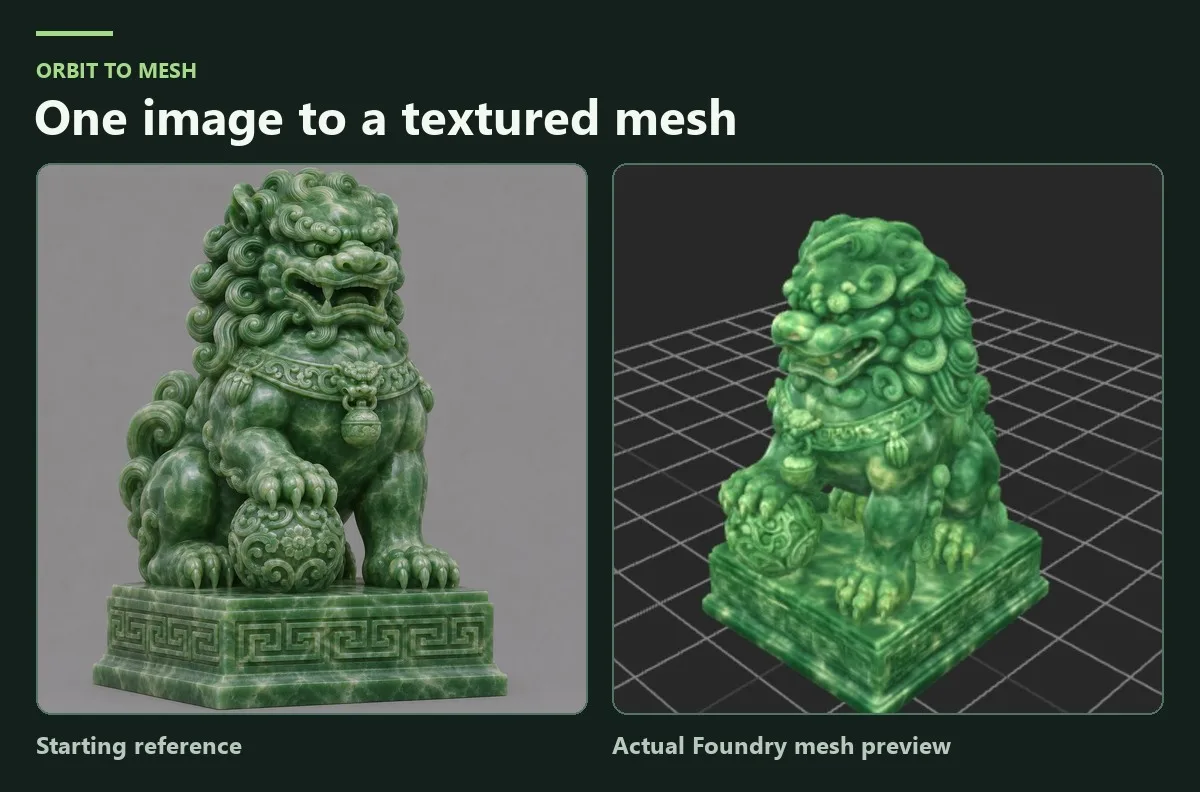
Orbit to Mesh is the new workflow I’m most excited about. Start with one image. Foundry makes a four-view sheet and a 360° orbit, then lets you review the frames before Pixal3D builds the mesh. Hi3D and TRELLIS.2 handle refinement and texturing. The jade guardian below shows the reference, the generated orbit, and the textured mesh from the same run.
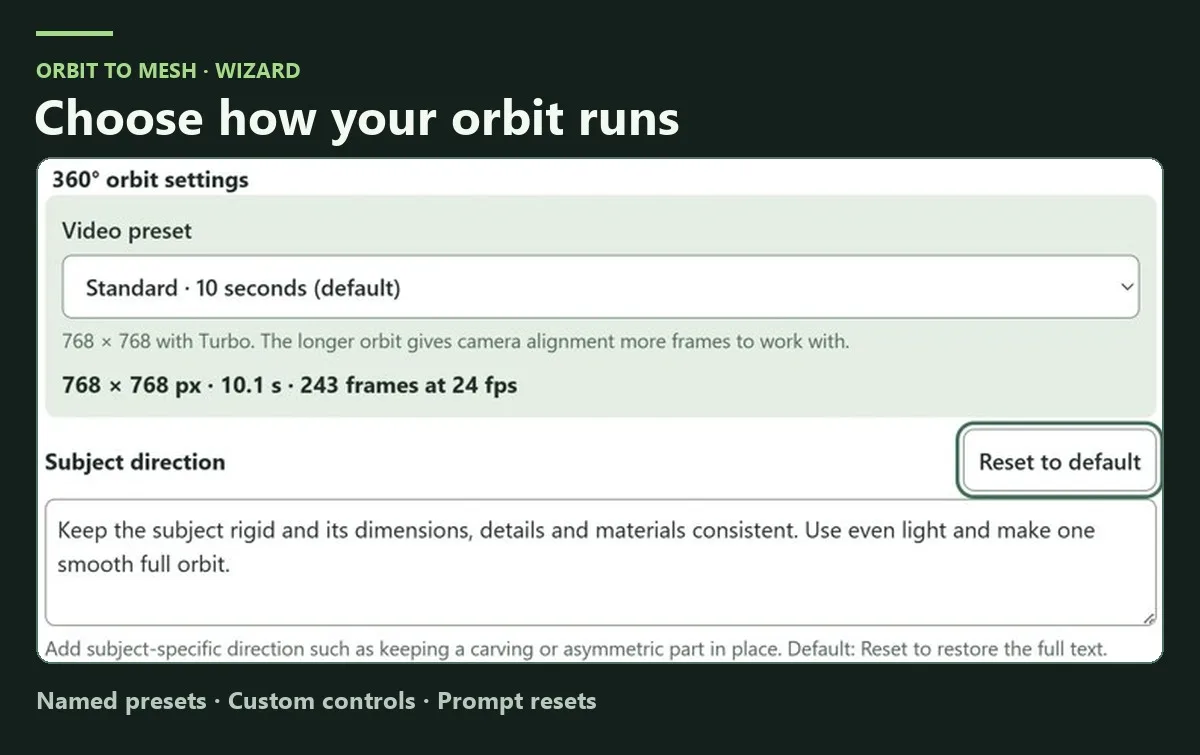
The orbit wizards now have named presets, Custom controls, and resets beside the settings. The view selector explains the tradeoffs, and Rocket Mode shows what it’ll run and export before you start. Virtual Turntable also gives you two photogrammetry engines to try, Meshroom / AliceVision and COLMAP + OpenMVS. Thanks to MiniMax, Pruna, Pablo Dawson, and the Pixal3D, Hi3D, and TRELLIS.2 teams for the tools behind these workflows.
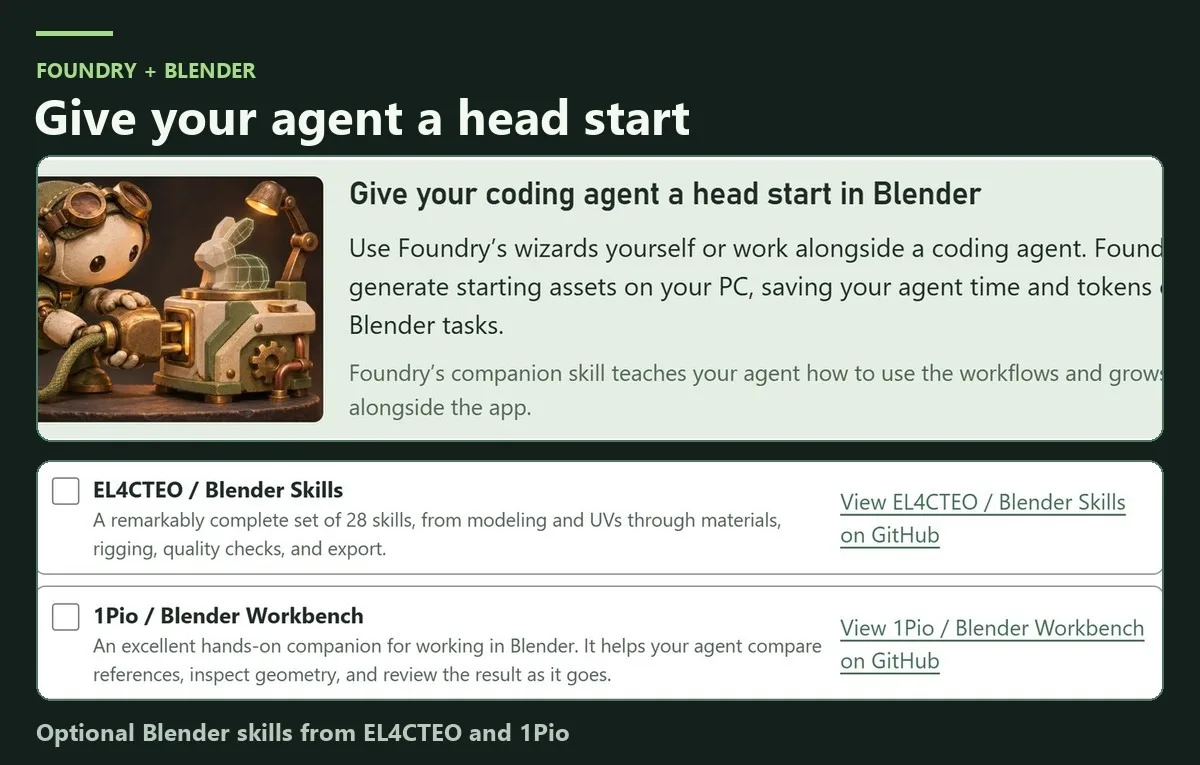
Working with a coding agent in Blender? Click Connect your agent in Foundry to copy a setup prompt for the local MCP and the bundled Mumblebox Assets skill. You can use the wizards yourself or have your agent start a local run while it works on something else, then bring the result into Blender for editing. The goal is to save time and tokens by giving your agent a solid starting asset. Thanks to EL4CTEO and 1Pio for the Blender skill collections you can optionally include in setup.
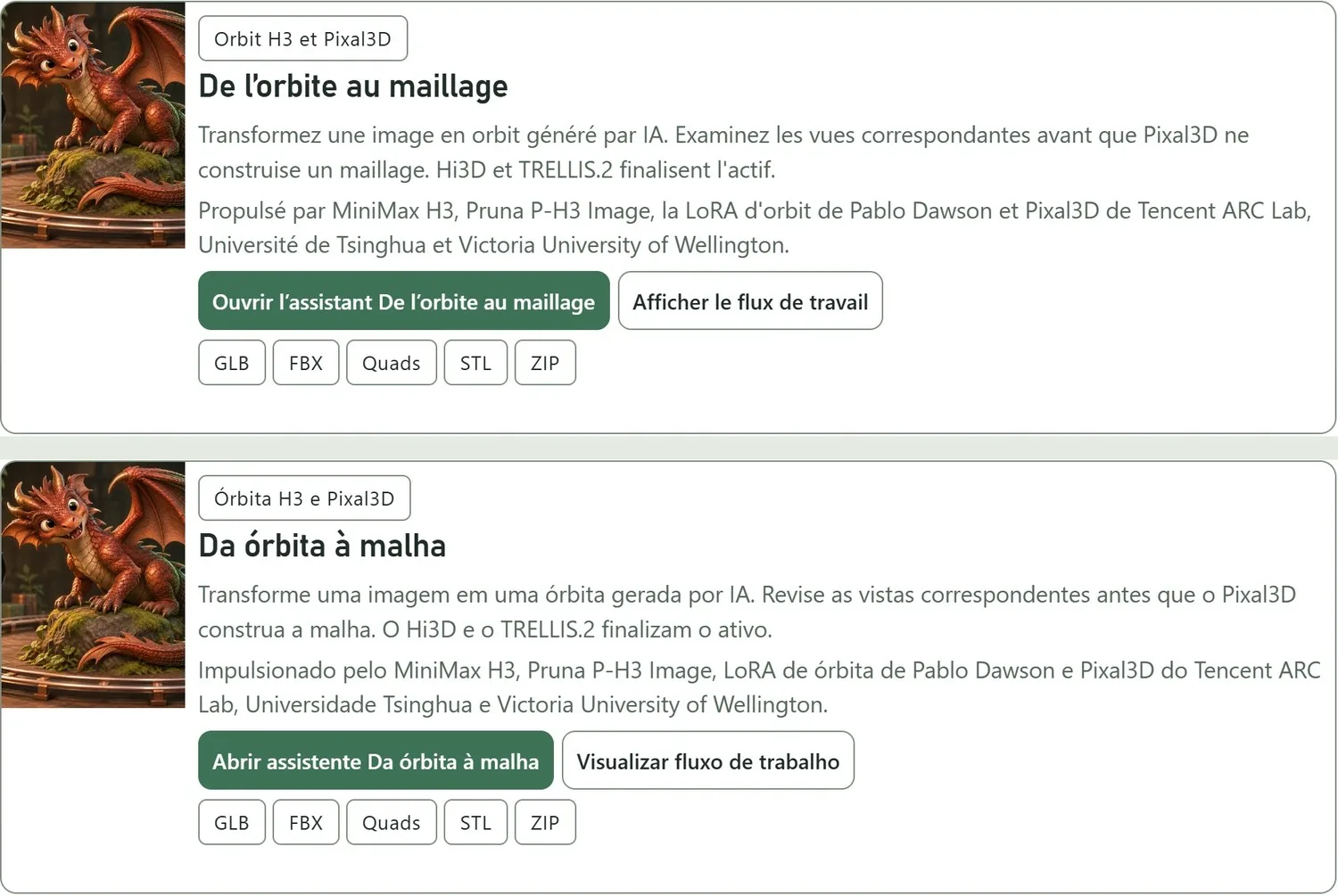
French and Brazilian Portuguese are now available, alongside English, Simplified Chinese, and Latin American Spanish.
Bonjour à toutes et à tous ! Vous pouvez maintenant utiliser Foundry en français. Si vous essayez De l’orbite au maillage, dites-moi quels réglages vous ont donné les meilleurs résultats.
Oi, pessoal! Agora dá pra usar o Foundry em português do Brasil. Se vocês testarem Da órbita à malha, me contem quais configurações deram os melhores resultados.
It’s still a preview. I’ll be spending more time tuning recipes and defaults for different subjects. If you make something, I’d love to see it and hear which preset, view count, or engine you used. The Roadmap tab shows what’s next.
Preview 27 release and changelog · Foundry on Pinokio
I joined Pinokio about a week ago, and the welcome has been incredible. Thanks to everyone who tried Foundry, sent feedback, or offered to help. I’m glad to be part of this community.
Orbit to Mesh is the new workflow I’m most excited about. Start with one image. Foundry makes a four-view sheet and a 360° orbit, then lets you review the frames before Pixal3D builds the mesh. Hi3D and TRELLIS.2 handle refinement and texturing. The jade guardian below shows the reference, the generated orbit, and the textured mesh from the same run.
The orbit wizards now have named presets, Custom controls, and resets beside the settings. The view selector explains the tradeoffs, and Rocket Mode shows what it’ll run and export before you start. Virtual Turntable also gives you two photogrammetry engines to try, Meshroom / AliceVision and COLMAP + OpenMVS. Thanks to MiniMax, Pruna, Pablo Dawson, and the Pixal3D, Hi3D, and TRELLIS.2 teams for the tools behind these workflows.
Working with a coding agent in Blender? Click Connect your agent in Foundry to copy a setup prompt for the local MCP and the bundled Mumblebox Assets skill. You can use the wizards yourself or have your agent start a local run while it works on something else, then bring the result into Blender for editing. The goal is to save time and tokens by giving your agent a solid starting asset. Thanks to EL4CTEO and 1Pio for the Blender skill collections you can optionally include in setup.
French and Brazilian Portuguese are now available, alongside English, Simplified Chinese, and Latin American Spanish.
Bonjour à toutes et à tous ! Vous pouvez maintenant utiliser Foundry en français. Si vous essayez De l’orbite au maillage, dites-moi quels réglages vous ont donné les meilleurs résultats.
Oi, pessoal! Agora dá pra usar o Foundry em português do Brasil. Se vocês testarem Da órbita à malha, me contem quais configurações deram os melhores resultados.
It’s still a preview. I’ll be spending more time tuning recipes and defaults for different subjects. If you make something, I’d love to see it and hear which preset, view count, or engine you used. The Roadmap tab shows what’s next.
Preview 27 release and changelog · Foundry on Pinokio