Announced apps
One-click launchers that install and run apps on your computer.
System:Linux
GPU:Any

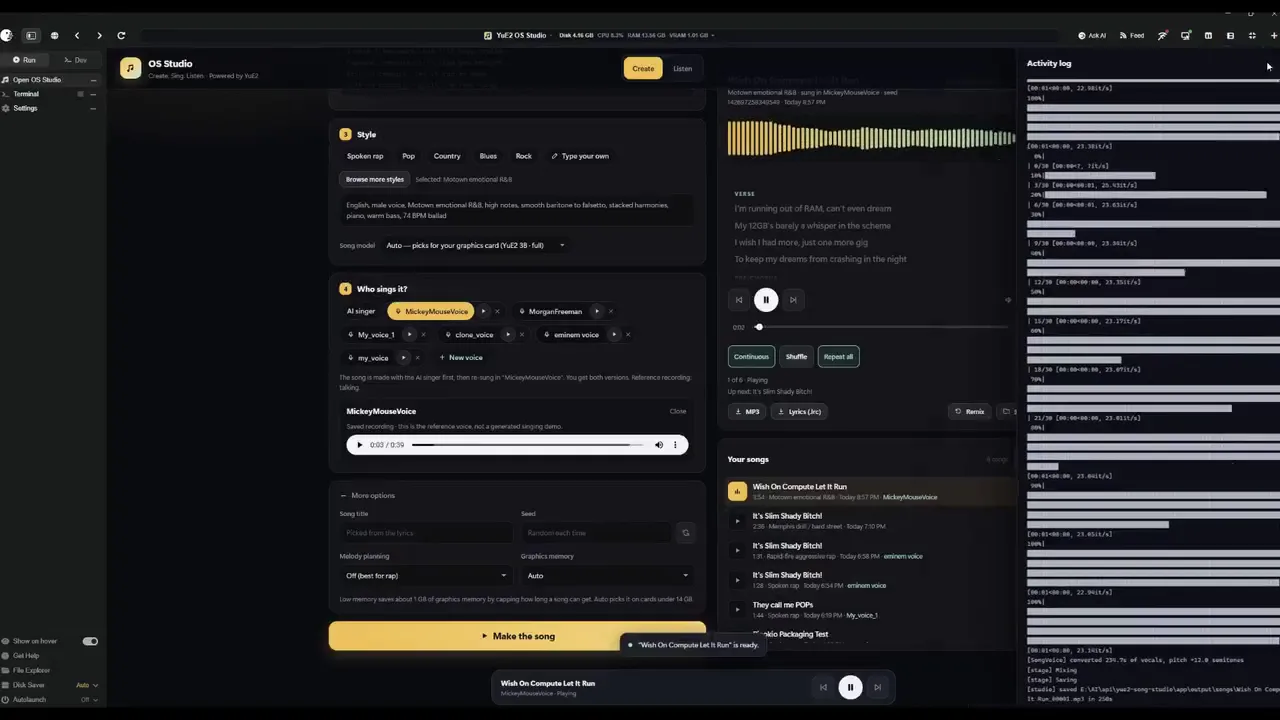
Ruach Studio: The Ultimate YuE2 Studio for local AI music generation. YuE2 Musician, Drama 3 & Higgs v3 Narrator, QWEN Writer, Refiner (30+ nodes, Piano Roll, DAW), QWEN IMAGE Cover Artist, MiniMax H3 Videographer, LoRA Trainer, Librarian. SUNO AI alternative.
Ruach Studio 2.1.0-rc1: the Section editor, the Narrator in three columns, versions everywhere· 1d agoPinokio's Update brings your Studio to 2.1.0-rc1, the first candidate for 2.1.0: everything made since 2.0.9, with 2.0.10's fixes in it. ✂️ The Section editor. Edit › Section editor… in a take's menu opens the song as a strip of its sections. Queue one edit a section (replace it, re-sing a line, sing it once more, insert an interlude or a copy of a part, repeat, remove, re-sing to the end, extend)

PotionUIFeatured
PotionUI: self-hosted AI image and video generation with a preset-driven interface, a native diffusers engine and ComfyUI support. Requires Windows or Linux with an NVIDIA GPU (driver 580 or newer, 8 GB VRAM and 16 GB RAM minimum). Other machines get a remote-only install.
PotionUI 0.3.0: the editors release with layers, region edits, one-click Upscale, Fix faces and Expand, and a video editor that saves your work· 2d ago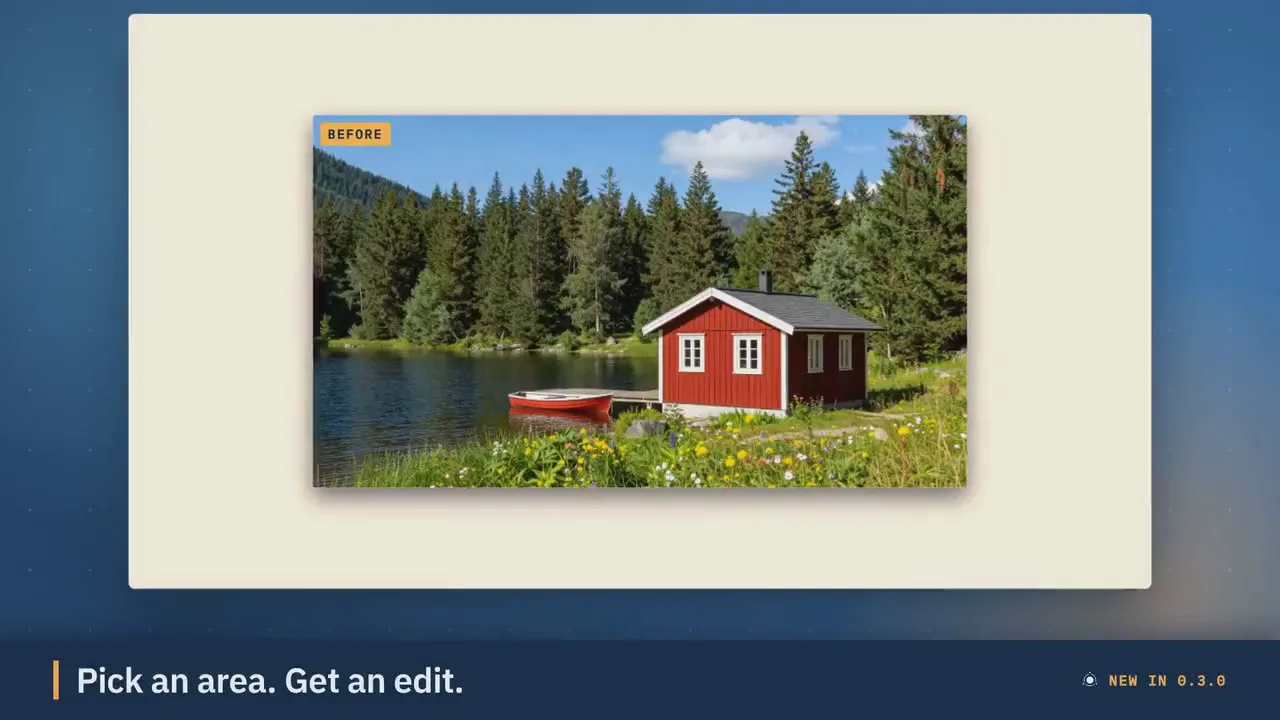


1-click MiniMax H3 video in ComfyUI plus H3 Studio: local T2V/I2V, references, continuation, Gallery, Director/Cinema and TR/EN. NVIDIA GPU.
Momo has a message for you!!! https://www.youtube.com/watch?v=0bFra725El4· 6d ago
 @mvrdvk


 25 check-ins

God's Eye ViewFeatured
A live 3D intelligence console for planet Earth.
Hey everyone, we've got an official website now: https://godseyeview.ai. You can check out all the features, setup instructions and watch reconstructions of real-world events. By popular demand, we also have a hosted version coming, so you can get on the waitlist there as well. We will be opening up for early access soon. We also have a substantial 0.4.0 update coming to the open source self-hoste· 7d ago
 @bilawalsidhu


 465 check-ins

HaruFeatured
Haru-4B voice conversations in your browser. Apple silicon Mac or NVIDIA CUDA on Windows/Linux. See README for GPU and system memory requirements.
Haru: HER is here. Realtime voice chat with an AI friend· 9d ago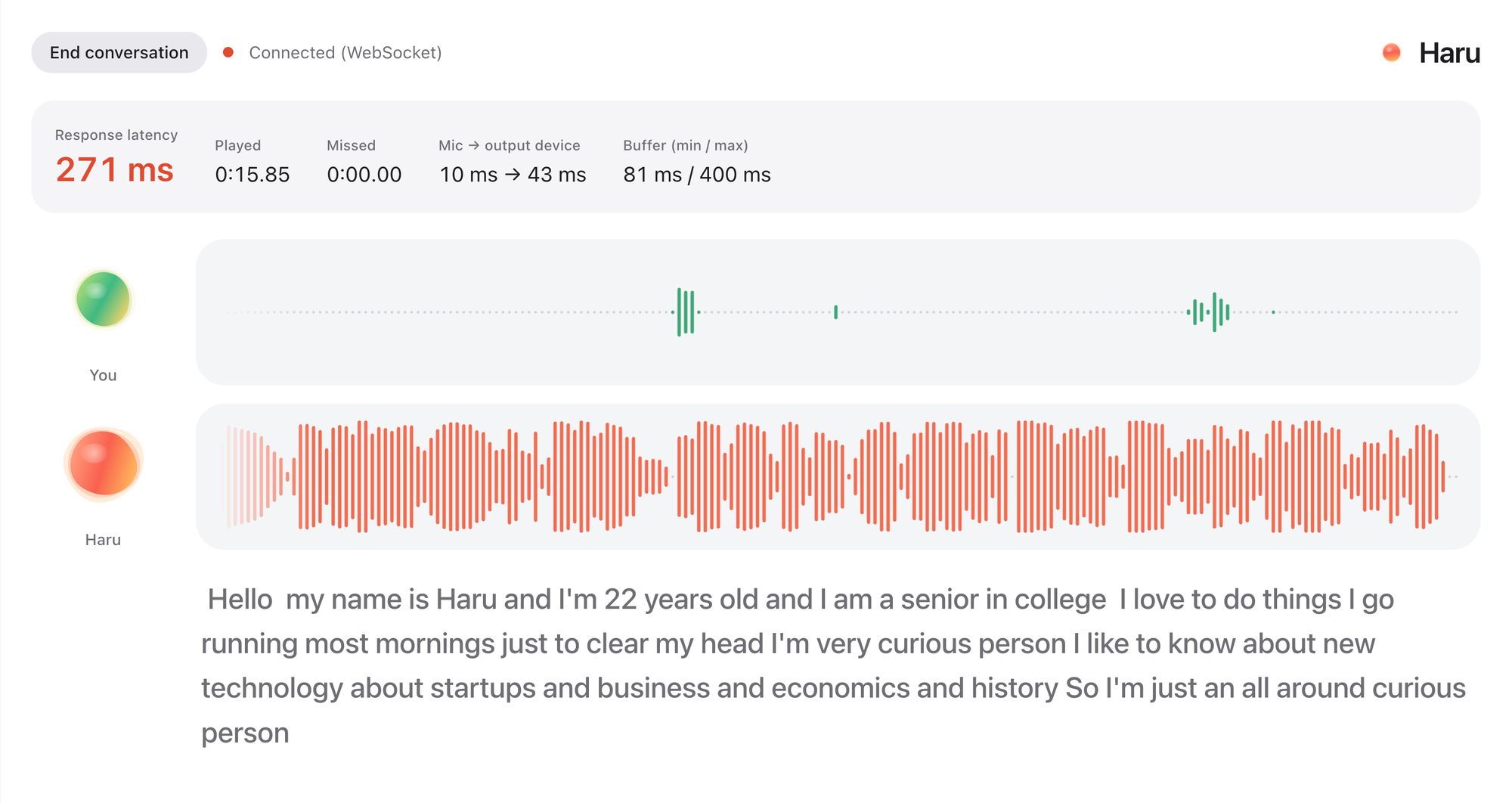
 @cocktailpeanut
 2 check-ins

Qwen3-TTSFeatured
Qwen3-TTS is an open-source series of TTS models developed by the Qwen team
Please update and retry?· 14d ago @sup3rmass1ve


 55 check-ins

Drama 3 Offload StudioFeatured
Fish Audio Drama 3 (expressive TTS, voice cloning, voice design, directing notes) from the fishaudio/Drama-3 Space. Models: the full model for 24+ GB NVIDIA GPUs, the Small GGUF (drama3-small, Japanese and English) for 16 GB, and MLX 4-bit / 3-bit conversions of the full model for Apple Silicon (64 / 48 GB, untested on a Mac).
Major Update: New Weights + a lot of bug fixes!· 18d ago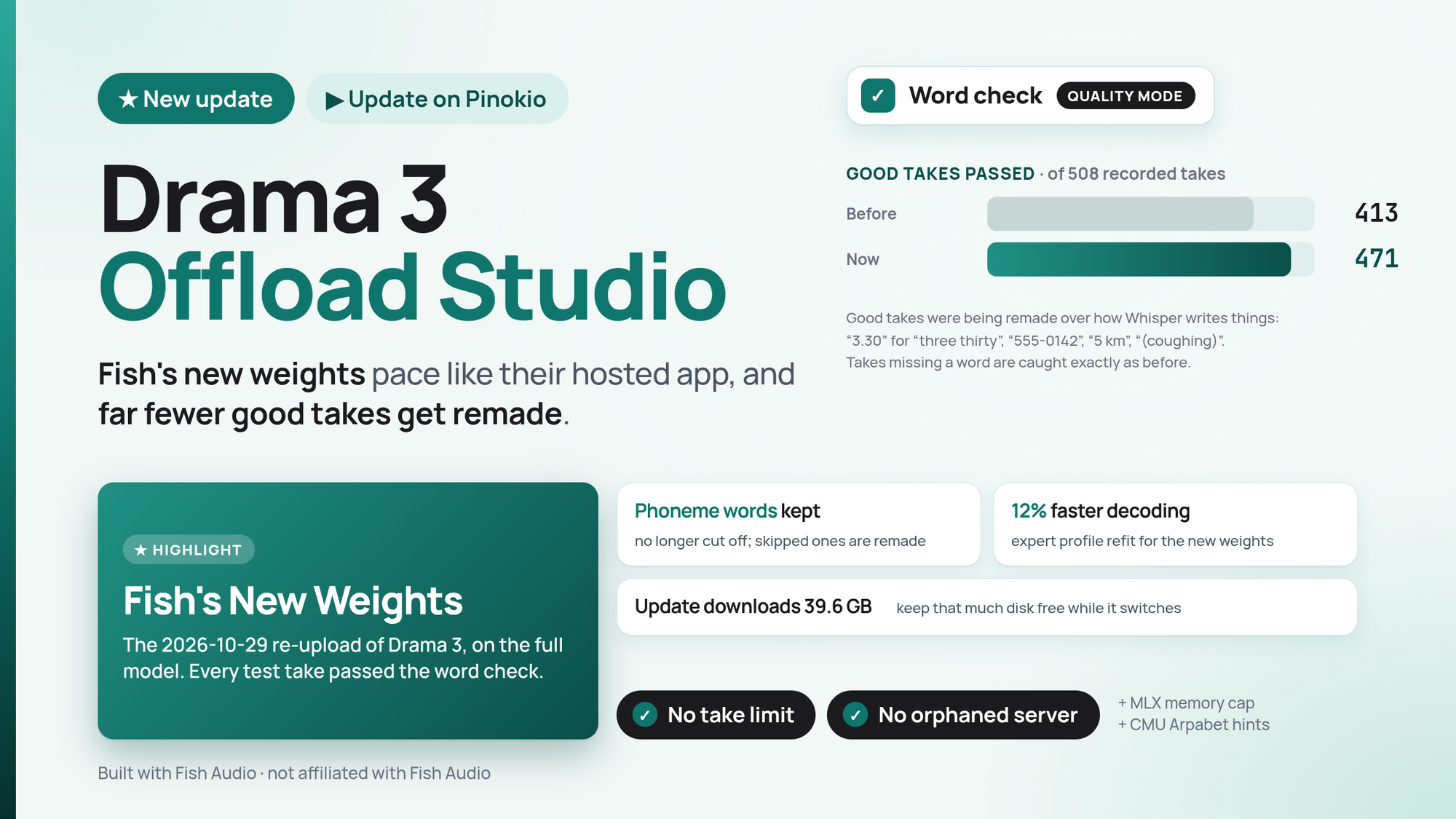 @thomas_eric
 10 check-ins

Wan2GPFeatured
1-click WanGP Launcher. Super Optimized Gradio UI for AI video creation for GPU poor machines (6GB+ VRAM). Supports Wan 2.1/2.2, Qwen, Hunyuan Video, LTX Video and Flux. https://github.com/deepbeepmeep/Wan2GP
Create games with wan2gp· 24d ago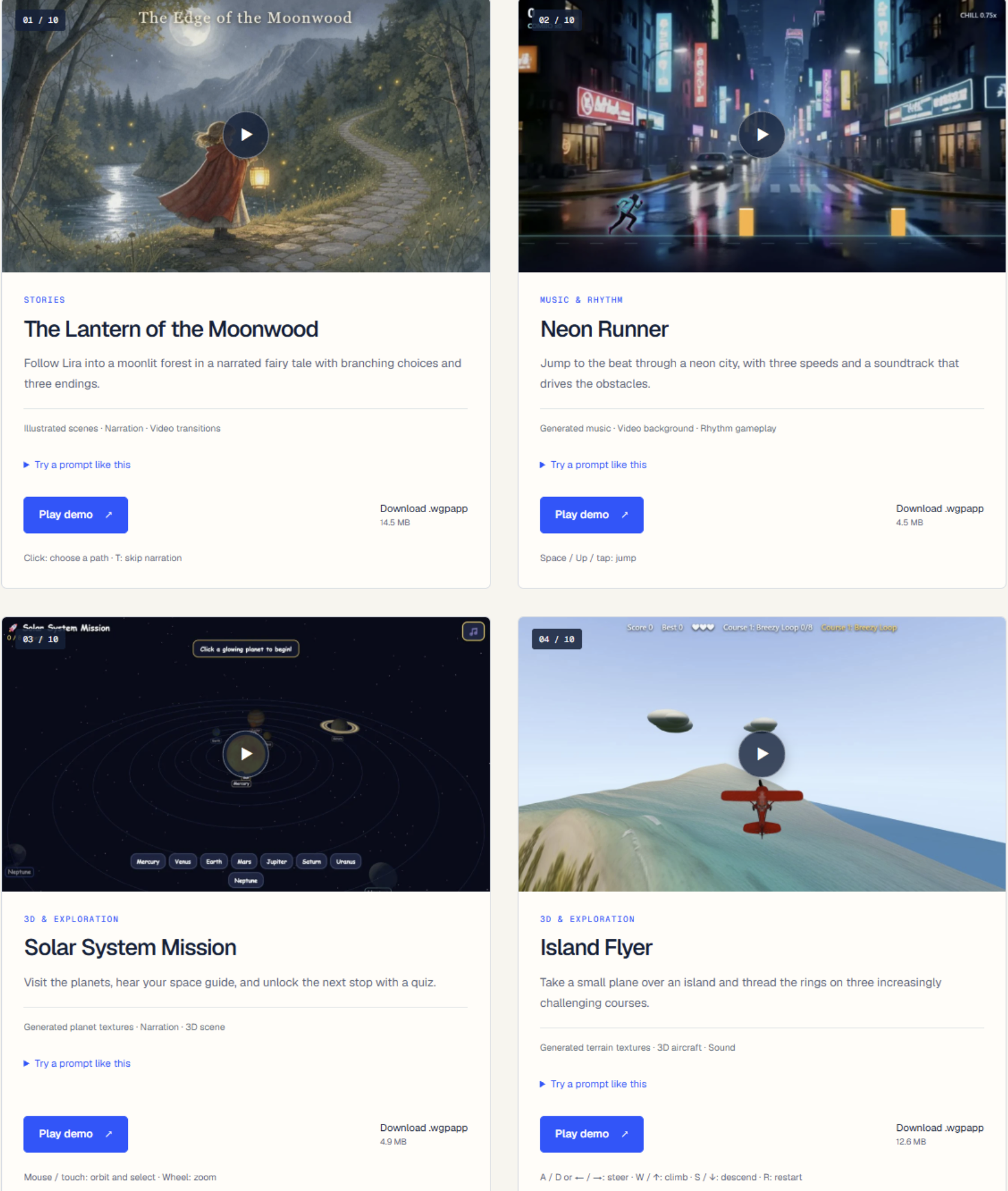


 756 check-ins

MaestroFeatured
An all-in-one, 100% local AI creative studio, director, and multi-track editor. Generate with MiniMax H3, LTX-2.5/2.3, Wan, Flux, Qwen, and more; turn an idea or song into a planned production; then finish it on the timeline. Requires an NVIDIA GPU (6GB+ VRAM).
Maestro v3.2 is live!🚀· 1mo agov3.2 Update: FastH3 V2: experimental eight-step text-to-video with generated audio. FastH3 OmniRef: experimental image, video and audio references, with official BF16, INT8 and FP8 checkpoints. FastH3 NVFP4: separate experimental QAD model for supported Blackwell GPUs. Qwen Image 2.1: repaired processor downloads, reduced final VAE memory use and improved tiled decoding to address lines. Hugging F @blizaine


 314 check-ins

FooocusPlusFeatured
An enhanced version of Fooocus giving you access to all of the latest AI image generation models
FooocusPlus - Simplicity on a new level· 1mo ago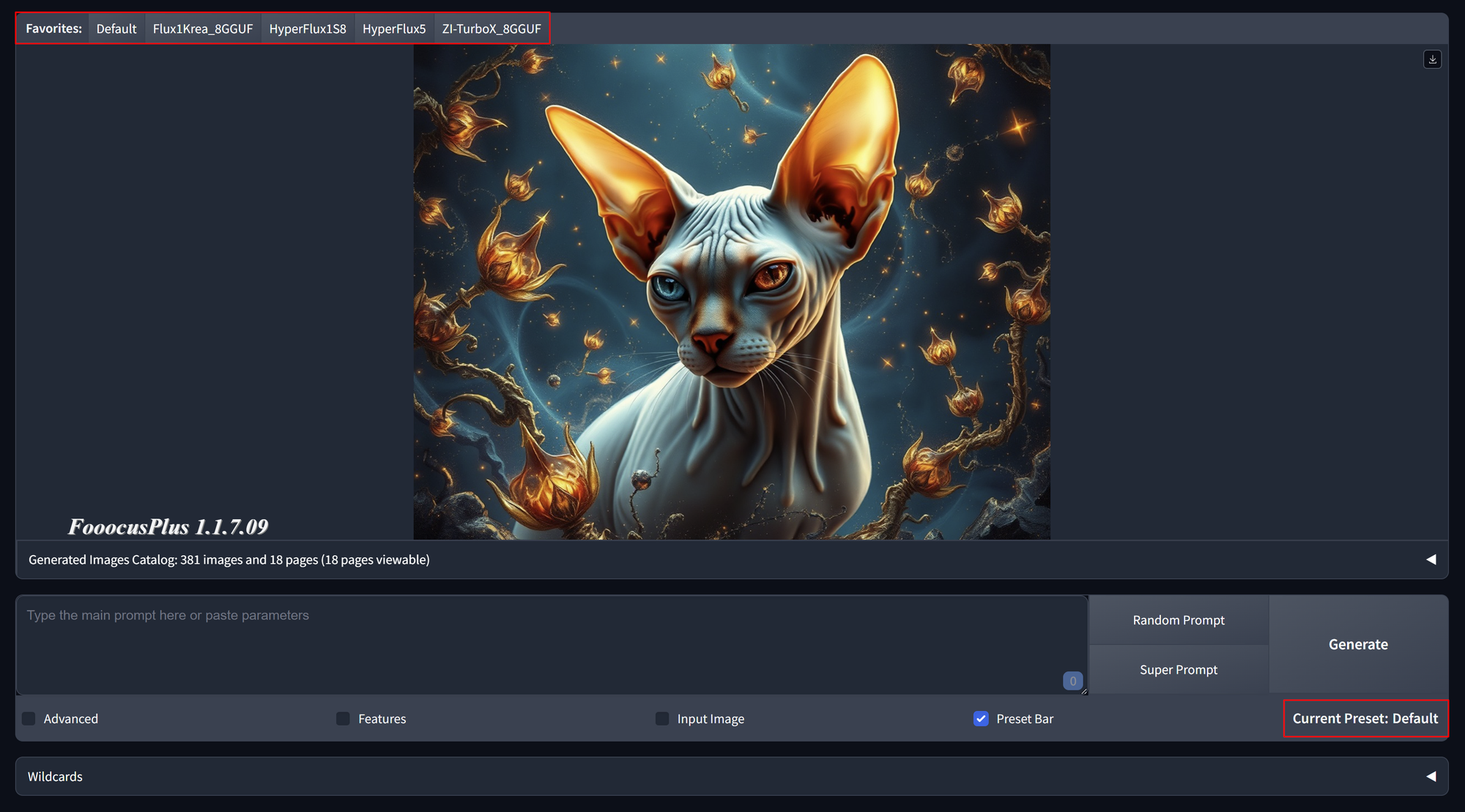
 @morpheus
 9 check-ins

SeedVR2-7B MLXFeatured
One-step SeedVR2-7B diffusion super-resolution upscaler, running natively on Apple Silicon via MLX. Choose between fp16 / int8 / sharp model variants, tune scale, softness, and seed, and compare before/after with a slider.
Update v3 : Changelogs : 1. input image size for the uploaded image shown in the UI. 2. zoom,pan for the result tab . 3. model download progress bar in UI, background downloads support. 4. a paste from clipboard button( along with keyboard shortcut) to add images 5. option for random seed by default.· 1mo ago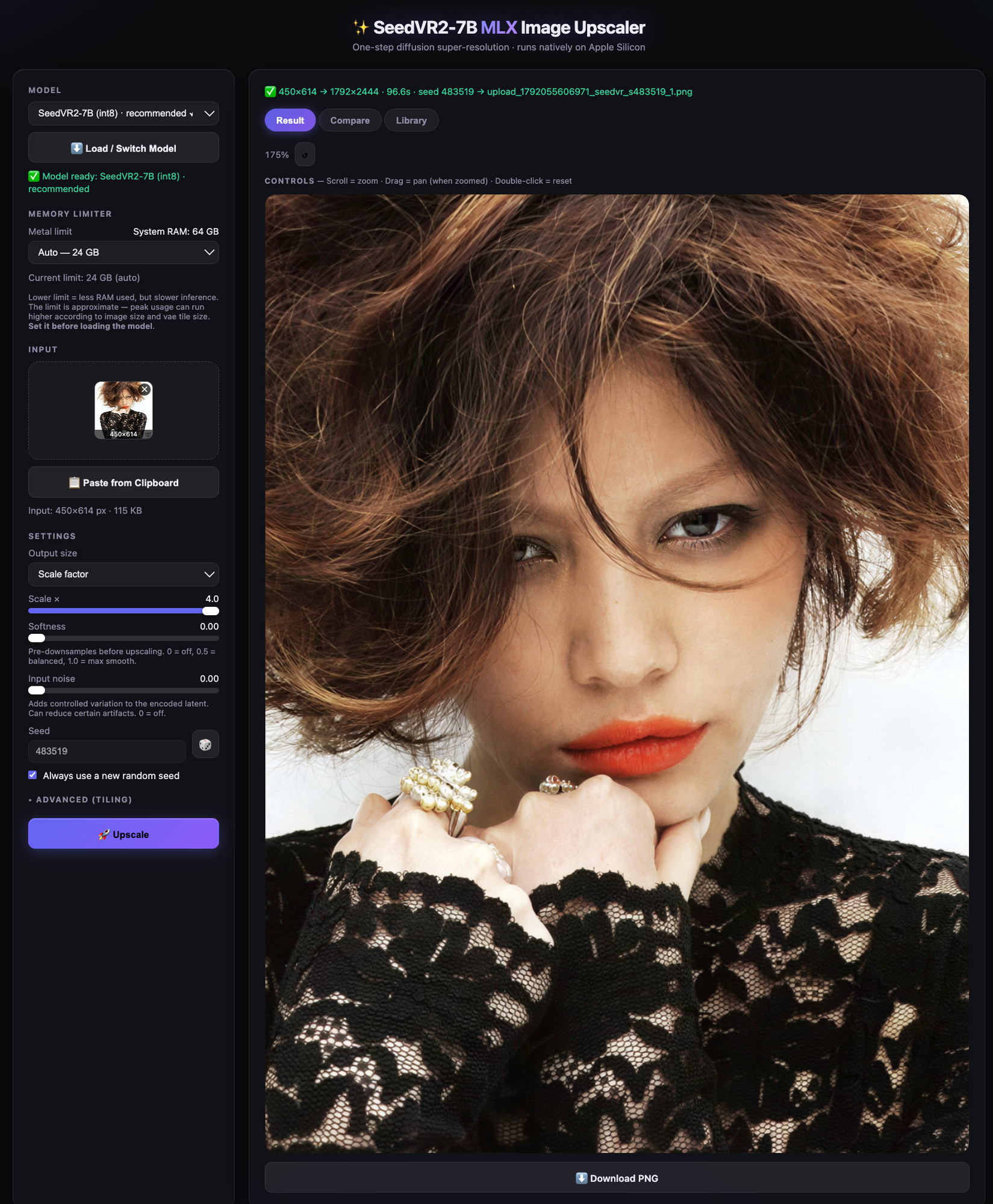
 @rdx_ai5 check-ins

Speridlabs Iris-3B pixel-space diffusion: text-to-image, monocular depth, and image restoration / 4x upscaling in one local Gradio UI. NVIDIA GPU recommended (16 GB+); Apple Silicon and CPU work but are slow.
Iris 3B Studio is Now Available!· 1mo ago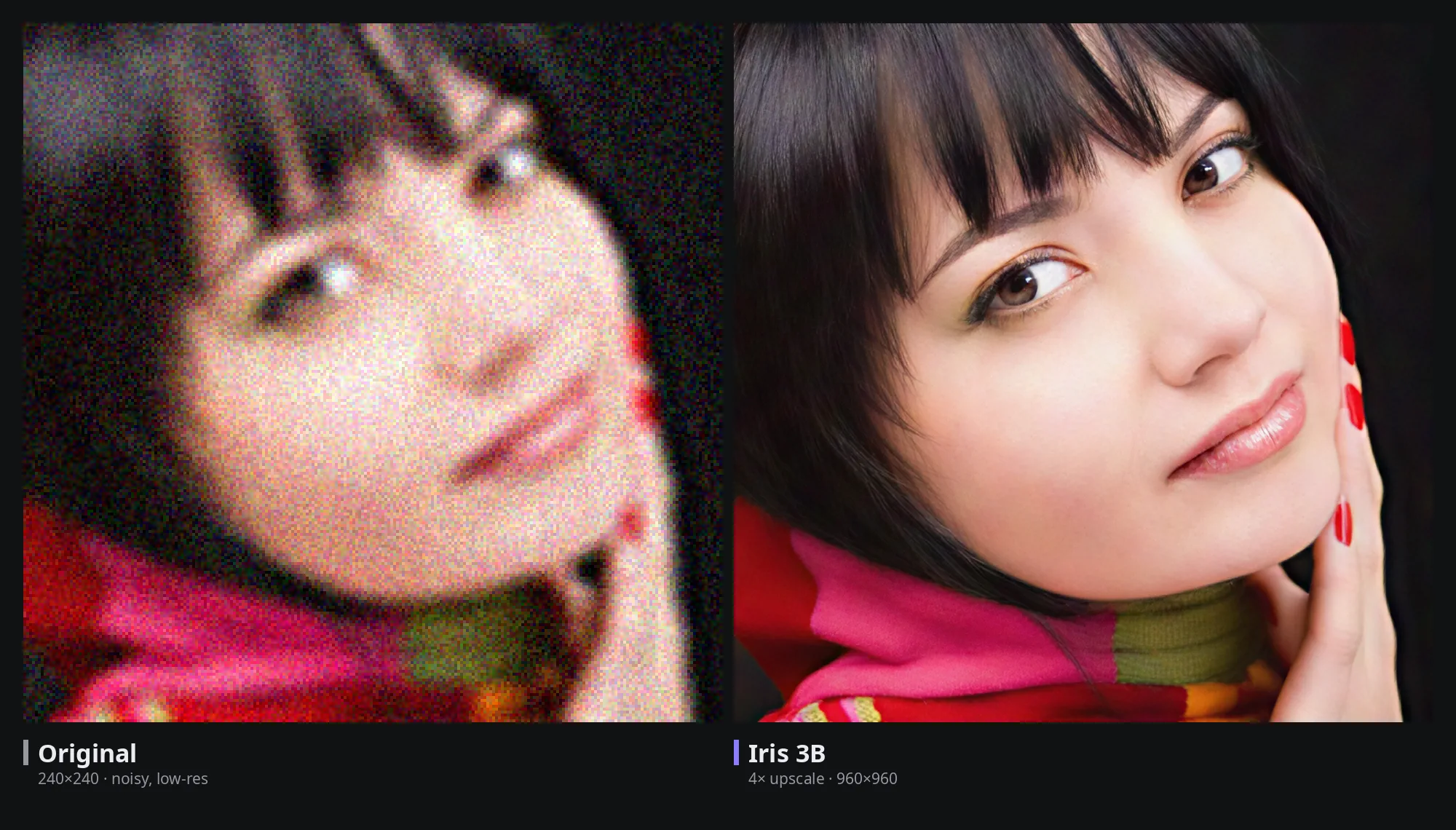 @thomas_eric3 check-ins

FaceFusion 3.9.2Featured
Industry leading face manipulation platform
One year of development has led to this moment: FaceFusion v4 beta is available now, and it is by far the biggest step in the history of the project. To celebrate the release and get developers building on it, we are kicking off the FaceFusion v4 Challenge, where everyone is invited to bring their ideas to life. https://github.com/facefusion/facefusion/tree/v4-challenge· 1mo ago


 273 check-ins

FooocusFeatured
Minimal Stable Diffusion UI
When you first launch Fooocus after installation, it downloads the basic models, which requires network access. However, once those models are downloaded, you do not need to be connected to the internet, it runs completely offline. Of course, obviously you will still need a network connection if you decide to download additional models later.· 1mo ago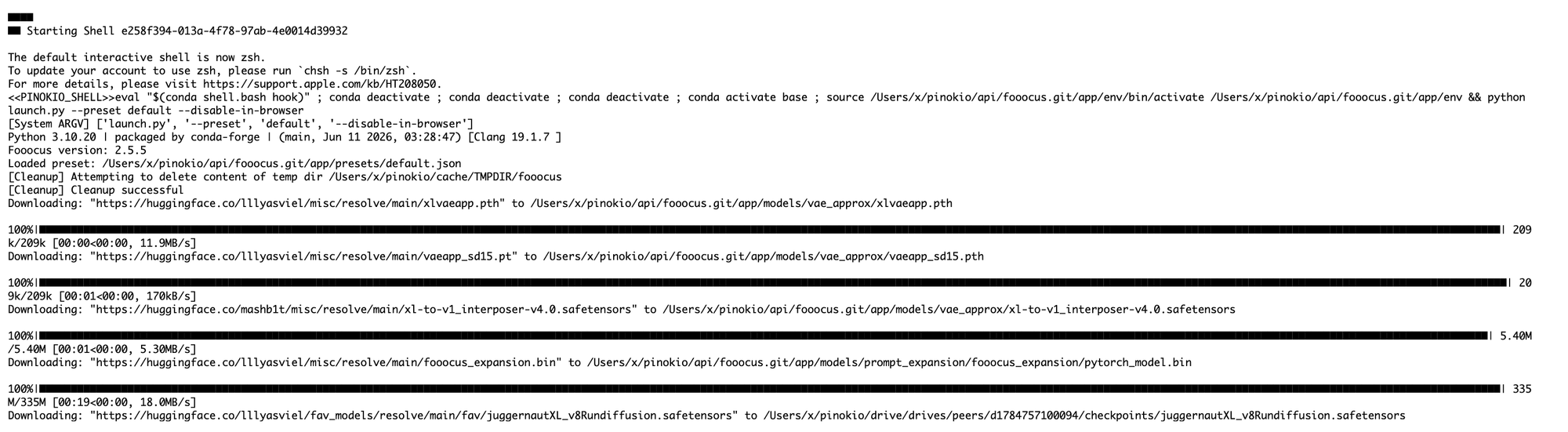


 35 check-ins

PulseForgeFeatured
A fully local, cross-platform audio visualizer editor. Create reactive music videos with layered graphics, AI-transcribed lyrics, and frame-perfect MP4 exports — all running in your browser
PulseForge Update· 2mo ago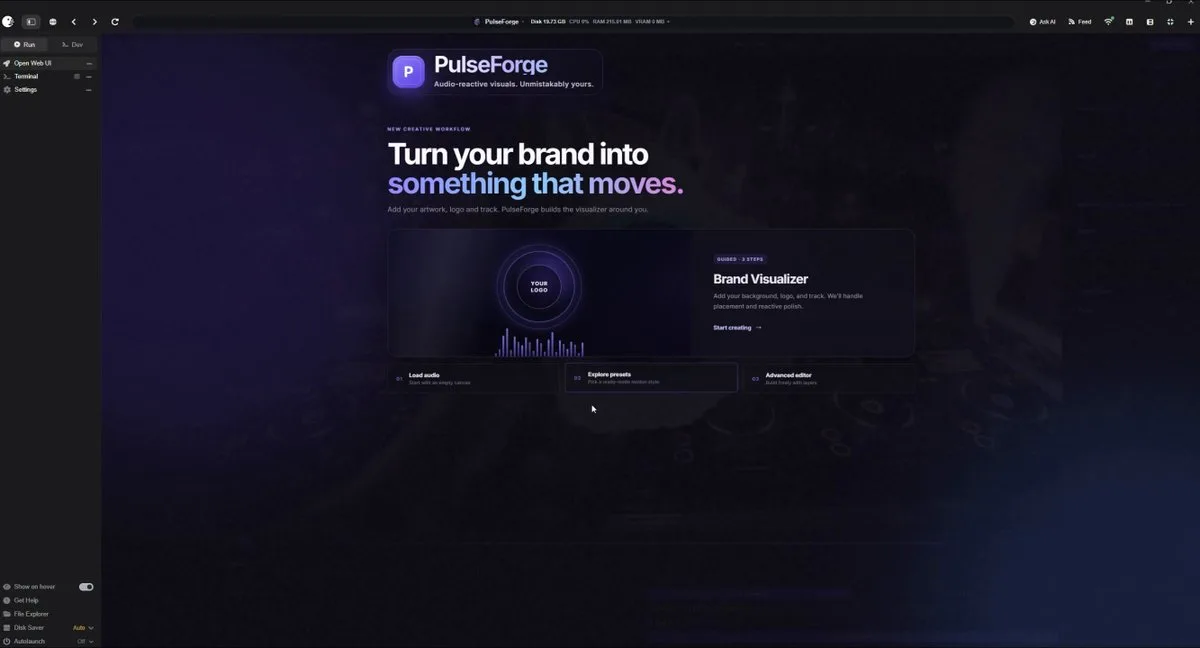
 @theawakenone
 5 check-ins

[AMD ONLY] All-in-one local AI video, image & music studio built on the WanGP pipeline (Wan 2.1/2.2, LTX-2.3, Qwen, Hunyuan Video, Flux). ROCm-powered. Supported on Windows and Linux for RDNA 2-4 dGPUs (RX 6000/7000/8000/9000) and gfx1150-53 APUs (Strix Point/Halo, Krackan Point/Halo). 6 GB+ VRAM recommended. For NVIDIA GPUs use the upstream Maestro app. Credits: the app itself is Maestro by Blizaine (github.com/Blizaine/Maestro) — this is just an AMD installer wrapper around it. The clone-at-install-time approach used to port it to AMD was pioneered by 6Morpheus6's wan2gp-amd (github.com/6Morpheus6/wan2gp-amd).
[Fixed] Maestro AMD Error: MiniMax H3 renders a flat-grey video on my AMD card— and the fix was one dropdown· 2mo agoTL;DR: If MiniMax H3 in Maestro / WanGP "finishes" a generation but the file is a tiny (~50 KB) solid-grey clip on an AMD GPU, open Advanced Settings → H3 Text Encoder and make sure it is GGUF Q4_K_M, not GGUF Q2_K. The 2-bit Q2_K encoder is unreliable for H3 on the ROCm-for-Windows build. Everything else I tried — TDR registry tweaks, reboots, resolution cuts, rolling Maestro back a version — was @yoyokits

 10 check-ins

VibeVoice RealtimeFeatured
Realtime streaming TTS demo using microsoft/VibeVoice-Realtime-0.5B
Vibevoice Realtime Launcher Fixed· 3mo ago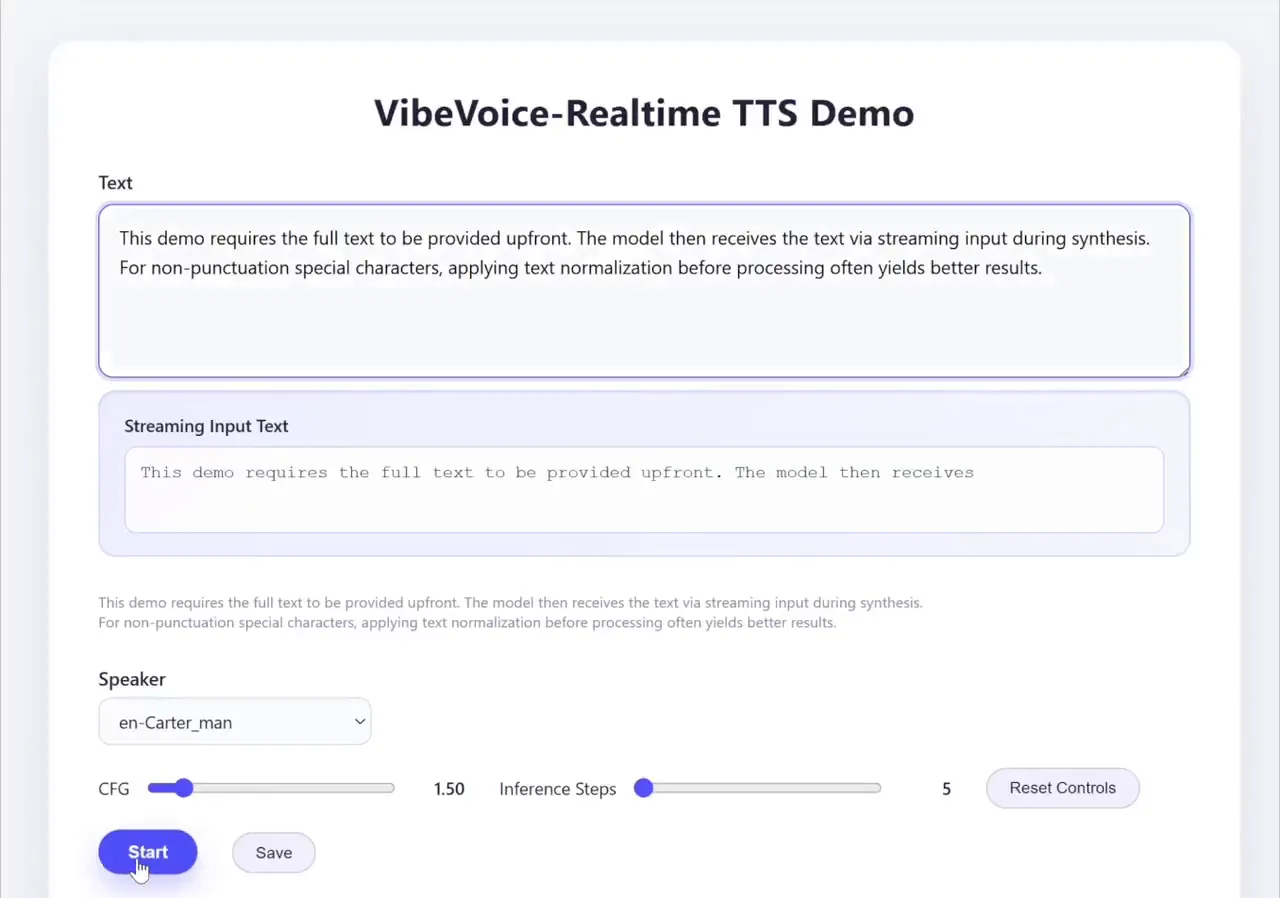

MiniMax H3 ComfyUIFeatured
MiniMax H3 omni-modal video generation in ComfyUI. Text/image/video/audio in, video with native 32kHz stereo audio out (768p default, 1080p+ supported). Disk-optimized: pruned INT8 + NVFP4 weights (~63GB instead of ~290GB). NVIDIA only.
Introducing MiniMax H3 for ComfyUI!· 3mo ago @thomas_eric


 64 check-ins

One-click ComfyUI + Torch + Python installer by Inteliweb AI. https://github.com/Comfy-Org
ComfyUI Installer v1.2 — Multiple Instances, GPU Selection and Improved Restarts· 4mo ago🚀 ComfyUI Installer v1.2 — Multiple Instances, GPU Selection and Improved Restarts The Inteliweb AI ComfyUI Installer for Pinokio has been updated to version 1.2 with improved installation controls, multiple-instance support and more reliable ComfyUI-Manager restarts. ✨ What’s new in version 1.2 🔁 Improved restart support with comfy-cli ComfyUI is now launched through comfy-cli 1.12.0, which super @maoper

 26 check-ins

Transform lyric transcriptions into karaoke-style MP4 videos. Built on Python-Lyric-Transcriber, this Gradio UI uses Whisper for transcription, an LLM for lyric edits, and Demucs for vocal separation. A fun tool for karaoke fans, though outputs may vary.
AIraoke just got a glow-up 🎤· 4mo ago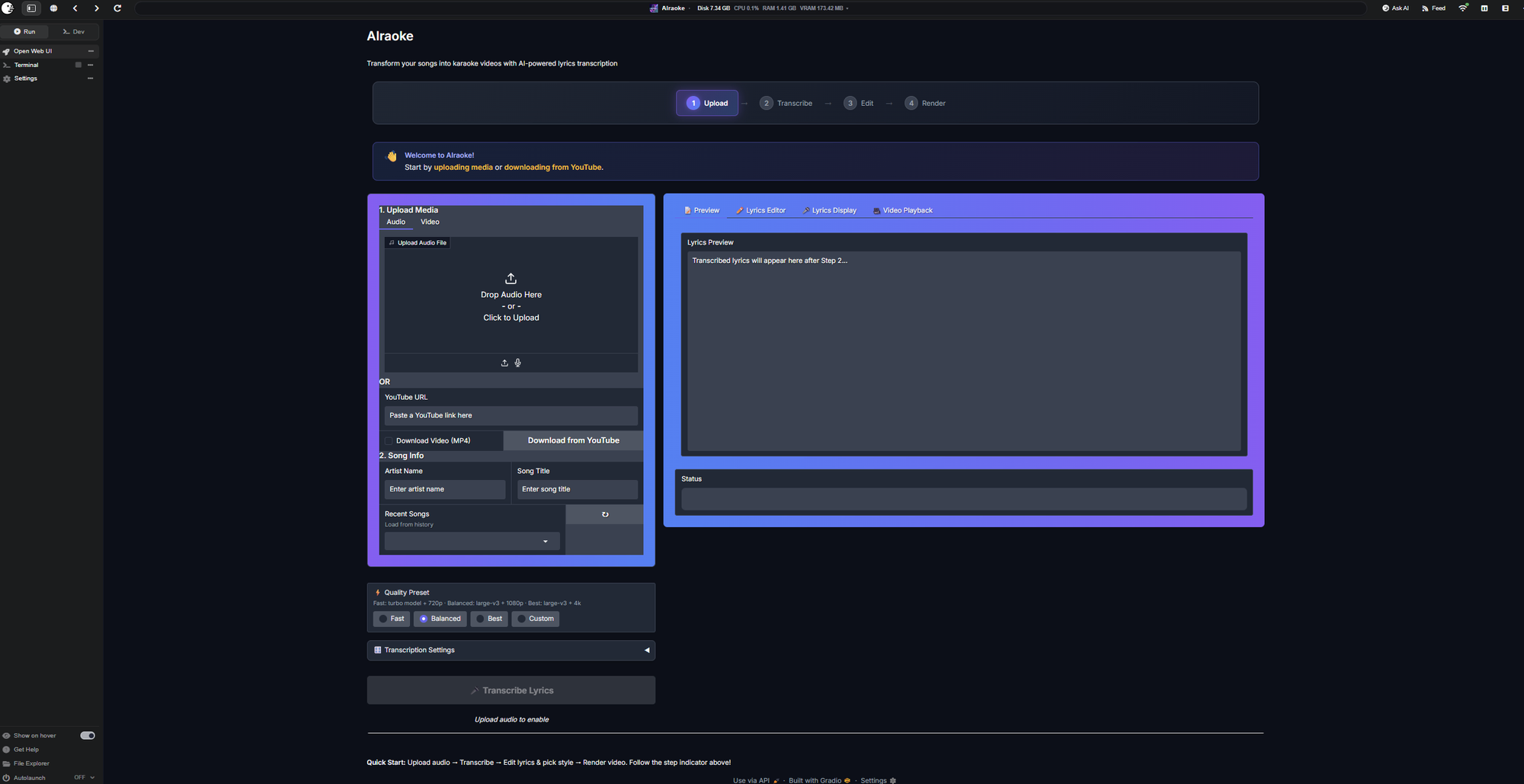 @theawakenone

 5 check-ins